Texttovoice.online
Free online text to speechTurn text into natural speech, free
Highlights
What you can do with it
- Add voiceover to videos without recording yourself
- Create spoken versions of study material
- Generate narration for simple navigation demos
How to use it
- 1 Open the site in your browser
- 2 Type or paste the text you want spoken
- 3 Choose the language and voice
- 4 Generate the audio and use it where you need it
Who it is for
Pros
- Free to use online with no install
- Several languages and voices to pick from
- Runs on both Mac and Windows
Limitations
- Free status can change over time
- Voice quality varies by language and voice
- Suits short clips rather than long, edited audio
What Texttovoice.online is
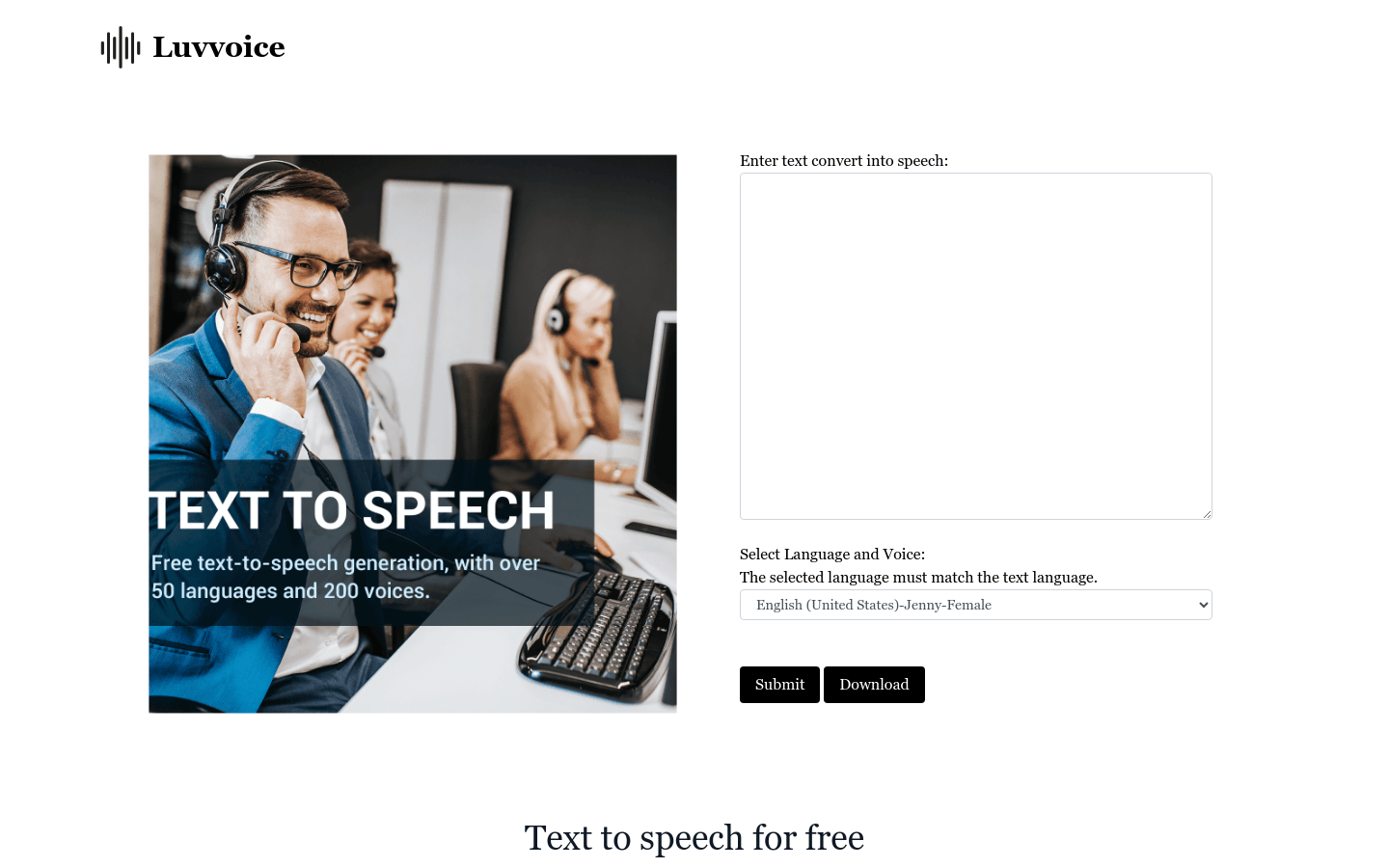
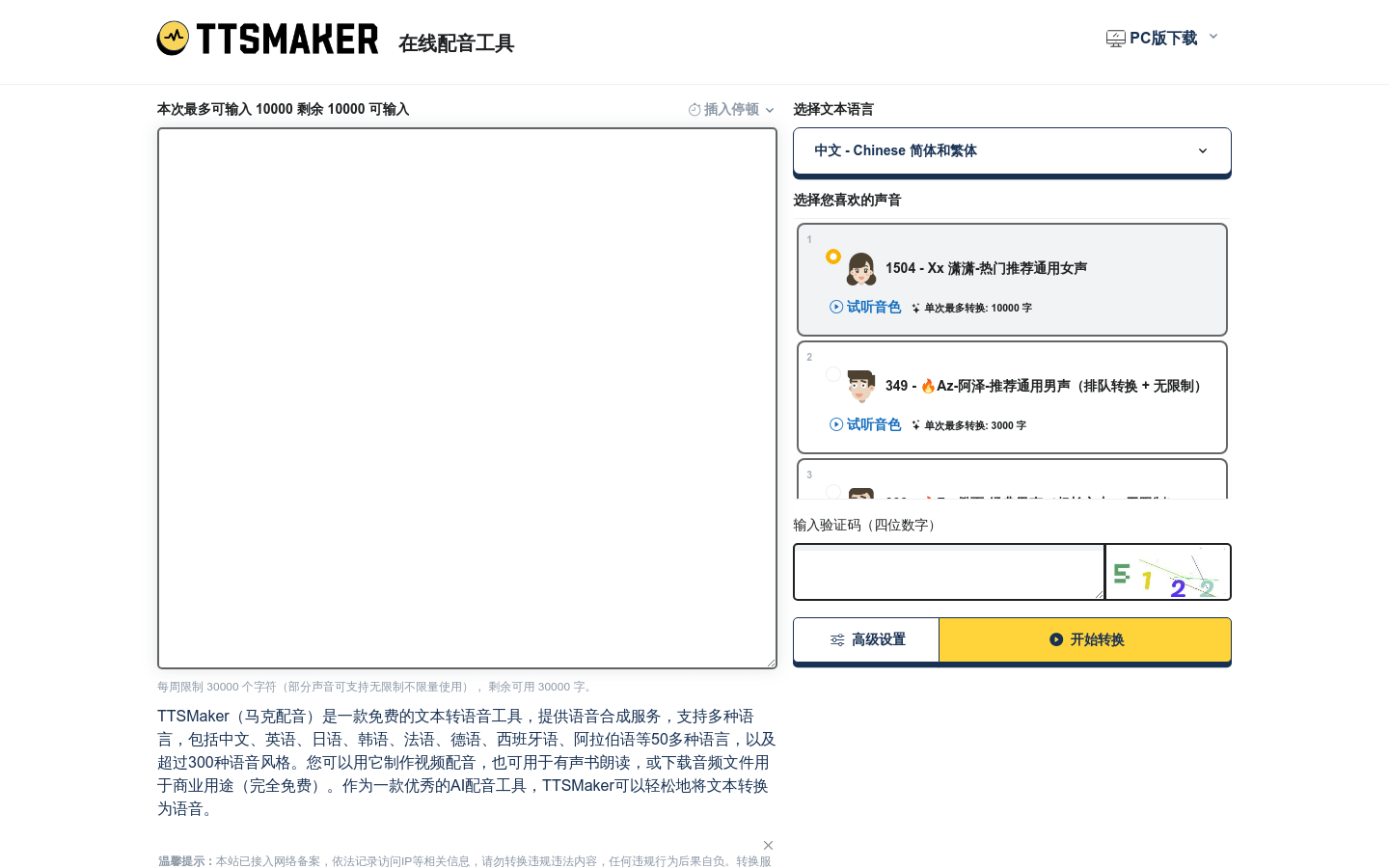
Texttovoice.online is a free online tool that converts text into natural-sounding speech. You type or paste your text, choose a language and a voice, and the tool generates audio you can use right away. It aims for high-quality, realistic voice effects and supports several languages and voice options. Because it runs in the browser, both Mac and Windows users can use it without installing anything. It is built for quick tasks like video dubbing, educational assistance, and simple voice navigation.
What you can do with it
Here is what you can do with it:
- Convert written text into spoken audio
- Pick from multiple languages and voices
- Create voiceover for short videos and demos
- Generate spoken versions of study or reference material
Who it is for
It is useful for a few groups:
- Video creators who need quick voiceover without recording
- Students and educators making spoken study material
- Anyone who wants text read aloud on Mac or Windows
What to watch out for
The tool is free to use online, but free access can change over time and it depends on an external service you do not control. Voice quality and the number of voices can vary by language, so test your chosen voice before you build a whole project around it. It works well for short clips and simple narration rather than long, carefully edited audio. Keep your own copy of any generated file you plan to reuse. Run one full task end to end first, then expand once you are comfortable with the workflow and the result quality. Behavior may vary across browsers and devices, so test before production use and consult the help docs if errors appear.
FAQ
Is it free?
Yes, it is a free online text-to-speech tool.
What systems does it work on?
It works on both Mac and Windows through the browser.
What can I use it for?
Video dubbing, study material, and simple narration.
Why it is free
What the official page says: 免费
Free limits, trial length and features are decided by the official site and can change at any time.
Product preview
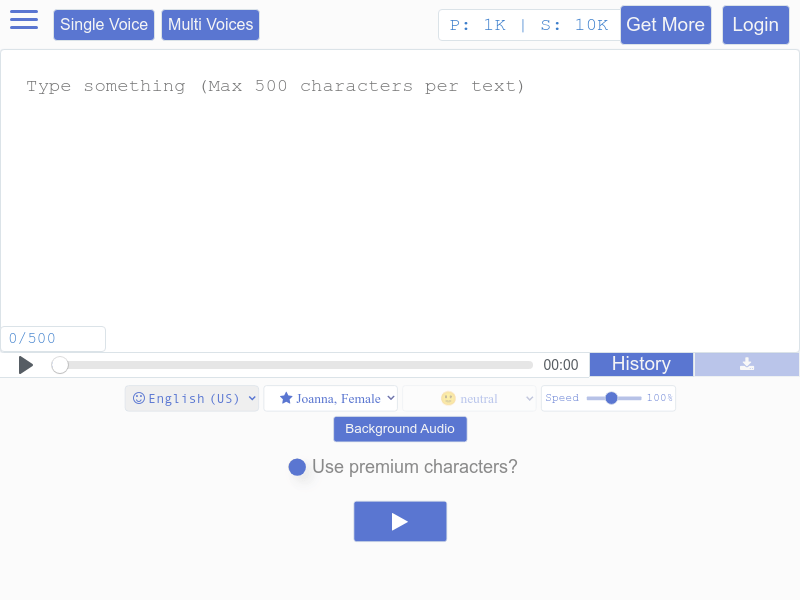
Screenshot archived from the listing page, for preview only.