TEXT2CRON
Natural language to cron converterTurn plain words into cron expressions.
Highlights
What you can do with it
- Auto-publish blog posts on a schedule.
- Remind small teams of daily tasks.
- Schedule data backups.
How to use it
- 1 Open text2cron.com in your browser.
- 2 Type the schedule in plain language.
- 3 Copy the cron expression into your scheduler.
Who it is for
Pros
- Free to use.
- Removes the need to memorize cron syntax.
- Quick and simple to run.
Limitations
- Free access may change over time.
- Complex schedules may still need manual checks.
- Only converts text; it does not run your jobs.
What TEXT2CRON is
TEXT2CRON is an online tool that converts natural language into cron expressions. Cron expressions tell a system when to run a scheduled task, but the syntax can be hard to remember. Rather than counting fields and symbols, you write what you mean in everyday words, and the tool returns the matching cron expression, so setting up scheduled tasks becomes simpler and faster. Its main strengths are that it is simple, easy to use, and saves time and effort. It is currently offered for free and is aimed at individuals and small teams who manage scheduled tasks.
What you can do with it
- Type a schedule in plain language and get a cron expression.
- Set up recurring tasks without memorizing cron syntax.
- Use it for jobs like publishing posts, sending reminders, and running backups.
- Adjust your wording until the expression lines up with the timing you need.
Who it is for
- Developers who configure cron jobs on servers.
- System admins who automate routine tasks.
- Small teams that manage recurring jobs together.
What to watch out for
The free access may change, so confirm the tool is still available before you depend on it. Complex schedules can be tricky to phrase, and cron syntax is unforgiving, so you should always double-check the generated expression before you put it into a live system, since a small mistake can run a job at the wrong hour or skip a day. Treat the output as a draft to verify. The tool only converts text into a cron expression; it does not run or monitor your jobs, so you still need your own scheduler. Keep a record of the plain-language schedule you used so you can regenerate or explain it later.
FAQ
Is TEXT2CRON free?
Yes, it is currently offered for free.
What does it do?
It converts plain-language schedules into cron expressions.
Who is it for?
Individuals and small teams who set up scheduled tasks.
Why it is free
What the official page says: 免费使用免费
Free limits, trial length and features are decided by the official site and can change at any time.
Product preview
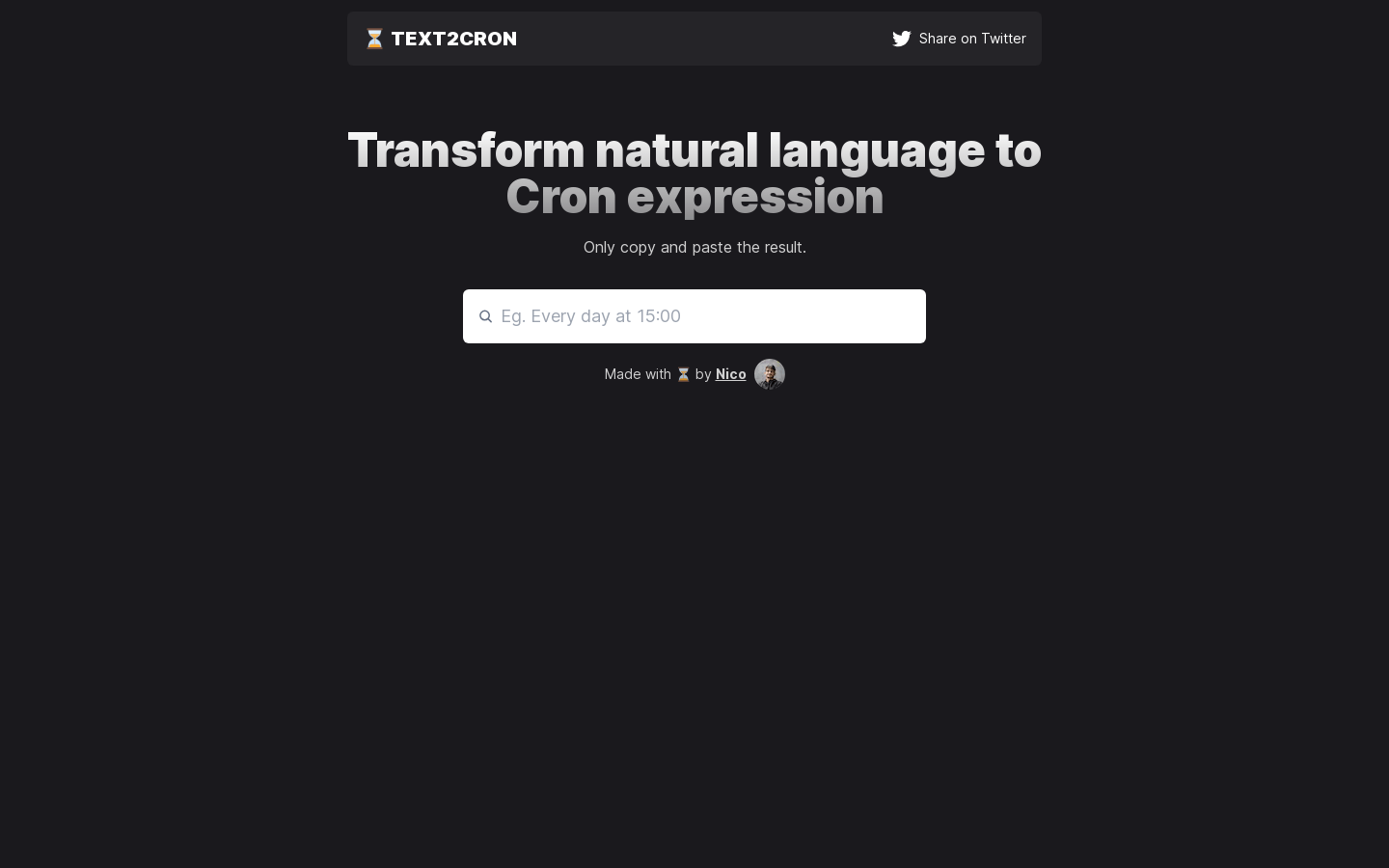
Screenshot archived from the listing page, for preview only.











