Text Message to Song
Turn chat messages into AI songsYour texts, sung as a full AI song
Highlights
What you can do with it
- Turn a dramatic group chat into a dramatic song for fun.
- Convert a funny conversation between friends into a gospel-style hook.
- Transform a chat with an ex into a breakup-style song.
How to use it
- 1 Pick the most interesting or dramatic part of a private message, group chat, or ex chat.
- 2 Paste the copied chat text into the box as-is, with no need to format lyrics.
- 3 Choose a song style such as pop punk, R&B, drama, gospel, meme, or rap.
- 4 Click generate and wait for the full song with lyrics, vocals, and accompaniment.
Who it is for
Pros
- No music skill is needed; paste text, pick a style, and generate.
- Output is a complete song with lyrics, vocals, and accompaniment.
- New users get free credits after registration to try it before paying.
Limitations
- The free trial is credit-based, and continued use means a paid Creator or Pro plan.
- Free credits and plan pricing can change, so check current terms before relying on them.
- Results depend on the chat text you feed in, so not every log produces a satisfying song.
What Text Message to Song is
Text Message to Song is an online AI tool that turns everyday text into music. You give it a text message, a private message, or a stretch of group chat, and it produces a complete song with lyrics, vocals, and instrument accompaniment. The point is that you do not need any music background: there is no need to write lyrics by hand or understand production. You choose a style such as pop punk, R&B, drama, gospel, meme, or rap, and the AI handles the rest. New users can get free credits after registration, which makes it easy to test the idea before paying for a Creator or Pro plan.
What you can do with it
- Convert private messages, group chats, or a chat with an ex into a full song.
- Pick a style such as pop punk, R&B, drama, gospel, meme, or rap to set the mood.
- Get a finished track with lyrics, vocals, and accompaniment without any production work.
- Save songs to your account history so you can edit and reuse the audio later.
Who it is for
- Music lovers who want to make songs but lack professional training.
- Social media creators who want original audio for short videos, TikTok, and Reels.
- Everyday users who want to turn chats with friends, family, or an ex into a fun keepsake.
What to watch out for
The free experience is credit-based: new users get free credits after registration, but ongoing use usually means a paid Creator or Pro plan. Free credit amounts and pricing can change, so check the current terms before you depend on them. The quality of the song depends on the text you paste, and messy or thin chat logs often need a few tries before they sound good. Also, only convert chats you have the right to use, since messages may contain other people's personal information, and sharing the resulting song can expose that. Treat the output as entertainment and get consent when the content involves someone else.
FAQ
Do I need music skills to use it?
No. You paste chat text and pick a style, and the tool builds the lyrics, vocals, and accompaniment for you.
What styles can I choose?
You can pick from styles such as pop punk, R&B, drama, gospel, meme, and rap to set the mood of the song.
Is there a free way to try it?
New users get free credits after registration, which lets you experience song creation before upgrading to a paid Creator or Pro plan.
Why it is free
What the official page says: free creditsfree trial
Free limits, trial length and features are decided by the official site and can change at any time.
Product preview
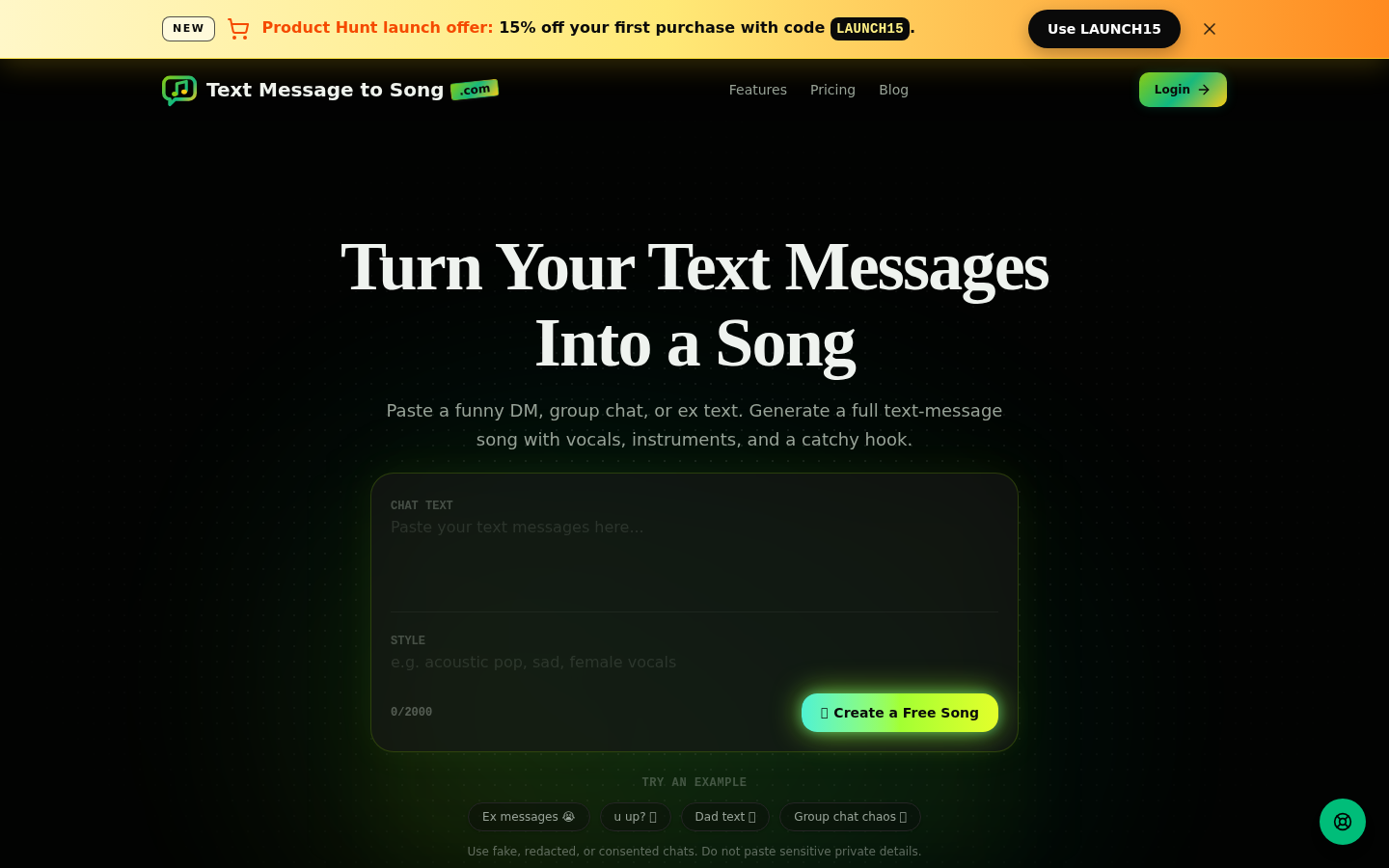
Screenshot archived from the listing page, for preview only.










