
Text Behind Image AI
Text behind image editorFree online text overlay editor
Highlights
What you can do with it
- A designer builds a promotional poster for a brand launch
- A marketing team makes social ads for a product
- A couple designs personalised wedding invitations
- A creator makes a thumbnail with layered text
How to use it
- 1 Open the Text Behind Image website
- 2 Click the start button to begin a new design
- 3 Upload the image you want to work with
- 4 Choose the text style, colour, and position
- 5 Type your text and adjust size, font, and effects
- 6 Preview the result, then save or download it
Who it is for
Pros
- Free to use with no design skills needed
- Live preview makes adjustments fast
- Works for personal and commercial projects
- Simple upload, edit, and download flow
Limitations
- The effect depends on a clean subject cutout
- Free tools can change or add limits
- Complex images may need manual cleanup
- Output resolution and format limits are not detailed
What Text Behind Image AI is
Text Behind Image AI is an online tool that creates the layered look where text sits behind a subject in a photo. The listing describes the technique as useful in advertising, social media, and personal projects because it grabs attention and carries a message at the same time. The tool is positioned as a simple, fast, and professional way to get that effect without complex design skills. In practice the flow is short: upload an image, pick a text style, colour, and position, type your words, then adjust size, font, and effects while watching a live preview. The material says several image formats are supported so compatibility is not usually a problem, and that the result is suitable for both personal and commercial projects. Use is described as free.
What you can do with it
- Add text that sits behind the main subject of an image.
- Choose text style, colour, and placement for the layout.
- Adjust size, font, and effects with a live preview.
- Produce posters, ads, and invitations without design software.
Who it is for
- Designers building promotional posters and social graphics.
- Marketing teams that need ad creative on a short deadline.
- People making invitations and personal cards.
- Anyone who wants a layered look but has no design software.
What to watch out for
The effect depends entirely on the subject being cleanly separated from the background. Busy or low contrast images will produce messy edges, and you may need to pick a different photo or clean it up elsewhere first. Only a basic set of text controls is described, so elaborate typography, multiple layers, and precise kerning are out of reach. The listing presents the tool as free, and free web tools can change their limits or add sign in requirements over time, so download finished work rather than leaving it in the browser. Output resolution and format options are not spelled out in the material, so check before you plan print work. As always, make sure you have the right to use any photo or font you include in a commercial graphic.
FAQ
What does this tool do?
It adds text to an image so the text sits behind the subject, creating a layered effect.
Do I need design skills?
No, the listing says even beginners can get started without professional expertise.
Can I use it commercially?
The description says the tool is suitable for both personal and commercial projects.
Is it free?
The feature list states the service can be used without any fees.
Why it is free
What the official page says: for free
Free limits, trial length and features are decided by the official site and can change at any time.
Product preview
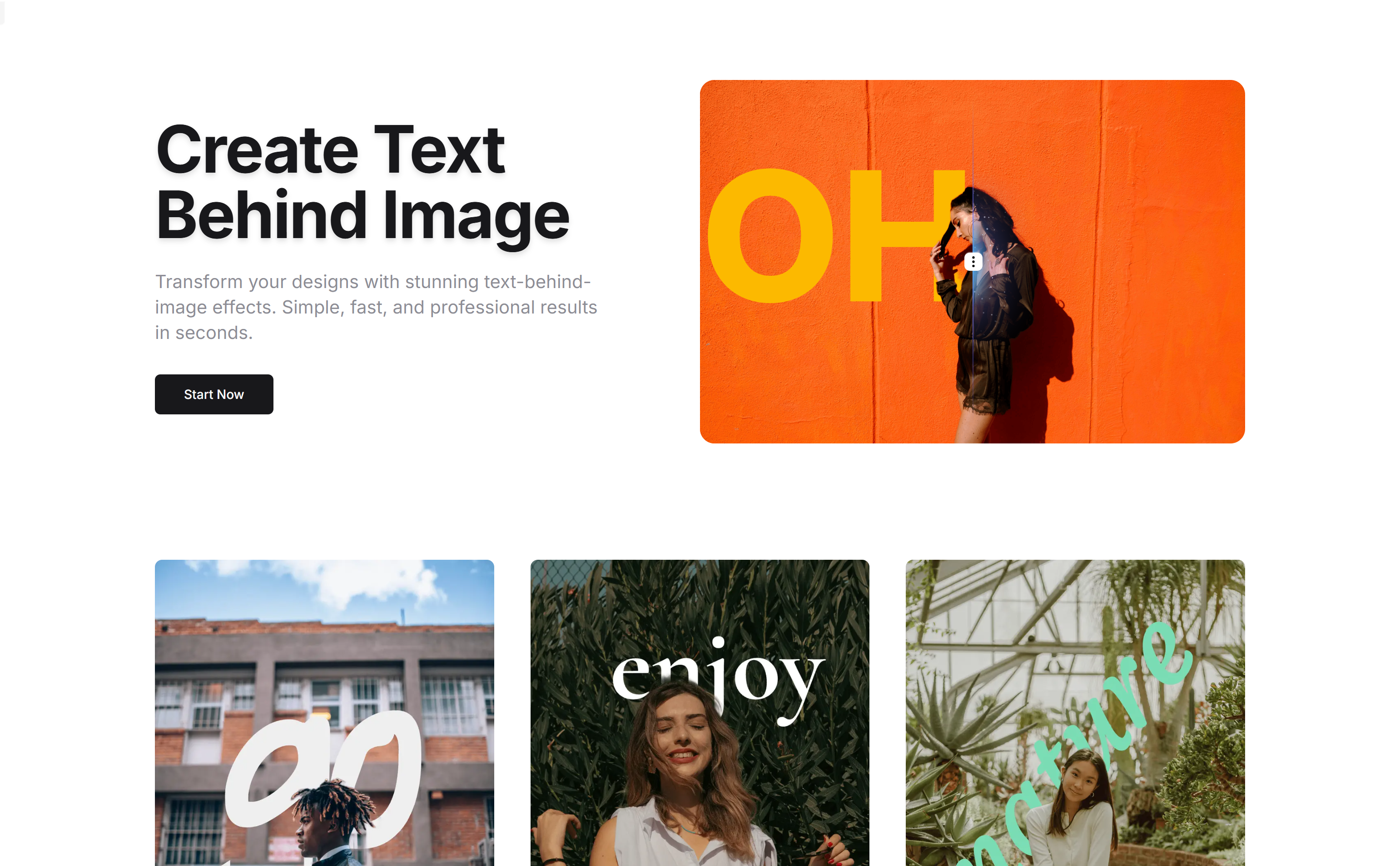
Screenshot archived from the listing page, for preview only.











