
TestDriver
AI code review and test toolEvery pull request, tested like a user
Highlights
What you can do with it
- Test every pull request on a web app before it merges
- Catch regressions in a large project after refactors
- Verify cross-platform behavior of a shared interface
How to use it
- 1 Click Add to GitHub on testdriver.ai and install it on your repo
- 2 Let it watch pull requests in the repository
- 3 Review the test report it posts on each request
- 4 Fix the issues it raises and push the update
Who it is for
Pros
- Tests run automatically on every pull request
- Self-repairing tests reduce churn from style changes
- Free trial with no credit card required
Limitations
- The trial needs no card, but paid terms after that can change
- A sandbox cannot cover every device, browser, or hardware feature
- AI-written tests still need review for edge cases that matter
- It works with GitHub repositories, so other hosts are out of scope
What TestDriver is
TestDriver is an AI code review and testing tool for GitHub. You add it to a repository and it runs each pull request in a real desktop sandbox, walking through the app the way a real user would. It builds end-to-end and regression tests, and those tests repair themselves when colors, layouts, or styles change instead of failing on small visual differences. It also runs flows across platforms to check that the app behaves the same in different environments. A free trial is offered with no credit card required, and the tool is aimed at developers and engineering teams who want problems caught before code merges.
What you can do with it
- Run pull request tests automatically in a desktop sandbox
- Create regression tests that catch broken behavior after changes
- Adapt tests when the interface changes visually
- Check user flows across different platforms
Who it is for
- Developers who want feedback before merging code
- Engineering teams that share quality checks on every pull request
- Testers who need broad flow coverage without writing every script by hand
What to watch out for
The trial does not need a card, but the paid terms after that are set by the vendor and can change, so confirm current pricing before you rely on it for a team. Tests run in a sandbox, so exotic devices, older browsers, or hardware features may not be covered, and you will still need some manual checks. AI-generated tests can miss edge cases that matter to your product, so review what they cover rather than trusting a green result. The tool works with GitHub repositories, so other version control hosts are out of scope. Treat the reports as a first line of defense, not the whole quality process.
FAQ
Do I need a credit card for the trial?
No. The free trial is offered without credit card information.
What happens when the design changes?
Tests adapt to color, layout, and style changes rather than failing on small visual differences.
Where does it run?
It runs each pull request in a real desktop sandbox environment and posts results back to the repository.
Why it is free
What the official page says: free trial
Free limits, trial length and features are decided by the official site and can change at any time.
Product preview
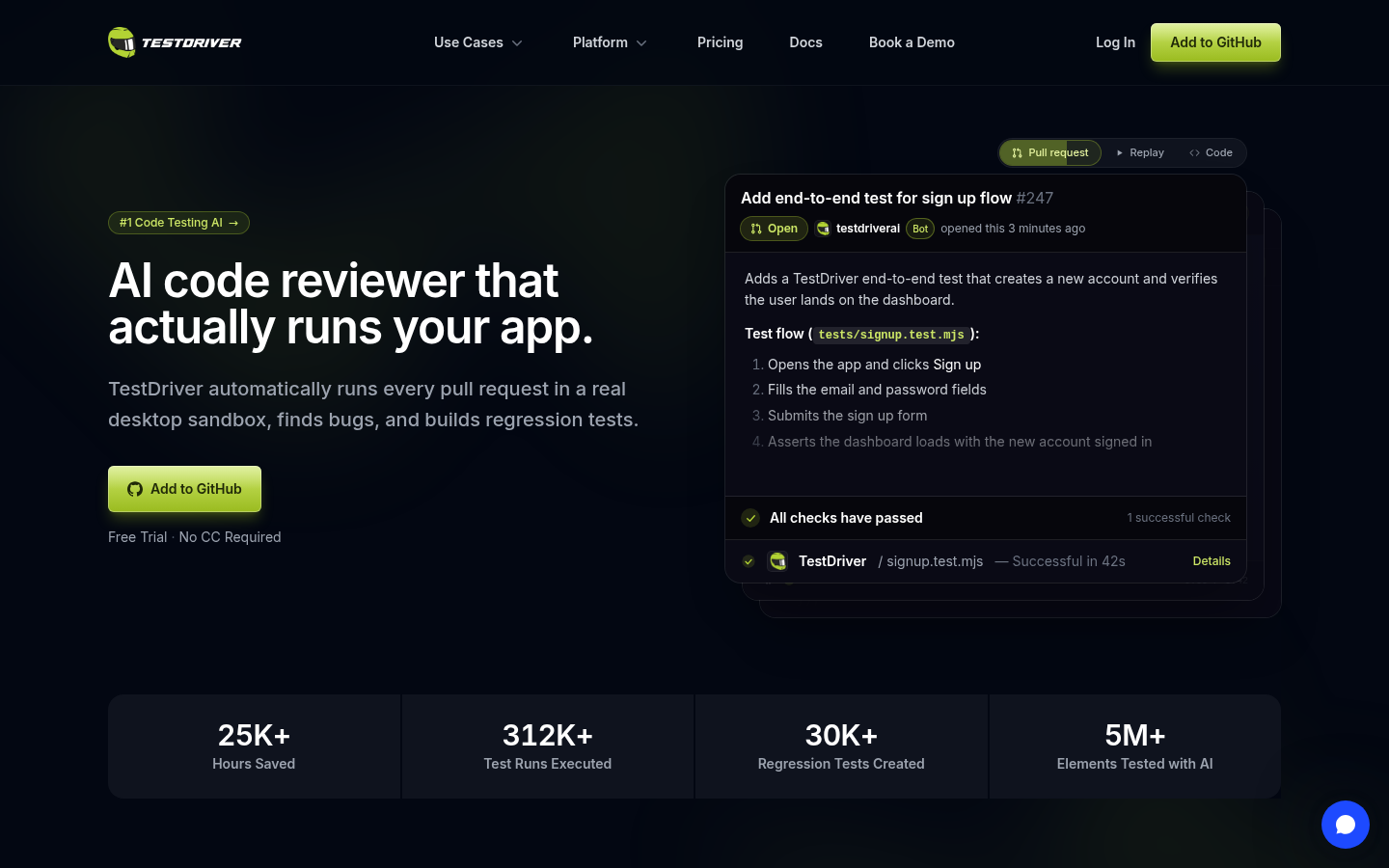
Screenshot archived from the listing page, for preview only.











