Termdock
Terminal-first AI workspaceUnify AI CLI tools and Git work
Highlights
What you can do with it
- AI project development with multiple CLI tools and repositories open at once
- Multi-language project management across different programming languages
- Team collaboration using built-in Git version control
How to use it
- 1 Visit the Termdock website to review features
- 2 Download the installation package for macOS, Windows, or Linux
- 3 Open Termdock after installation
- 4 Add your common AI command-line tools to the interface
- 5 Use the multi-terminal layout to open and arrange several terminals
- 6 Search code with AST search and manage repositories across workspaces
Who it is for
Pros
- Consolidates AI CLI tools, terminals, and Git in one place
- AST-based search is more precise than plain text search
- Free to use and available on macOS, Windows, and Linux
Limitations
- Terminal-centered workflows have a learning curve for beginners
- Feature quality depends on how well your AI CLI tools integrate
- A free product can change its terms or add paid tiers later
What Termdock is
Termdock is a terminal-centric AI development environment. It pulls AI command-line tools, workspaces, and Git workflows into one interface so developers spend less time switching between tools. It supports macOS, Windows, and Linux, and it is described as free, so any developer can try it without a purchase decision. Core capabilities include Tree-sitter AST parsing, a smoother multi-terminal layout, and cross-repository workspace management that aims to be friendlier than managing sessions by hand.
What you can do with it
- Integrate multiple AI command-line tools into a single interface
- Open and arrange several terminals with a flexible multi-terminal layout
- Search code by structure with Tree-sitter AST parsing across more than 13 languages
- Manage multiple code repositories and run Git operations without leaving the environment
- Customize the theme, colors, and fonts to suit your preferences
Who it is for
- Professional developers who juggle several AI CLI tools and repositories
- AI developers who need precise code analysis across languages
- Students learning programming who want an organized development setup
- Teams that want Git version control inside their working environment
What to watch out for
A terminal-first environment suits people comfortable with the command line; beginners may face a learning curve before it feels natural. The usefulness of AI CLI integration depends on which tools you actually run and how well they cooperate. As a free product, terms and features can change, so avoid depending on it for critical workflows without checking the current status. For team use, agree on naming and editing conventions in advance to avoid version conflicts or duplicated work. Name and archive exported files consistently so you can find and reuse them, and keep a backup copy of key data.
FAQ
Is Termdock free?
Yes, the product is described as free for all types of developers.
Which platforms does it support?
It supports macOS, Windows, and Linux.
What makes its code search different?
It uses Tree-sitter AST parsing across more than 13 programming languages, so you can search by code structure rather than plain text.
Why it is free
What the official page says: 免费
Free limits, trial length and features are decided by the official site and can change at any time.
Product preview
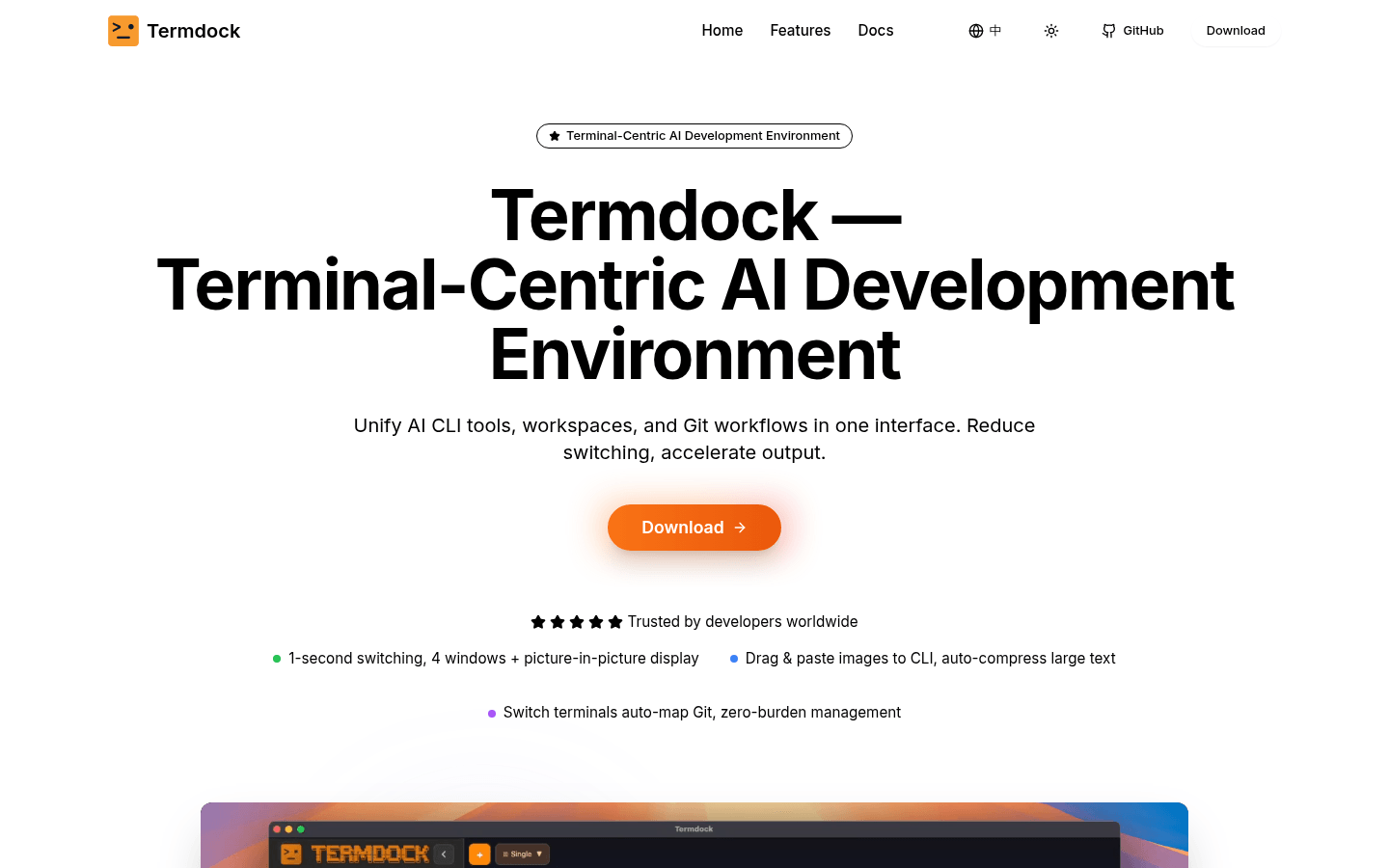
Screenshot archived from the listing page, for preview only.











