
Tensor.Art
Free AI image generation and model hostingStable Diffusion art and custom models online
Highlights
What you can do with it
- Artists create digital paintings in a specific style
- Game developers generate character and environment concept art
- Advertising agencies produce visual sketches for concepts
How to use it
- 1 Visit Tensor.Art and register an account
- 2 Select a preset model or upload a custom model
- 3 Enter a descriptive text or use existing prompts
- 4 Adjust parameters such as style, color, and resolution
- 5 Click generate and wait for the image
- 6 Download the image and edit further if needed
- 7 Optionally share your work with the community
Who it is for
Pros
- Free to use online
- Custom model uploads
- Node and workflow control
- Community sharing
Limitations
- Free access rules and limits can change
- Advanced node workflows take time to learn
- Generation quality depends on the model and prompt
- Uploaded models must follow the platform rules
What Tensor.Art is
Tensor.Art is a free online image generation and model hosting platform that offers a variety of AI tools and functionalities. It enables users to generate images from text descriptions and to customize and fine-tune AI models. Powered by advanced Stable Diffusion technology, the platform supports diverse node and workflow combinations, catering to users from beginners to professional designers. It also offers style and theme LoRA models, lets users upload their own models and weights, provides community sharing, and includes image editing and post-processing functions.
What you can do with it
- Generate images from text descriptions
- Use preset models or upload your own
- Combine nodes and workflows for more control
- Apply style and theme LoRA models
- Share creations and download others' work
- Edit and post-process generated images
Who it is for
- Artists creating digital paintings in a specific style
- Game developers generating character and environment concept art
- Advertising agencies producing visual sketches
- Designers who want custom model control
What to watch out for
Free access rules and limits can change, so check the current terms before you build a workflow around it. Advanced node and workflow features take time to learn, and beginners may prefer the simpler preset path first. Generation quality depends on the model and the prompt, so results vary between attempts. Uploaded models must follow the platform rules, and community downloads should be checked for license terms before commercial use. Behavior may vary across browsers and devices, so test before production use and consult the help docs if errors appear. Features and interface details may change between versions, so review the latest notes on the page before you start.
FAQ
Is Tensor.Art free?
Yes, it is described as a free online image generation and model hosting platform.
What technology does it use?
It is powered by Stable Diffusion technology.
Can I use my own models?
Yes, you can upload your own models and weights.
Is there a community?
Yes, users can share creations and download others' work.
Why it is free
What the official page says: 免费
Free limits, trial length and features are decided by the official site and can change at any time.
Product preview
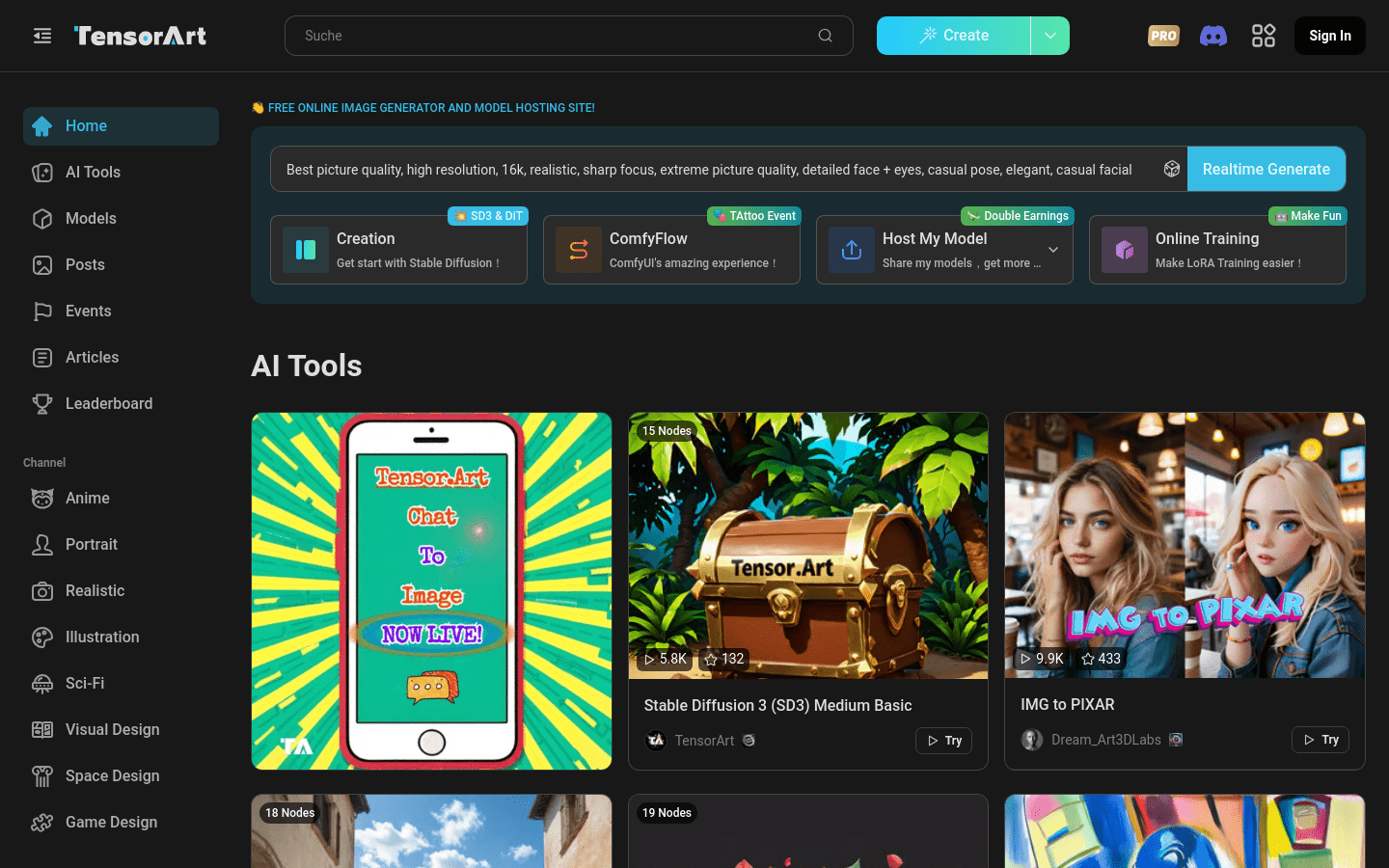
Screenshot archived from the listing page, for preview only.











