
TeeDIY
Simple platform for designing and ordering custom T-shirtsTurn a photo or a line of text into a shirt
Highlights
What you can do with it
- A user uploaded a pet photo and designed a personalized pet T-shirt
- A user built a funny slogan shirt from a template
- A team designed matching event shirts for a company activity
How to use it
- 1 Register an account on the site
- 2 Choose to upload a photo, enter text, or use a template
- 3 Adjust with smart tools and preview the result
- 4 Place an order and pay once you are satisfied
- 5 Wait for production and shipping
Who it is for
Pros
- Designing is free, you pay only for the printed item
- No design experience is required
- Smart preview shows the result before you commit
Limitations
- You still pay per shirt when you order, and prices can change
- Print quality depends on the image you upload
- Shipping speed depends on where you are relative to California
What TeeDIY is
TeeDIY is a simple platform for turning ideas into custom T-shirts. You upload a photo or enter text, choose a template if you want one, and use smart tools such as background removal and image adjustment to finish the look. A preview lets you confirm the design before you commit. The page describes the design process as completely free, so you only pay when you actually place an order. Printing and shipping are handled in California, and a community gallery shows other people's designs for inspiration. It is aimed at young consumers who want personalized clothing without any design background.
What you can do with it
- Start a design from a photo, a line of text, or a template.
- Clean up the image with background removal and adjustment tools.
- Preview the shirt before you order.
- Browse community designs for ideas.
Who it is for
- Individuals who want a personal shirt without design skills.
- Teams that need matching shirts for an event or company activity.
- Anyone looking for a quick, personal gift.
What to watch out for
Designing is free, but you pay per shirt when you order, and prices or shipping terms can change. Print quality depends on the image you upload, so a low-resolution photo will look poor on fabric. Shipping is based in California, so delivery times vary by destination, and you should confirm sizing and return terms before you order in bulk for a team. Name and archive exported files consistently so you can find and reuse them, and keep a backup copy of key data. When quality matters, export a small draft first to confirm the result before producing the final file.
FAQ
Is designing free?
The page describes the design process as one hundred percent free, and you pay only when you place an order.
Do I need design skills?
No. You can upload a photo, enter text, or start from a template.
Where is it printed?
The page says printing is done in California with fast shipping.
Can I preview before buying?
Yes. There is a smart preview so you can confirm the design before ordering.
Why it is free
What the official page says: 免费
Free limits, trial length and features are decided by the official site and can change at any time.
Product preview
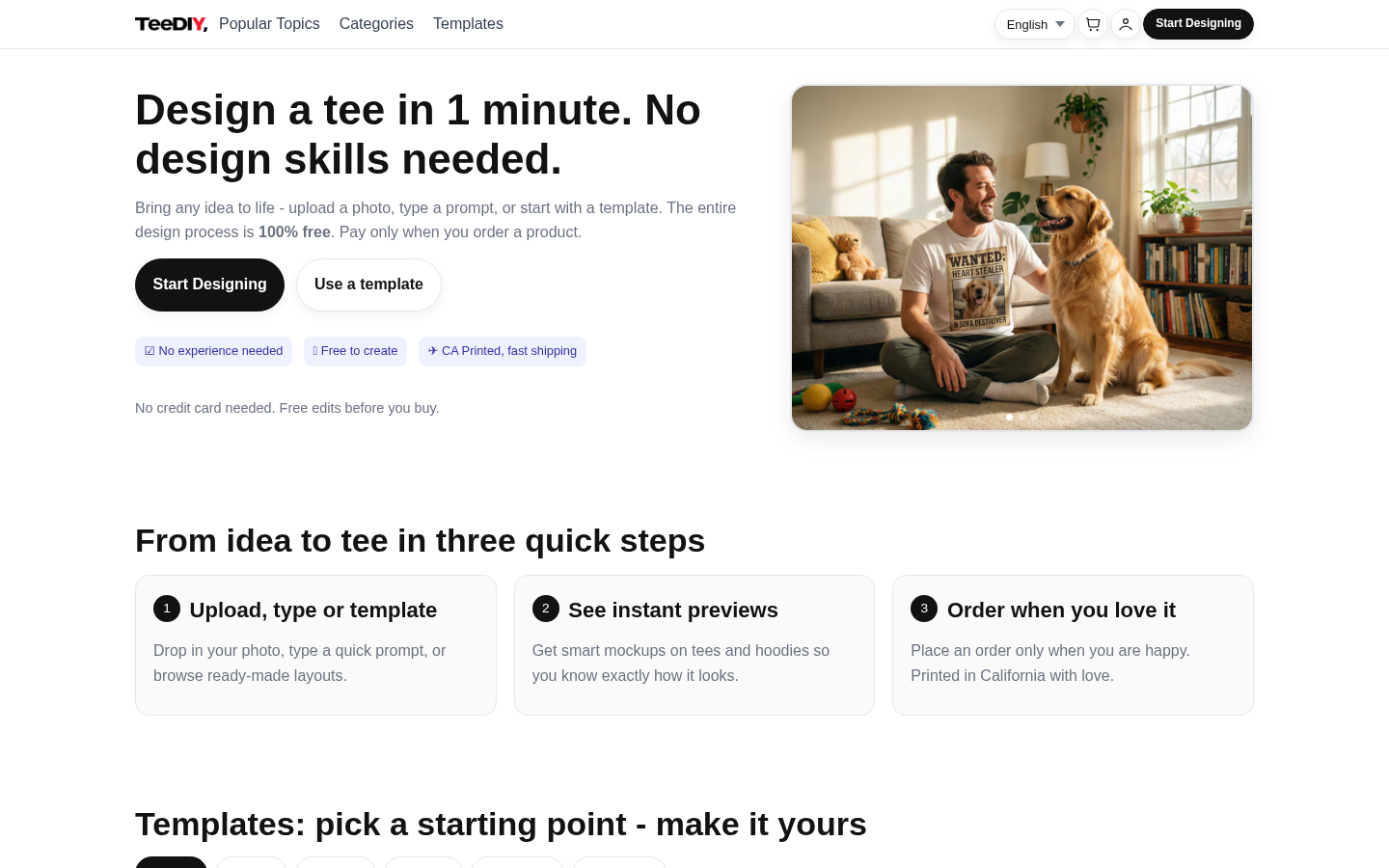
Screenshot archived from the listing page, for preview only.











