
TeachQuill
AI toolset for teachers, lesson plans to IEPsCut lesson planning and parent email time
Highlights
What you can do with it
- Generate math worksheets aligned to state standards for a whole class
- Create several measurable IEP goals for special education students at once
- Build a history quiz on a unit in a few minutes
How to use it
- 1 Create an account on the TeachQuill website
- 2 Pick the resource type you need, such as a lesson plan or a quiz
- 3 Enter the topic, the requirements, and the standards to align to
- 4 Generate the draft, then edit it to fit your class
- 5 Download or share the finished resource for classroom use
Who it is for
Pros
- Free usage options are available, with a Pro plan for heavier use
- Standards alignment saves manual cross-checking against CCSS and NGSS
- Covers planning, assessment, and parent communication in one place
Limitations
- The line between free usage and the Pro plan is not spelled out and may change
- Generated material still needs teacher review before it reaches students
- It is aimed at U.S. standards and grade levels, so it fits other systems less well
What TeachQuill is
TeachQuill is an AI platform designed for U.S. educators, built around a simple problem: planning and communication eat hours that should go to students. It bundles more than 40 tools that generate educational resources, including lesson plans, quizzes, worksheets, grading rubrics, and warm-up activities. Generated material is described as aligned with CCSS and NGSS standards, which removes some of the manual cross-checking teachers usually do. Special education is a stated focus, with support for individualized education plans and measurable goals. The platform also helps with parent communication, simplifying professional emails and report card writing, and it includes assessment tools for analyzing student understanding. Usage is described as free, with a Pro plan for heavier use.
What you can do with it
- Generate lesson plans and learning materials aligned to CCSS and NGSS.
- Create quizzes, rubrics, and warm-up activities in a few minutes.
- Draft IEP goals and individualized plans for special education students.
- Write parent emails and report card comments, then share or export the result.
Who it is for
- Classroom teachers who spend their evenings building materials from scratch.
- Special education coordinators who need several measurable goals at once.
- Teachers who want a faster route to clear, professional parent communication.
What to watch out for
The boundary between free usage and the Pro plan is not spelled out, and it may change, so check current limits before you depend on the tool for a full term of planning. More importantly, generated material is a draft, not a finished product: it still needs teacher review for accuracy, age-appropriateness, and fit with your specific class before students see it. Because the platform is built around U.S. standards and grade levels, teachers working under other curricula will find the alignment features less useful. Treat it as a time-saver on first drafts rather than a replacement for professional judgment.
FAQ
Is TeachQuill free?
The site says it offers free usage options along with a Pro plan for heavier use.
Does it support special education?
Yes. It includes support for individualized education plans and measurable IEP goals.
Which standards does it align to?
Generated lesson plans and materials are described as aligned with CCSS and NGSS.
Why it is free
What the official page says: 免费使用免费
Free limits, trial length and features are decided by the official site and can change at any time.
Product preview
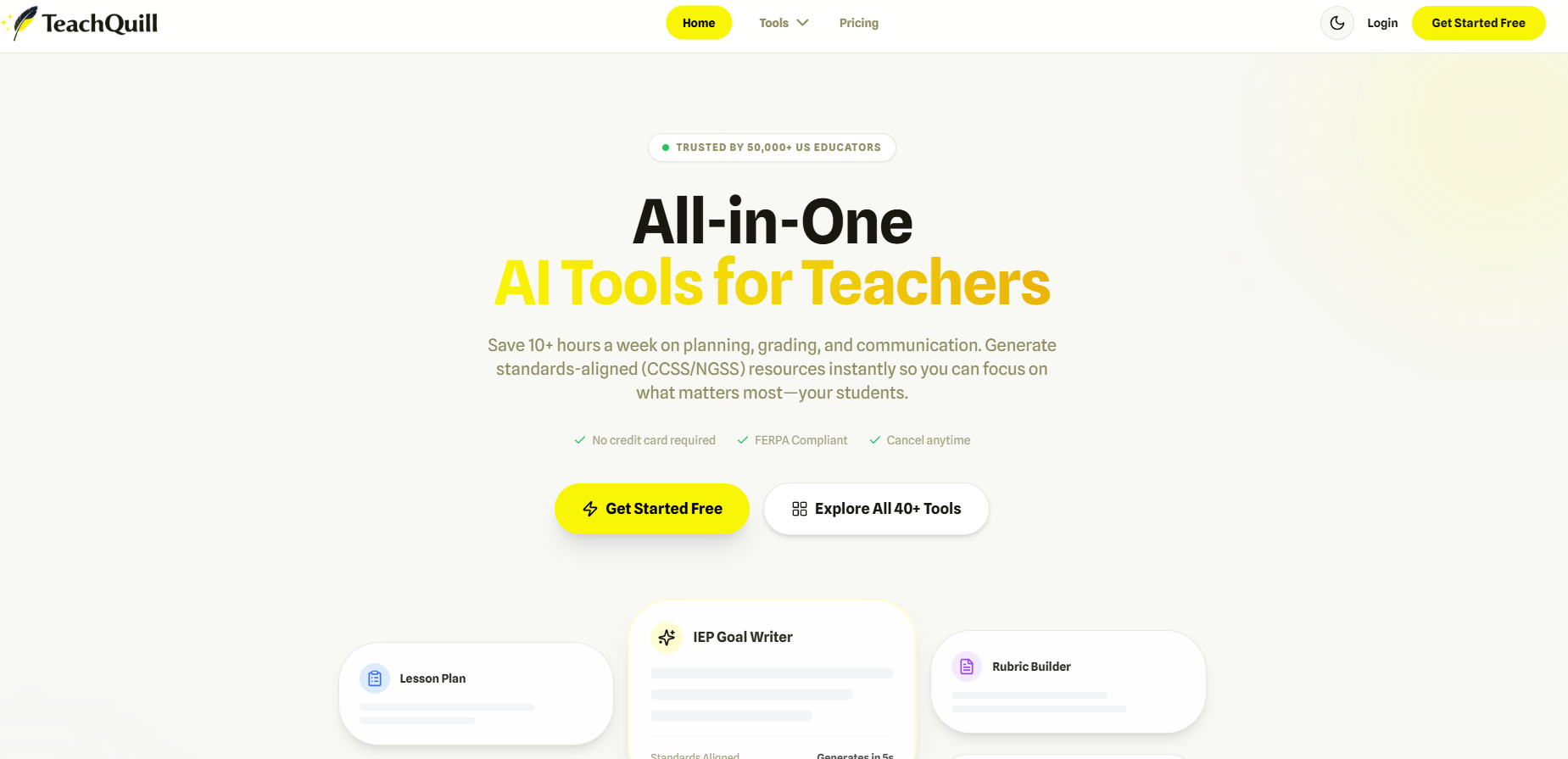
Screenshot archived from the listing page, for preview only.











