
Tat Ink
AI tattoo design and virtual try-onDesign and preview a tattoo in seconds
Highlights
What you can do with it
- An enthusiast describes a dragon idea and gets a traditional-style design quickly
- A tattoo artist uses the creative explorer for inspiration on a client piece
- A fashion lover explores styles and shares favorite designs online
How to use it
- 1 Open the Tat Ink platform and log in or register
- 2 Pick the function you need, such as the generator, font tool, or explorer
- 3 Enter your description or text and wait for the design
- 4 Browse and save ideas from the creative library if you need inspiration
- 5 Upload a body photo for virtual try-on and adjust size, position, and opacity
- 6 Download the high-resolution design and share it with an artist
Who it is for
Pros
- Designs returned in seconds
- A wide style selection plus a font tool
- Virtual try-on reduces the chance of regret
- Free to use with daily limits
Limitations
- Free use has daily caps
- Generated designs are starting points, not a replacement for a professional artist
- Unlimited access and advanced features require payment
- Daily limits and pricing may change
What Tat Ink is
Tat Ink is an AI tattoo design platform. You describe the tattoo you have in mind, pick a style, and the generator returns a high-resolution, printable design within seconds. More than 20 styles are available, covering realistic, minimalist, tribal, black and gray, Japanese, new traditional, blackwork, trash polka, dotwork, surreal, and watercolor work. A separate font generator turns text into tattoo lettering across 20 font styles such as Gothic, cursive, and calligraphy. If you are stuck for ideas, the creative explorer offers a growing image library organized by theme, placement, style, and symbolic meaning. The virtual try-on lets you upload a photo of an arm, shoulder, back, or leg and overlay any design with a realistic preview before you commit. The platform is free to use with daily restrictions, and a paid upgrade removes the caps and adds advanced functions.
What you can do with it
- Generate an original tattoo design from a written description
- Turn names or words into tattoo lettering across many fonts
- Browse a themed library for inspiration when ideas run dry
- Preview a design on your own body photo before booking
Who it is for
- Tattoo enthusiasts who want a design without a long wait
- Tattoo artists who need quick concepts to show clients
- People exploring tattoo ideas out of curiosity
- Anyone who wants to see a design on their skin before committing
What to watch out for
A generated design is a starting point, not a finished tattoo. Line weight, spacing, and how a design sits on skin all matter in the studio, so take the output to a professional artist rather than treating it as final artwork. Free use has daily caps, and unlimited access plus advanced features require payment, with pricing and limits subject to change. Output quality varies with how precisely you describe the idea, so expect to iterate. Finally, if you use a design commercially or share it widely, check the platform's terms on ownership and use.
FAQ
How fast are designs generated?
The site says high-resolution, printable designs are produced within seconds after you describe your idea and pick a style.
Can I preview it on my body?
Yes. You upload a photo of an arm, shoulder, back, or leg, and the virtual try-on engine overlays the design so you can adjust size, position, and opacity.
Is it free?
The platform can be used for free with daily restrictions, and you can upgrade at any time for unlimited access and advanced functions.
How many styles are available?
More than 20 tattoo styles are listed, including realistic, minimalist, tribal, black and gray, Japanese, new traditional, blackwork, trash polka, dotwork, surreal, and watercolor, plus 20 font styles.
Why it is free
What the official page says: for free
Free limits, trial length and features are decided by the official site and can change at any time.
Product preview
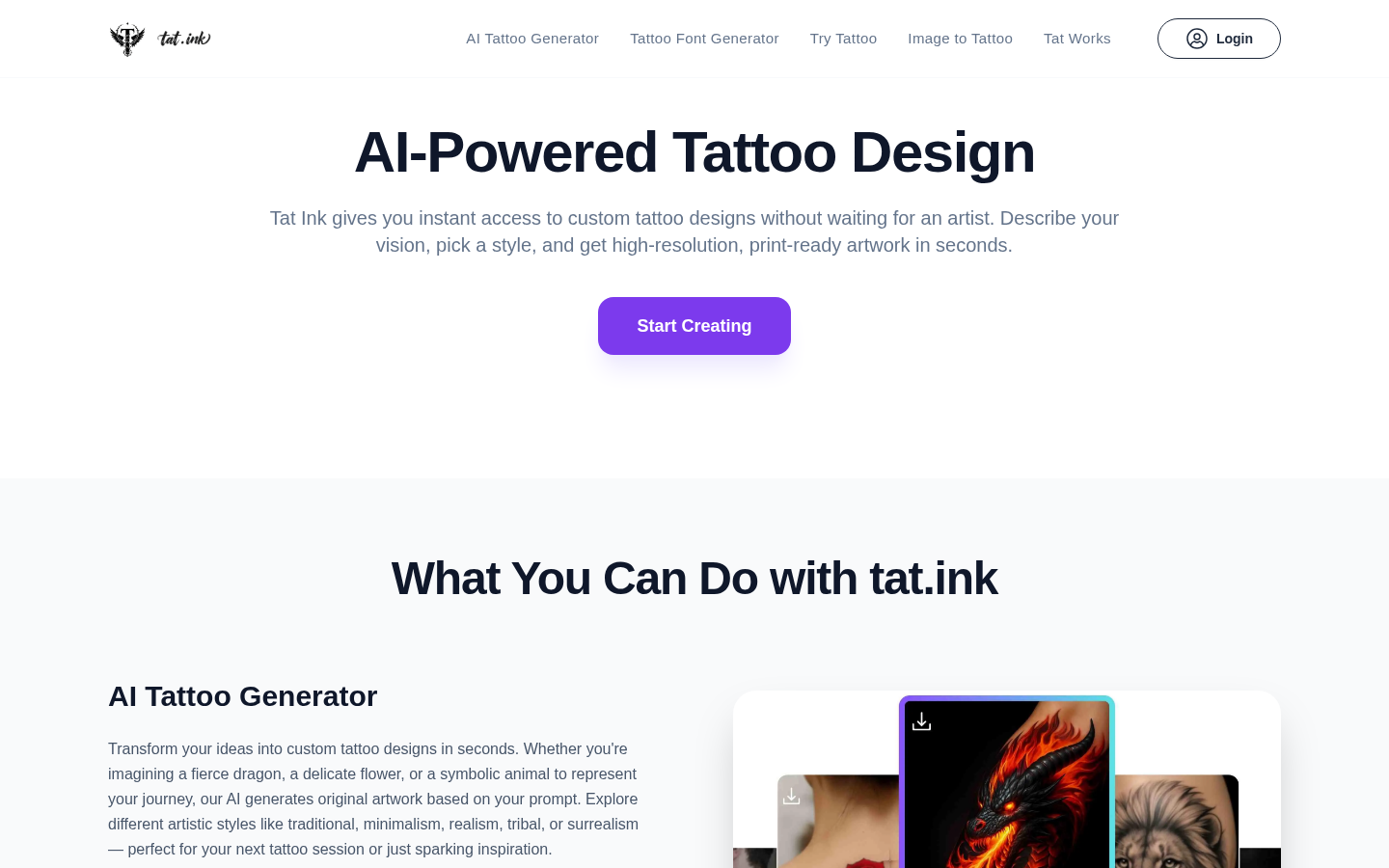
Screenshot archived from the listing page, for preview only.











