
Taskek
AI task management for teamsPlan, assign, and track work with AI
Highlights
What you can do with it
- Managing a product development project
- Keeping a remote team in sync
- Visualizing progress across a portfolio of work
- Reducing manual task assignment
How to use it
- 1 Visit taskek.com and register or sign in
- 2 Create or join a team
- 3 Create tasks with names, descriptions, dates, and priority
- 4 Assign tasks, using intelligent recommendations
- 5 Communicate and share files inside the tool
- 6 Track progress on Gantt charts or Kanban boards
- 7 Update tasks to completed as work finishes
Who it is for
Pros
- AI allocation reduces manual assignment work
- Visual progress tools suit different preferences
- Multi-platform access across devices
Limitations
- Free access is a trial and pricing is positioned mid-to-high
- Team adoption takes real effort
- AI suggestions still need human judgment
- Switching from an existing tool means migrating work
What Taskek is
Taskek is an AI-based task management tool designed to help teams advance their work. It covers the standard ground: task creation, assignment, tracking, and status updates, plus real-time communication and file sharing so collaboration happens in one place rather than across chat and email. The AI part is task allocation, where the system distributes work based on priority and the current workload of each team member. Progress is displayed through visual tools including Gantt charts and Kanban boards, and the product works across devices and operating systems so a remote team can stay on the same page. The site positions it in the mid-to-high end of the market and offers a free trial.
What you can do with it
- Create, assign, and track tasks through to completion
- Let AI allocate work by priority and workload
- Communicate and share files inside the tool
- Watch progress on Gantt charts or Kanban boards
- Check workloads and statuses across the team
Who it is for
- Startups managing product development work
- Remote teams that need shared context
- Project managers tracking several workstreams
- Companies replacing manual task assignment
- Teams whose current tool has become a graveyard
What to watch out for
Free access is a trial, and the site positions the product in the mid-to-high end of the market, so check current pricing before you plan a migration. Team adoption is the bigger cost: a task tool only works if everyone updates it, and moving a team off an existing system means migrating live work and retraining habits that people already have. AI allocation is a suggestion engine, not a manager, so priorities and capacity still need a human decision, and a bad allocation suggestion will be blamed on the tool rather than the plan. Trial it on one real project rather than a demo workspace before you commit.
FAQ
Is Taskek free?
It offers a free trial. The site positions the product in the mid-to-high end of the market, so check current pricing.
How does the AI help?
It allocates tasks intelligently based on priority and the workloads of team members.
Can a remote team use it?
Yes. Real-time communication and file sharing are included, and it works across devices and operating systems.
Does it show project progress?
Yes, through visual tools such as Gantt charts and Kanban boards.
Why it is free
What the official page says: free trial
Free limits, trial length and features are decided by the official site and can change at any time.
Product preview
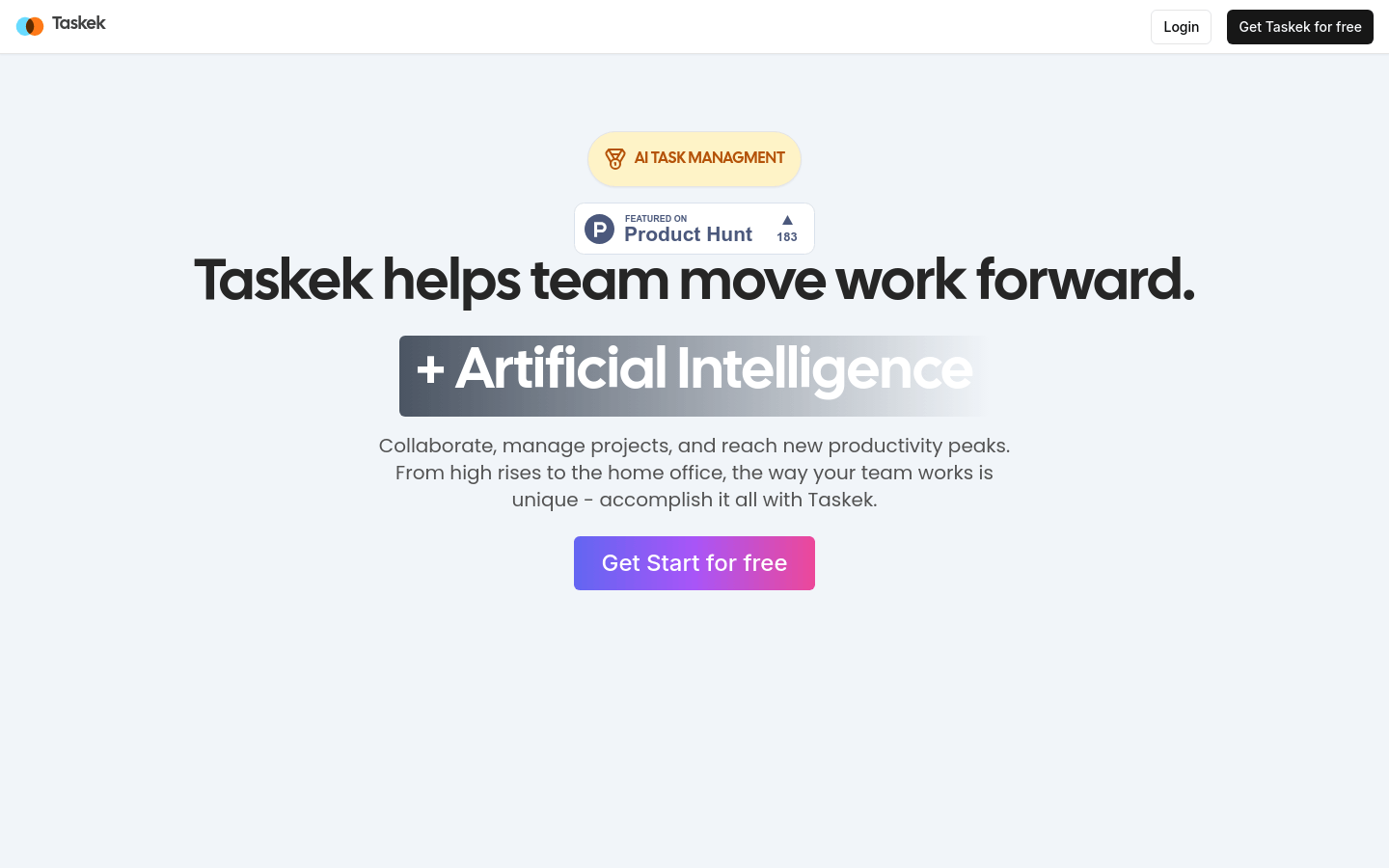
Screenshot archived from the listing page, for preview only.











