Tappy AI
AI comments for LinkedIn postsOne click thoughtful comments on LinkedIn
Highlights
What you can do with it
- A salesperson comments on prospect posts to start conversations
- A professional stays active to build a personal brand
- A job seeker raises visibility with recruiters and hiring managers
How to use it
- 1 Install the Tappy extension in your browser.
- 2 Open a LinkedIn post you want to comment on.
- 3 Click Tappy, review the suggested comment, edit it, and post.
Who it is for
Pros
- Saves time on daily LinkedIn engagement
- Aims for natural wording rather than filler
- Free to try before paying
Limitations
- The site was returning an error when we checked, so availability is uncertain
- Generated comments still need your own review before posting
- Volume commenting can look automated, so keep it genuine
What Tappy AI is
Tappy is a simple AI browser extension for LinkedIn. Its one job is writing comments on posts, and it does it in a single click. The pitch is that the comments sound thoughtful and human rather than the generic filler most AI comment tools produce. The site positions it for three uses: helping sales people engage prospects, boosting personal brand awareness, and improving visibility for job seekers. It says you can try it for free, with pricing details on the official website rather than in the product description.
What you can do with it
- Generate a comment on any LinkedIn post in one click
- Engage prospect posts to open sales conversations
- Stay visibly active to build a personal brand
- Increase your visibility while job searching
Who it is for
- Sales professionals who need daily LinkedIn engagement
- Professionals and founders building a personal brand
- Job seekers who want recruiters and hiring managers to notice them
What to watch out for
The site was returning an error when we checked, so availability is uncertain and worth confirming before you install anything. Generated comments still need your own review before posting, because a comment that does not match your voice does more harm than no comment at all. Volume commenting can also look automated, and both your network and LinkedIn's systems notice patterns, so keep the pace genuine and selective. Finally, engagement is a long game; one click comments help with consistency, not with having something worth saying. Name and archive exported files consistently so you can find and reuse them, and keep a backup copy of key data.
FAQ
What does Tappy do?
It is a browser extension that adds thoughtful comments to LinkedIn posts in one click.
Who is it for?
Sales people engaging prospects, professionals building a personal brand, and job seekers raising visibility.
How much does it cost?
The site says you can try it for free and points to the official website for pricing details.
Why it is free
What the official page says: for free
Free limits, trial length and features are decided by the official site and can change at any time.
Product preview
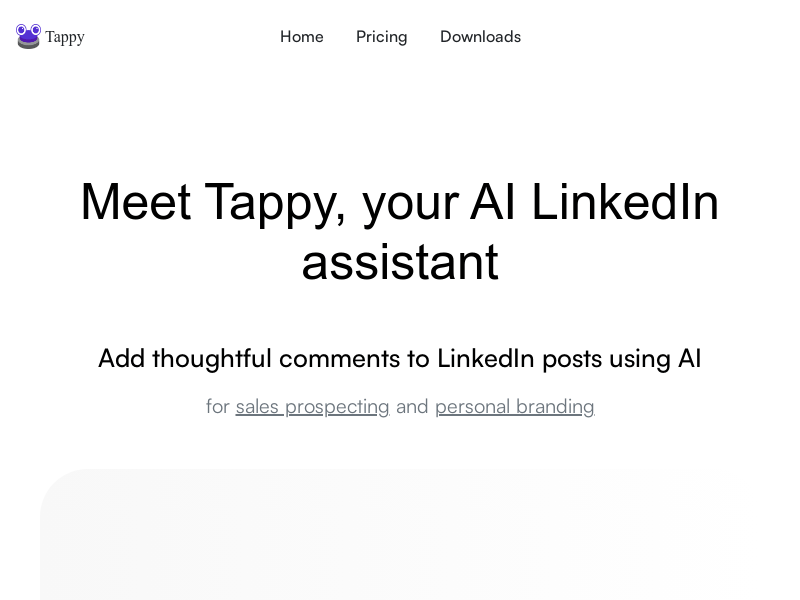
Screenshot archived from the listing page, for preview only.