
Tana
AI-native workspace for knowledge workTurn notes into tasks and knowledge
Highlights
What you can do with it
- Turn meeting notes into action items automatically
- Track goals and delegated tasks in a custom feed
- Build a personal or team knowledge graph
How to use it
- 1 Register for a free trial at tana.inc
- 2 Install the desktop or mobile app
- 3 Create a workspace and start taking notes
- 4 Use Supertags to turn notes into tasks or projects
- 5 Set up feeds, voice memos, and the meeting agent
Who it is for
Pros
- Flexible Supertags and automation
- AI meeting agent and voice memos
- Cross-platform apps
Limitations
- Free trial only, then a paid subscription
- A feature-rich workspace has a learning curve
- Depends on the service staying available
What Tana is
Tana is an AI-native workspace for managing knowledge and tasks. Supertags turn notes into tasks, projects, or other structured content, and custom feeds track what matters to you in real time. Voice memos convert audio into text, and an AI meeting agent handles transcription and follow-up so you do not have to write everything up by hand. A knowledge graph links information for easy retrieval, and flexible views plus cross-platform apps fit different workflows. It is aimed at knowledge workers and teams, with a free trial and a paid subscription.
What you can do with it
- Turn notes into tasks or projects with Supertags
- Track goals and delegated work in custom feeds
- Convert voice memos into text and ideas
- Use an AI meeting agent for transcription and follow-up
Who it is for
- Knowledge workers managing many notes and tasks
- Teams coordinating projects and goals
- People who want AI to cut manual organizing
- Users who need desktop and mobile access
What to watch out for
Only a free trial is offered, after which a paid subscription is required, and that pricing can change. A feature-rich workspace has a learning curve, so give yourself time to set up Supertags and feeds the way you want. Because your notes and meeting data live on the service, it depends on Tana staying available, and you are trusting a third party with your information, so review the privacy terms and keep exports of anything important. Start with a small sample to confirm the output meets your expectations before processing the full batch. Free tiers and usage limits can change, so check the current rules on the official page before relying on it long term.
FAQ
What is Tana?
It is an AI-native workspace that turns notes into tasks, projects, and other content.
What are Supertags?
They instantly convert notes into tasks, projects, webpages, OKRs, and more.
Is there a free trial?
Yes. Tana offers a free trial and a paid subscription.
Why it is free
What the official page says: free trial
Free limits, trial length and features are decided by the official site and can change at any time.
Product preview
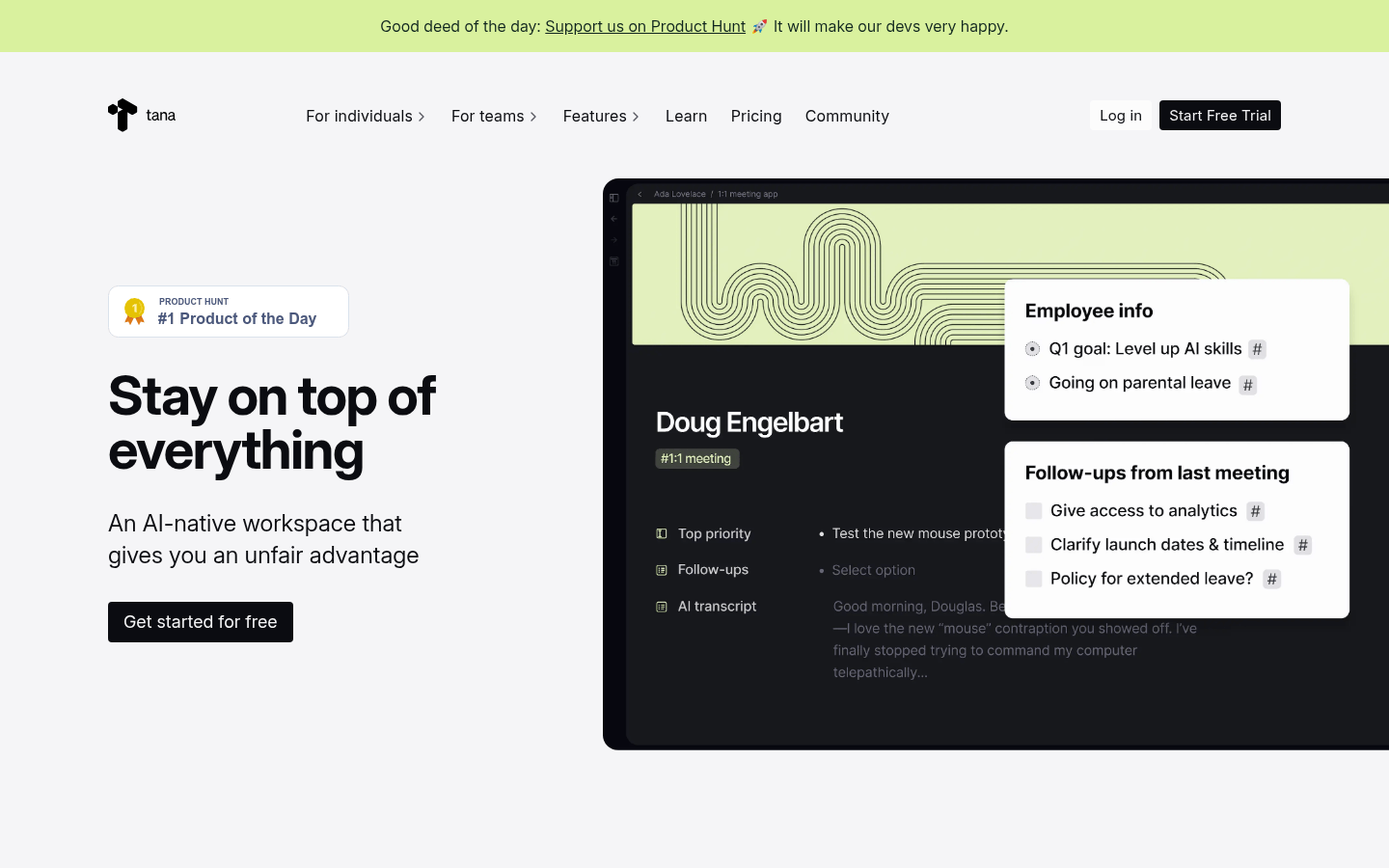
Screenshot archived from the listing page, for preview only.











