
TalkPix AI
Turn one photo into a talking videoOne photo, one script, one talking video
Highlights
What you can do with it
- E-commerce sellers turning product photos into talking video ads
- Content creators building AI avatar videos for voiceovers
- Social media users making talking pet or birthday greeting videos
- Advertising practitioners producing UGC style creatives quickly
How to use it
- 1 Upload a clear portrait or product photo from your device
- 2 Type the lines you want the photo to say and choose a voice
- 3 Let the system lip-sync the photo with the script and render the video
- 4 Preview the result, then pay to export the downloadable file
Who it is for
Pros
- No camera, crew, or editing software needed
- Free preview before you commit to any payment
- One-time payment model with no subscription and points that never expire
Limitations
- Exporting costs money, starting at $3.99, so it is not a fully free service
- Result quality depends heavily on the photo you upload
- The service is young, so pricing and features may still change
- Building a talking video from someone else's photo or voice without consent can break platform rules and local law, and the risk sits with you
What TalkPix AI is
TalkPix AI is an online tool that turns a single photo into moving video. You upload a portrait or product photo, type a short script, choose a voice, and the platform lip-syncs the image to the words and renders a video file you can download. There is no camera, studio, or editing timeline involved. The pricing model is a one-time payment rather than a subscription, and the points you buy never expire. You can preview the result before paying, and the first export starts at $3.99 through Stripe. The service covers video and image generation use cases, including talking avatars, product ads, product images, and text-to-video clips.
What you can do with it
- Turn one photo into a talking avatar video that speaks your script
- Create UGC style product advertisement videos from a photo and a few lines of copy
- Generate product images with different backgrounds for e-commerce listings
- Upload your own audio for lip-sync, or let the built-in AI voice do the talking
- Produce personalized clips such as birthday greeting videos or talking pet videos
Who it is for
E-commerce sellers who need product videos quickly. Content creators building avatar videos for voiceovers and social posts. Advertising practitioners who want low-cost UGC style creatives. Social media users who just want a fun talking clip made from a pet or family photo. Anyone with a good photo but no camera or editing skills.
What to watch out for
The free part is the preview. Exporting costs money, starting at $3.99, and the points and pricing rules can change, so check the site before you plan a budget around it. Output quality depends on the photo you upload: clear lighting and a clean subject work best. The service is young, so features and payment terms are still settling. Most importantly, if you build a talking video from someone else's photo or voice, get their permission first. Making or sharing synthetic media of a real person without consent can violate platform rules and local law, and any consequences fall on you.
FAQ
Is TalkPix AI free to use?
You can preview for free. Exporting starts at $3.99 as a one-time payment, and points never expire.
Do I need to install anything?
No. It is an online tool that runs in the browser.
Can I use my own voice?
Yes. You can upload your own audio and the tool will lip-sync the photo to it.
What else can I make besides talking videos?
Product images with different backgrounds, text-to-video clips, and personalized birthday videos.
Why it is free
What the official page says: 免费
Free limits, trial length and features are decided by the official site and can change at any time.
Product preview
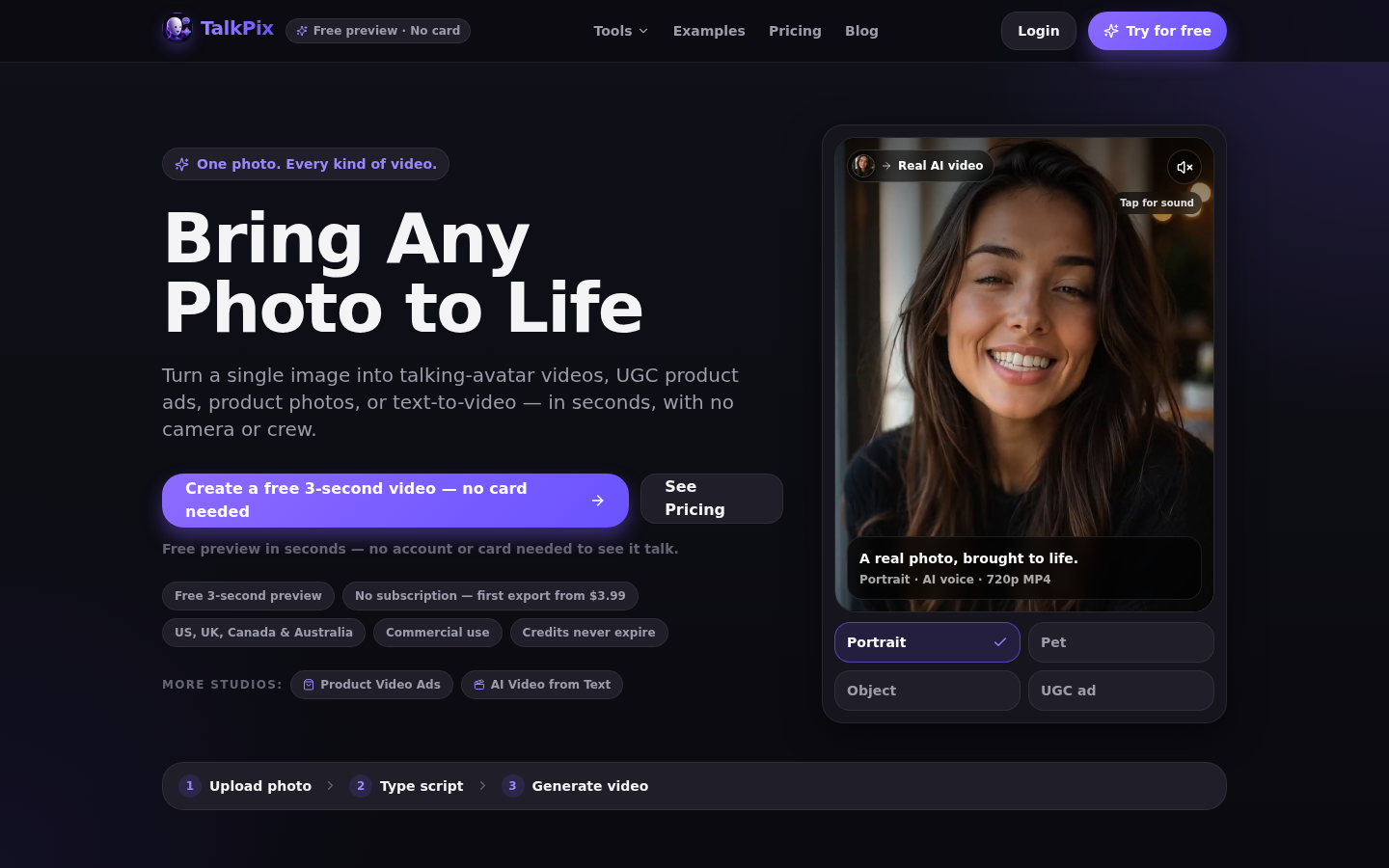
Screenshot archived from the listing page, for preview only.











