
TalkForm AI
Chat-based form creation and fillingBuild forms by chatting, no setup
Highlights
What you can do with it
- Comment form for personal blogs
- Enterprise recruitment forms
- Online survey questionnaires
How to use it
- 1 Describe the form you need in chat
- 2 Let the AI infer the field types
- 3 Share the form with respondents
- 4 Collect structured responses for analysis
Who it is for
Pros
- Zero configuration setup
- Automatic field inference and validation
- Structured response data
- Free to start
Limitations
- Free starting terms can change
- Complex conditional logic may need testing
- AI-inferred fields may need review
- Availability depends on the online service
What TalkForm AI is
TalkForm AI is a reimagined form tool that creates and fills out forms through chat, with zero configuration and a simple, easy-to-use flow. Instead of a cumbersome form builder, field types are inferred automatically by the AI. The AI also validates, cleans, structures, and populates form fields, and all responses stay structured according to the inferred schema so they are easy to analyze. It supports custom validation and complex conditional logic, and you can start using it for free.
What you can do with it
- Create forms by describing them in chat
- Let the AI infer field types automatically
- Validate, clean, and structure responses
- Keep response data easy to analyze
- Add custom validation and conditional logic
Who it is for
- Blog owners who need a simple comment form
- HR teams building recruitment forms
- Anyone running online survey questionnaires
- Users who want forms without a builder interface
What to watch out for
The free starting terms can change, so check the current offer before you build a process around it. Complex conditional logic may need testing, and AI-inferred fields should be reviewed before you send a form out, since a wrong field type can skew responses. Availability depends on the online service being up. Treat the generated form as a draft you confirm rather than a final version. Behavior may vary across browsers and devices, so test before production use and consult the help docs if errors appear. Features and interface details may change between versions, so review the latest notes on the page before you start. Save a backup of the original file before large batch jobs, and keep an exported copy of key results in case the page or service becomes temporarily unavailable.
FAQ
Can I start free?
Yes, you can start using TalkForm AI for free.
How are forms made?
You describe them in chat and the AI infers field types.
Are responses structured?
Yes, responses follow the inferred schema for easy analysis.
Does it support complex logic?
It supports custom validation and complex conditional logic.
Why it is free
What the official page says: for free
Free limits, trial length and features are decided by the official site and can change at any time.
Product preview
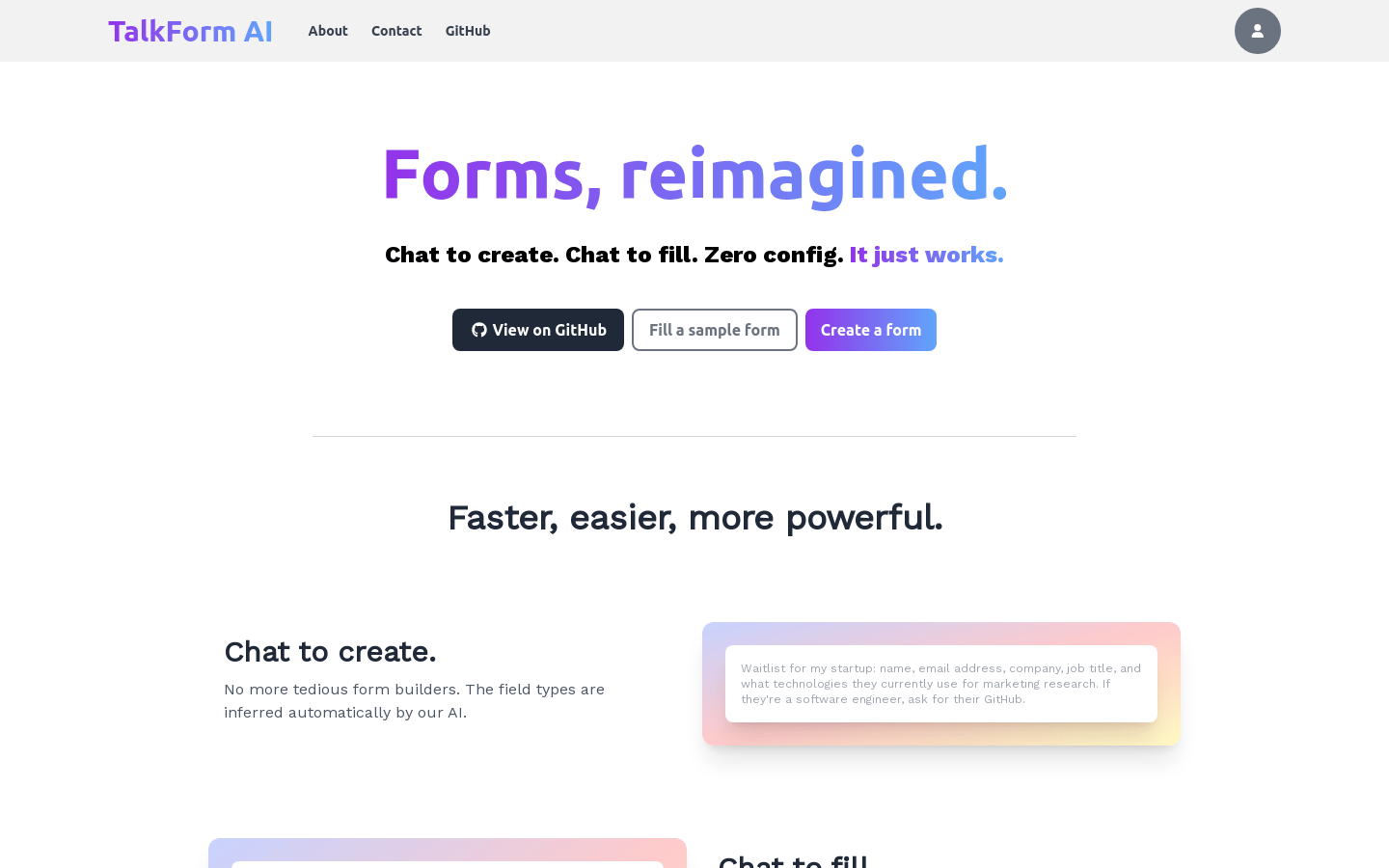
Screenshot archived from the listing page, for preview only.











