
Talk BI
Natural language business intelligence queriesAsk your data questions in plain language
Highlights
What you can do with it
- Asking a data question without writing SQL
- Getting real-time answers for a business review
- Sharing visual insights with non-technical teammates
How to use it
- 1 Connect your built-in information to Talk BI
- 2 Type a question in natural language
- 3 Read the answer and the accompanying visualization
- 4 Continue the conversation to refine the analysis
- 5 Move to Pro or enterprise if you need more
Who it is for
Pros
- Plain language removes the query language barrier
- Real-time answers speed up decisions
- A free version allows evaluation first
Limitations
- Free version limits and Pro pricing may change
- Data security depends on your setup and sources
- Complex questions still need review of the generated query
What Talk BI is
TalkBI is a business intelligence tool built on conversational AI. Instead of writing queries, you ask questions in natural language and the tool returns answers, which the site says breaks the usage barrier of traditional business intelligence tools. The listed advantages include natural language queries, real-time insights, conversational analysis, data security, good visualization, and easy integration with other systems. The product exists because traditional BI tools are cumbersome to learn and to use day to day. Pricing is split into a free version, a Pro version at 20 euros per month, and an enterprise customized version. The goal is to let anyone inside a company reach data insights and support data-driven decisions.
What you can do with it
- Ask a data question in plain language and get an answer
- Follow up conversationally to refine the analysis
- Read results through the built-in visualizations
- Share insights with teammates who do not write queries
Who it is for
- Non-technical staff who need answers without SQL
- Analysts who want a faster path to a first result
- Teams that spread insights across departments
What to watch out for
The free version is limited, and both free rules and the Pro price may change over time, so check current pricing before you plan around it. Data security depends on how you connect sources and who has access, so review that before loading sensitive data. A natural language answer hides the generated query, and complex questions can be misread, so verify important numbers against the underlying data. Treat the output as a starting point for a conversation rather than a final report, and keep a human check on anything that drives a decision.
FAQ
What is Talk BI?
It is a conversational AI business intelligence tool for querying data in natural language.
Who can use it?
It is designed so both technical and non-technical users can get data insights.
What are the plans?
There is a free version, a Pro version at 20 euros per month, and an enterprise customized version.
Why it is free
What the official page says: 免费版免费
Free limits, trial length and features are decided by the official site and can change at any time.
Product preview
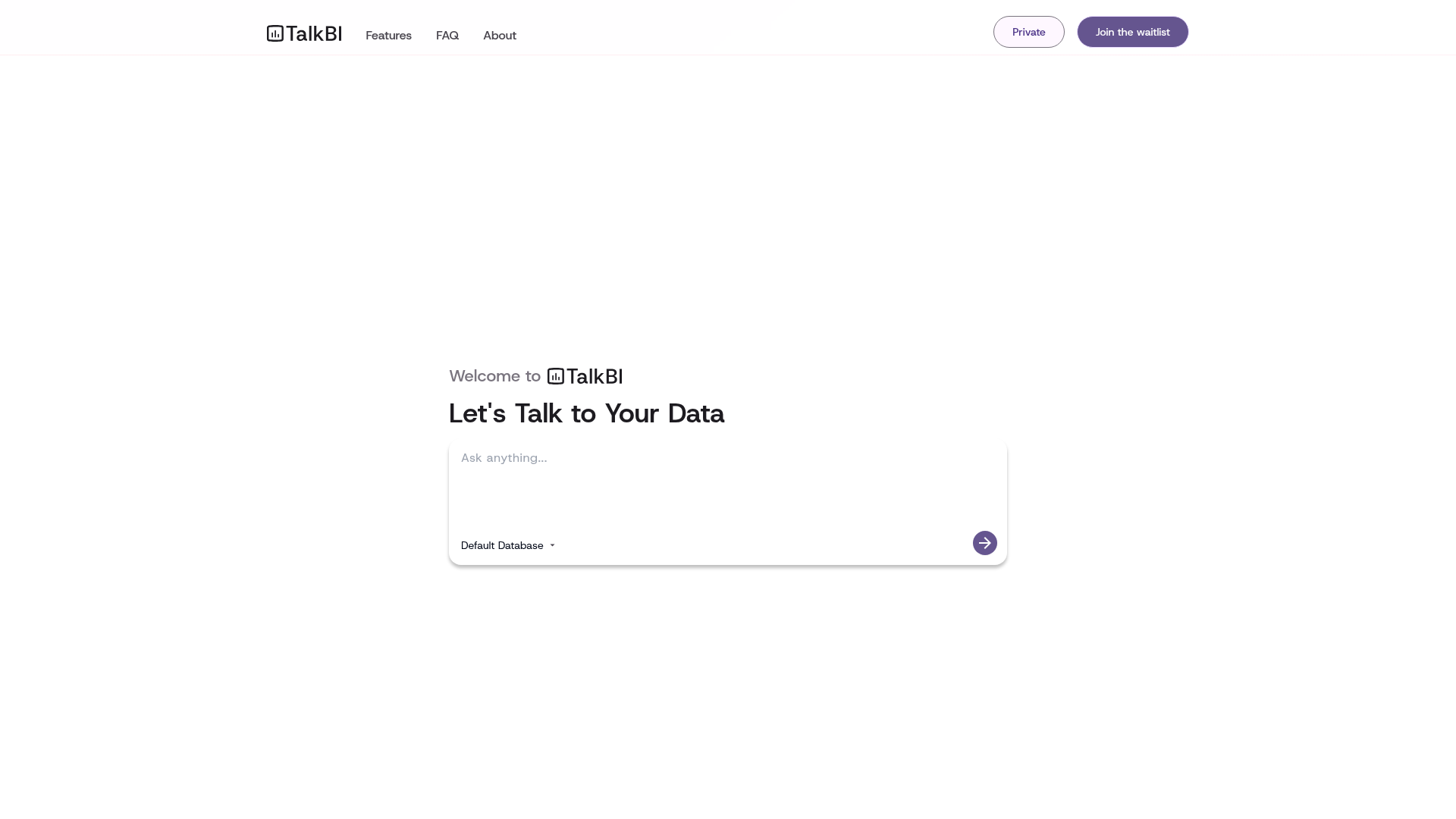
Screenshot archived from the listing page, for preview only.