
Talers
Collaborative writing app with AI proofreadingWrite books and scripts, together
Highlights
What you can do with it
- Co-write a novel or screenplay with real-time feedback
- Proofread and polish a draft with AI checks
- Organize a long project with folders and offline access
How to use it
- 1 Create a Talers account and start a project.
- 2 Write or import your draft into folders.
- 3 Use AI tools, then invite collaborators and start free.
Who it is for
Pros
- Real-time collaboration with instant feedback
- Rich editing tools including synonyms and rhymes
- Works offline and syncs across devices
Limitations
- Advanced features need the Pro version
- It is a dedicated writing app, so there is some setup to learn
- AI proofreading is a helper, not a substitute for a careful read
What Talers is
Talers is a writing app designed for people working on substantial projects such as books, novels, screenplays, and articles. It puts real-time collaboration and AI-powered proofreading at the center, so you can write alongside others and get instant feedback without sending files around. The interface is meant to be clean and modern, keeping the focus on the text. You can organize your work with customizable folders and sorting, keep writing when you are offline, and sync across devices when you are back online. The idea is one place to draft, edit, and collaborate on long-form work. Beyond drafting, it bundles inspiration search, spelling and grammar checks, synonym and rhyme browsing, sentence and paragraph reorganization, translation into 29 languages, and content generation from prompts. You can try Talers for free or move to Pro for advanced features.
What you can do with it
- Co-write in real time and get instant feedback
- Proofread with AI checks for spelling, grammar, and style
- Reorganize sentences and paragraphs, and browse synonyms and rhymes
- Translate documents into 29 languages
Who it is for
- Authors working on books, novels, or screenplays
- Writers who want AI proofreading while they draft
- Collaborators who need to edit the same document together
- Writing groups or co-authors sharing a live manuscript
What to watch out for
The advanced features live in the Pro version, so the free plan has a ceiling, and pricing can change. As a dedicated writing app, it takes a little setup and getting used to, especially the folder and sorting system, before it feels natural, and if you only write short notes, a full writing suite may be more than you need. The AI proofreading is a helpful second pass, but it will not catch everything, so keep your own careful read in the loop for anything you plan to publish. Finally, because it syncs across devices and supports collaboration, make sure you are comfortable with how and where your drafts are stored.
FAQ
What is Talers?
A collaborative writing app with AI proofreading for projects like books and screenplays.
Can I work offline?
Yes, it supports offline work and cross-device syncing.
Is it free?
You can try it for free, with a Pro version for advanced features.
Why it is free
What the official page says: for free
Free limits, trial length and features are decided by the official site and can change at any time.
Product preview
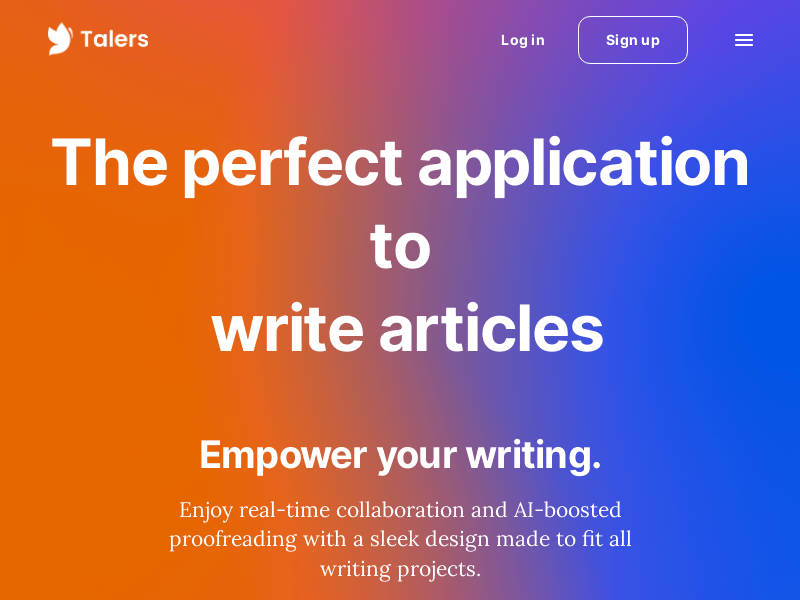
Screenshot archived from the listing page, for preview only.











