
Taku AI
Many AI tools in one clickAI tools, agents, and workflows in one place
Highlights
What you can do with it
- Running ready made AI tools without managing each one
- Assembling a custom workflow for a specific goal
- Packaging and sharing an AI setup with others
How to use it
- 1 Sign up for the free trial on the Taku AI site
- 2 Browse the marketplace for a tool you need
- 3 Assemble or customize a workflow for your goal
- 4 Package your setup as a Stax to share if you want
Who it is for
Pros
- Brings many AI apps and agents under one interface
- Marketplace tools save setup time
- Custom workflows can be reused and shared
Limitations
- Free trial is limited and its terms can change over time
- Quality varies since tools come from different providers
- Sharing a Stax can expose private keys or prompts if you are not careful
What Taku AI is
Taku AI is a platform that brings many AI tools together in one place. Its main idea is to turn scattered AI applications, agents, and workflows into one click operations, so you do not have to juggle separate services or logins. You can borrow ready made tools from a marketplace, build custom workflows around your own goals, and even package your AI settings into something called Stax to share with other people. The stated aim is to lower the barrier to using AI and let more people benefit from it. It offers a free trial, paid plans named Starter, Standard, and Pro, and it notes that developers can plug in their own keys.
What you can do with it
- Run ready made AI tools from a shared marketplace
- Assemble custom workflows that fit a specific goal
- Package your own AI setup as a Stax to share with others
- Bring several AI apps and agents under one interface
Who it is for
- People who want many AI tools without managing each one
- Builders who create and reuse custom AI workflows
- Developers who prefer to use their own API keys
What to watch out for
Because it gathers tools from different providers, the quality and behavior of any given tool can vary, and a change on an upstream service can affect your workflow without warning. The free trial is limited, its terms can change, and the paid tiers add cost over time, so test before you depend on it for regular work. Sharing your setup as a Stax also means sharing configuration, so be careful not to expose private keys or sensitive prompts. Check what each marketplace tool actually does before you run it on important data.
FAQ
Is Taku AI free?
It offers a free trial and paid plans named Starter, Standard, and Pro, and developers can use their own keys.
What is a Stax?
It is a packaged AI setup that you can share with others on the platform.
Who is it for?
Anyone who wants to use many AI tools through one interface, from casual users to developers.
Why it is free
What the official page says: 免费试用免费
Free limits, trial length and features are decided by the official site and can change at any time.
Product preview
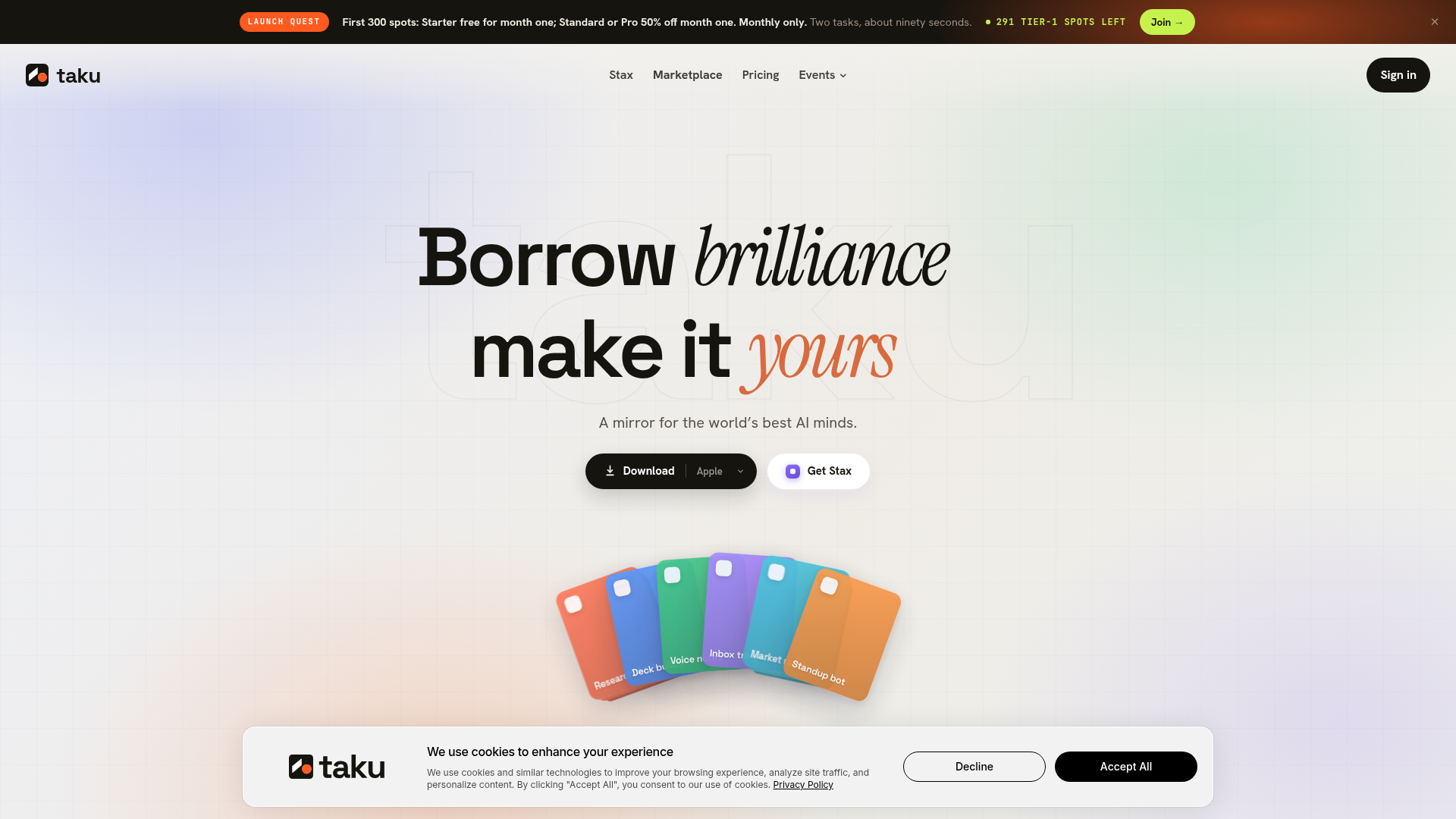
Screenshot archived from the listing page, for preview only.