Tailwind
Social media schedulerSchedule pins and posts with AI help
Highlights
What you can do with it
- Schedule pins across the week so a blog keeps getting traffic.
- Plan an Instagram grid and queue the posts in advance.
- Run an email campaign next to your social posts from one place.
How to use it
- 1 Create an account and connect your Pinterest and Instagram profiles.
- 2 Add your email list if you want to run campaigns from the same place.
- 3 Draft a post with the AI writing tools or start from a template.
- 4 Queue it or let the intelligent scheduler pick the time.
- 5 Review what performed well and reuse the patterns that worked.
Who it is for
Pros
- Social and email marketing live in one dashboard.
- AI writing and templates cut the time spent on each post.
- The intelligent scheduler removes some of the guesswork about timing.
- A free tier lets you test the workflow first.
Limitations
- Freemium means the free level has limits until you upgrade.
- The scheduling focus is Pinterest and Instagram, so other platforms are less central.
- There is a learning curve with the scheduler, templates and analytics.
- Plans and prices change, so check the current pricing before committing.
What Tailwind is
Tailwind is a marketing management tool that puts social media scheduling and email marketing in one place. The features it advertises are AI assisted writing, Pinterest and Instagram scheduling, templates, and an intelligent scheduler that suggests when to publish. The point of combining them is that you can plan a campaign, write the content, queue it and look at the results without jumping between services. It runs on a freemium model, so you can start on a free level and move up when you need more accounts, more posts or more of the automation.
What you can do with it
- Queue Pinterest pins and Instagram posts across the week.
- Draft copy with AI assistance instead of starting from scratch.
- Start from a template so your posts keep a consistent look.
- Let the intelligent scheduler suggest posting times.
- Run email campaigns next to your social posts in the same dashboard.
Who it is for
- Bloggers who depend on Pinterest for steady traffic.
- Small business owners doing their own marketing with no team.
- Ecommerce sellers who post product content on a schedule.
- Social media managers who handle several accounts at once.
What to watch out for
The free level is a trial more than a full plan, so expect caps on accounts, posts or features until you upgrade. The headline scheduling support is Pinterest and Instagram; if your main channel is somewhere else, check that it is covered before you move your workflow over. The intelligent scheduler is a suggestion engine, not a guarantee, and the best posting time still depends on your own audience. There is real setup work in connecting accounts, building a template set and learning where the analytics live. Pricing and feature limits change, so read the current plan page rather than relying on an old article. Finally, scheduling tools save distribution time, not creation time: you still need something worth posting.
FAQ
Is Tailwind free?
It runs on a freemium model, so there is a free level with paid plans above it.
Which platforms does it schedule for?
Pinterest and Instagram scheduling are the headline features, alongside email marketing.
Do I need design skills?
No, templates are provided, though you still choose the look and the wording.
What does the AI writing tool do?
It helps draft posts and copy so you are not starting from a blank box every time.
Why it is free
What the official page says: freemium
Free limits, trial length and features are decided by the official site and can change at any time.
Product preview
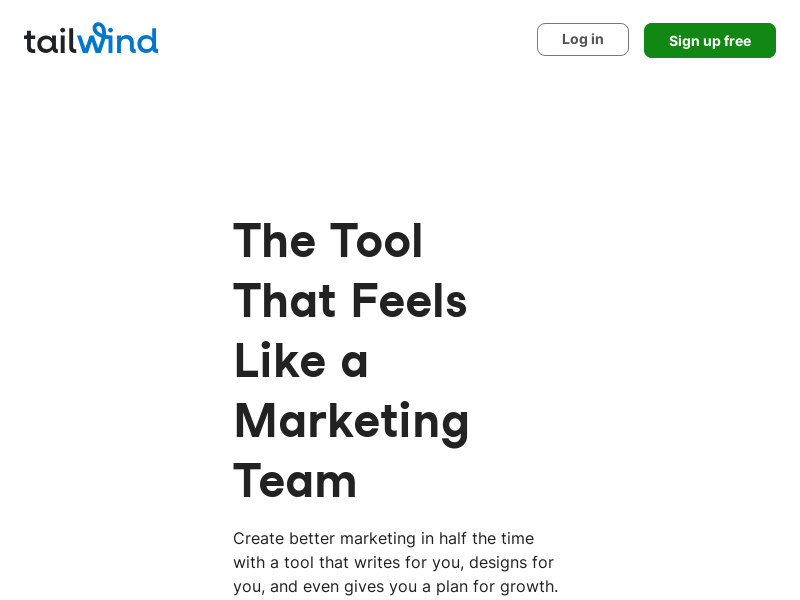
Screenshot archived from the listing page, for preview only.