
Tabbit Browser
AI-native browser with built-in model switchingBrowse, cite, and automate with AI models inside the browser
Highlights
What you can do with it
- Writers keeping dozens of research tabs organised
- Researchers archiving and linking source material
- E-commerce operators drafting customer replies in bulk
How to use it
- 1 Download Tabbit from the official site for your system
- 2 Set your default AI model and browser preferences
- 3 Cite a page or file and start a conversation with the AI
- 4 Group tabs and save the prompts you reuse
- 5 Let the agent handle repetitive page tasks
Who it is for
Pros
- Free to download and use on desktop
- Several AI models available in one place
- Automation reduces repetitive clicking and copying
Limitations
- A young product, so expect rough edges
- Free status today does not guarantee free status later
- Automated form filling needs supervision before it runs loose
What Tabbit Browser is
Tabbit Browser is an AI-native browser from LUMINALAB PTE LTD, positioned as a productivity tool rather than just a way to view pages. It is built to understand context, so you can pull a page, a screenshot, or a file straight into a conversation with an AI model without copying anything by hand. It also supports switching between several leading models, including GLM-5.1, DeepSeek-V3.2, and Doubao-seed-1.8, so you can pick the one that fits the task. Both macOS and Windows builds are described as free to download and use.
What you can do with it
- Cite pages, screenshots, favourites, and files as context in one click
- Switch between several AI models from inside the browser
- Let an agent open pages, fill forms, and run repetitive steps
- Group tabs automatically into a tidy vertical sidebar
- Save common prompts as reusable shortcuts and batch-capture web resources
Who it is for
- Content creators who keep dozens of research tabs open at once
- Researchers and students who need to archive and link sources
- Data analysts and e-commerce operators doing repetitive page work
What to watch out for
Tabbit is a young product, and a browser is a big surface area, so expect some features to feel uneven while it matures. The free download is the current offer, not a guarantee: pricing, model availability, and feature limits can change, so confirm terms on the official site before you depend on it. Agent automation is the part that needs the most care, because an agent filling forms on your behalf can make mistakes with real consequences, so keep an eye on what it does. Switching models is useful, but different models give different answers, so do not assume the first reply is the final one.
FAQ
Is Tabbit Browser free?
The listing says both macOS and Windows versions can be downloaded and used for free.
Which AI models does it support?
It supports switching between models such as GLM-5.1, DeepSeek-V3.2, and Doubao-seed-1.8.
What is the one-click citation feature?
You quote web pages, screenshots, favourites, or files as context and talk to the AI about them without copy and paste.
Why it is free
What the official page says: for free
Free limits, trial length and features are decided by the official site and can change at any time.
Product preview
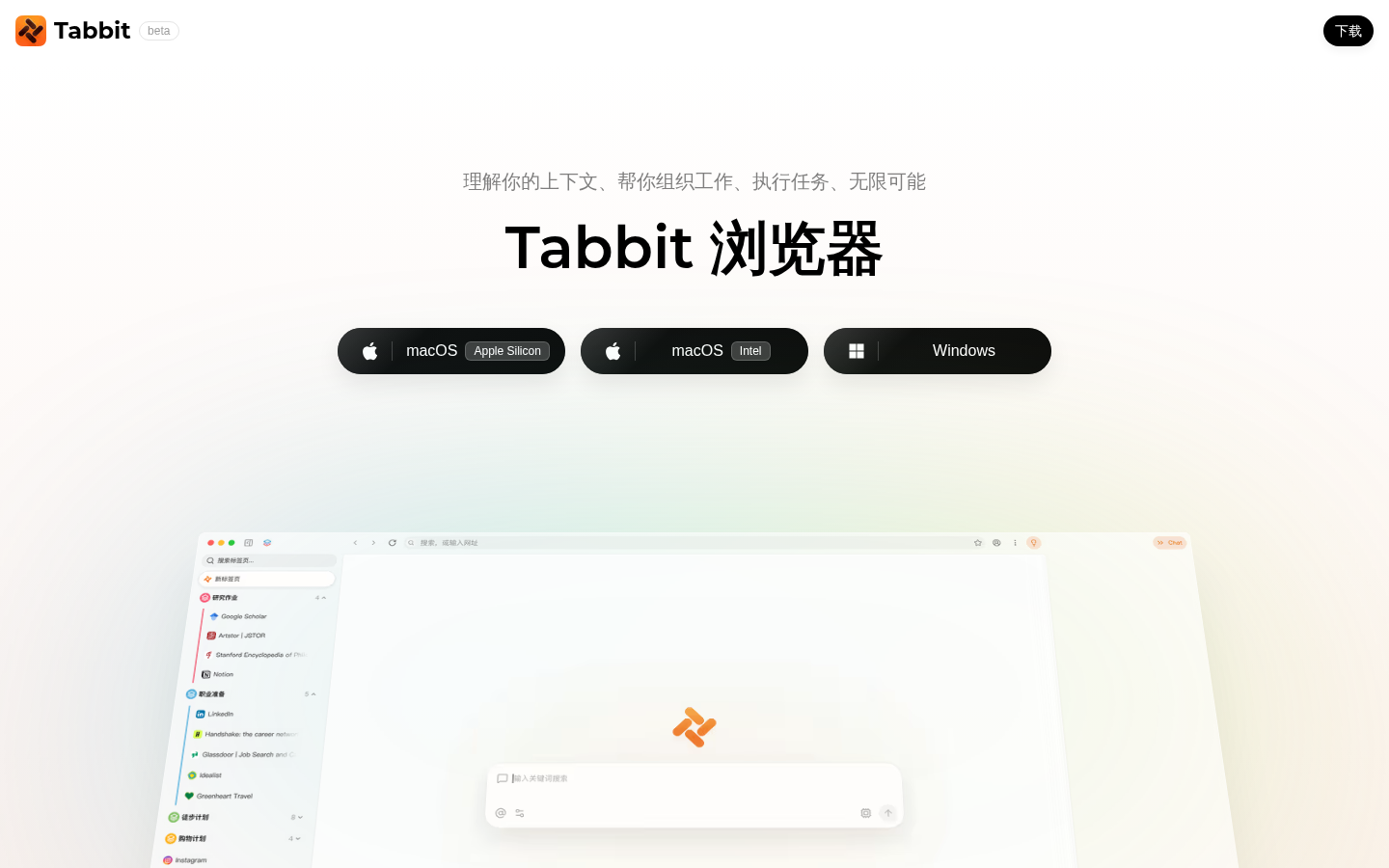
Screenshot archived from the listing page, for preview only.











