
Tabbit
AI-native browser that chats with pages and automates tasksTalk to the web page you are reading
Highlights
What you can do with it
- Asking questions about a paper while reading it
- Turning twenty sub-documents into tables in order
- Letting an agent fill forms and open pages in the background
How to use it
- 1 Download Tabbit for macOS or Windows and install it
- 2 Set your default search engine and sync bookmarks
- 3 Browse a page and ask a question about its content
- 4 Use the agent for repetitive tasks and save common prompts
- 5 Organize tabs and track subscriptions as you work
Who it is for
Pros
- Chat with pages in context, no copy-paste
- Agent handles repetitive browser tasks
- Free to use with several AI models
Limitations
- Runs on macOS and Windows only, not mobile
- New browser, so some sites or extensions may not work perfectly
- AI features depend on upstream models that can change
What Tabbit is
Tabbit is an AI-native browser launched for macOS and Windows. Its main idea is context: it understands the page you are currently viewing, so you can ask questions about that page and get precise answers instead of copying text into a separate chatbot. It can also automate repetitive work with an agent, and you can save common prompts as reusable skills. On the practical side it offers one-click tab grouping, a vertical sidebar for cleaner browsing, and a subscription manager that tracks your services. The browser is free to use and supports switching between several major AI models.
What you can do with it
- Chat with the page you are reading without copy-paste
- Let an agent open pages and fill forms in the background
- Group and organize tabs with one click
- Save common prompts as one-click skills
- Track and analyze your subscriptions automatically
Who it is for
- Researchers reading dense papers and technical articles
- Content creators who gather information quickly
- Data workers who process many sub-documents in sequence
- Project managers digging through historical project files
What to watch out for
Tabbit runs on macOS and Windows only, so mobile users are out of luck, and as a newer browser some websites or extensions may not behave exactly as they do elsewhere. Switching your main browser is a real change, so test it alongside your current one before you commit. The AI features depend on upstream models, so quality, available models, and behavior can change as those models update. There is also a learning curve to get the most from agent tasks and custom skills, so give yourself time to adjust how you work.
FAQ
What is Tabbit?
It is an AI-native browser that understands the page you are on, lets you chat with it, and can automate tasks with an agent.
Which systems does it support?
Tabbit supports macOS and Windows.
Is it free?
Yes. The browser is free to use and supports switching between several major AI models.
Why it is free
What the official page says: free to use
Free limits, trial length and features are decided by the official site and can change at any time.
Product preview
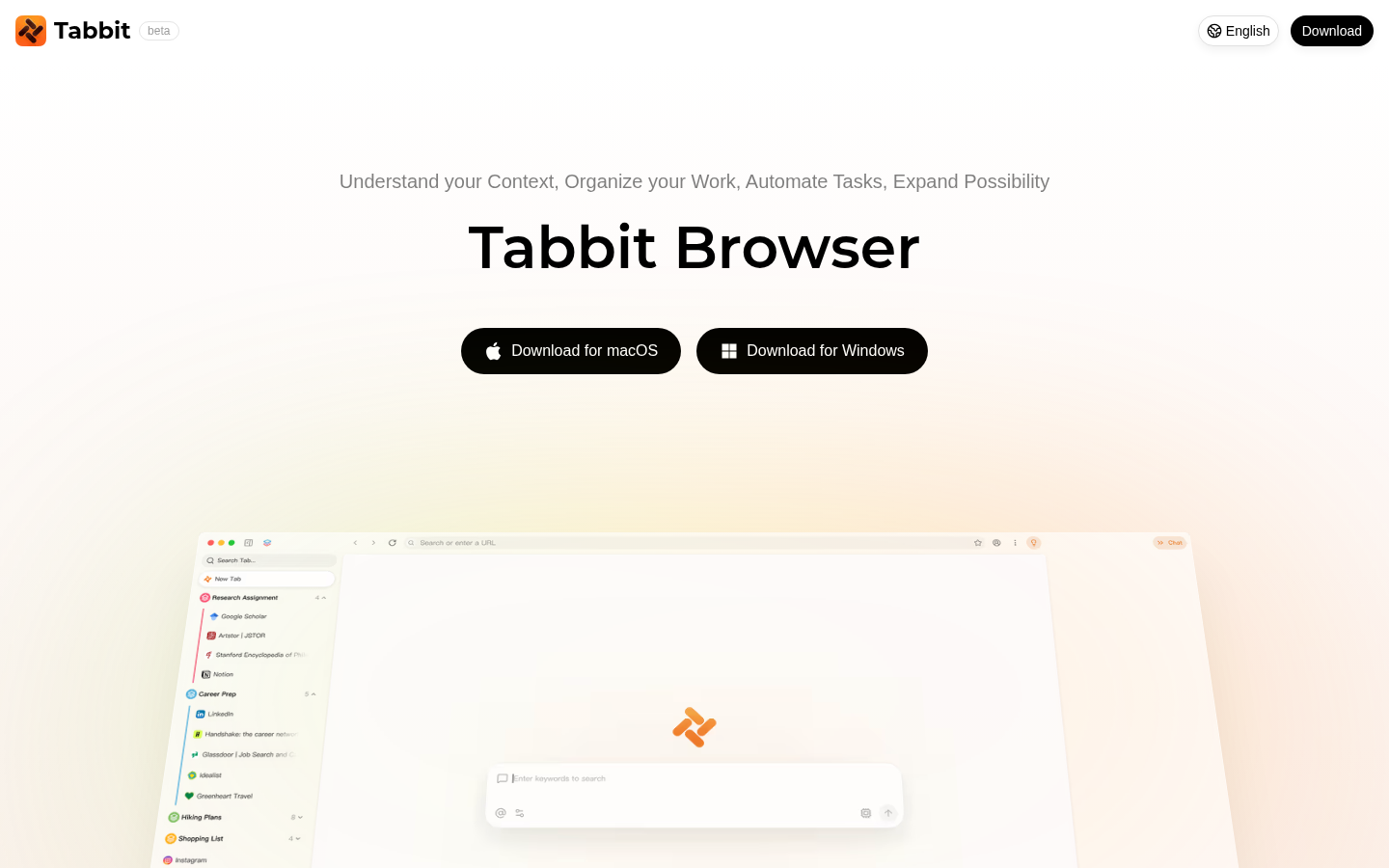
Screenshot archived from the listing page, for preview only.











