
Symvol
Turn text into video in one clickA browser extension that makes videos from text
Highlights
What you can do with it
- An educator turning a course outline into a teaching video
- A blogger converting an article into a social media video
- A company turning product text into a website video
How to use it
- 1 Install the Symvol Chrome extension
- 2 Select the text you want to convert on any webpage
- 3 Click the extension icon and choose language and voice
- 4 Generate the video, then download or share it
- 5 Upgrade your account if you need more features
Who it is for
Pros
- No video editing or design skills required
- Works directly on webpages via Chrome
- Free version plus paid upgrades
Limitations
- More features require a paid upgrade
- Limited to the Chrome browser
- Automated video may look generic for high-end needs
What Symvol is
Symvol is a tool for quickly turning text into video. Its idea is to help people understand and share information faster by pairing AI with visual storytelling, so a block of text becomes a short, clear video without any editing work. It comes as a Chrome browser extension, which means you can select text on any webpage and convert it right there. There is no need for complex video editing knowledge, and you can choose the language and voice for the narration. Symvol offers a free version, and paid upgrades unlock more features for heavier use.
What you can do with it
- Convert selected text into a video in one click.
- Pick the language, voice, and accent for narration.
- Work directly on any webpage through the Chrome extension.
- Download the finished video or share it.
- Turn outlines, articles, or product text into watchable clips.
Who it is for
- Learners who prefer content in video form.
- Bloggers and creators repurposing articles for social media.
- Companies that need quick explainer or product videos.
- Anyone who wants text-to-video without learning an editor.
What to watch out for
More advanced features require a paid upgrade, so the free version has limits. It is a Chrome extension, so it will not run in other browsers. Automated video output can look generic and may not suit high-end brand work, and narration quality depends on the chosen voice. Test it on a sample before you plan a larger batch. Name and archive exported files consistently so you can find and reuse them, and keep a backup copy of key data. When quality matters, export a small draft first to confirm the result before producing the final file.
FAQ
Do I need video editing skills?
No. Symvol converts text to video in one click without editing or design knowledge.
Which browser does it support?
It provides a Chrome browser extension for working on webpages.
Is there a free version?
Yes, Symvol offers a free version along with paid upgrade options.
Why it is free
What the official page says: free version
Free limits, trial length and features are decided by the official site and can change at any time.
Product preview
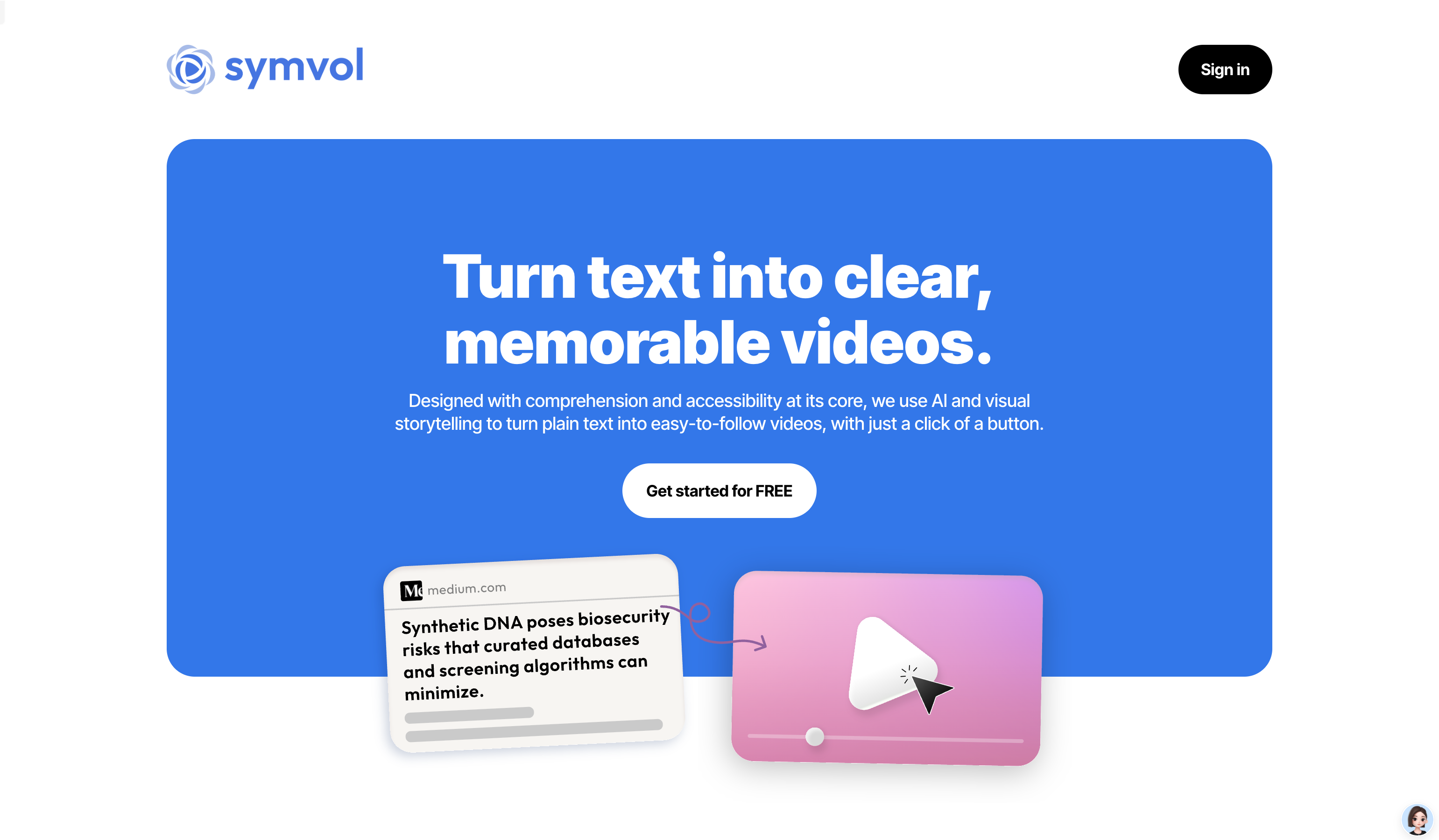
Screenshot archived from the listing page, for preview only.











