
Syllogic
Open-source, self-hosted personal finance dashboardTrack money your way with AI classification and CSV import
Highlights
What you can do with it
- An individual tracks monthly income and spending categories
- A small business owner links transfers to avoid double counting
- A developer self-hosts and extends the open-source dashboard
How to use it
- 1 Open the live demo to explore the product first
- 2 Choose a self-host path such as Docker, VPS, or Railway
- 3 Run the install script or deploy the template with your secrets
- 4 Import your bank CSV file
- 5 Use the balance view, AI classification, and subscription tracking
Who it is for
Pros
- Free under the AGPL 3.0 open-source license
- You keep control and can export your data
- Optional AI classification plus rule-based backup
- Flexible self-hosting including Docker and Railway
Limitations
- Open-source and free now, but project terms can evolve
- Self-hosting takes setup and maintenance effort
- AI classification is optional and may need an API key
- You are responsible for your own data security
What Syllogic is
Syllogic is an open-source, self-hosted personal finance dashboard. Its point is to give you control over your financial data instead of locking it inside a hosted budget app. You can see balances and cash flow in real time, use optional AI classification for transactions, track recurring subscriptions grouped by merchant, compare spending by category over time, link transfers to avoid double counting, and import and export bank CSV files so you are never locked in. It can also connect Claude Desktop or any MCP-compatible model to your data so you can ask questions in natural language. It runs under the AGPL 3.0 license, which means it is free, and you can self-host with Docker, on a VPS, on Railway, or in a home lab.
What you can do with it
- Track balances, savings, expenses, and cash flow in real time
- Classify transactions with optional AI or rule-based backup
- Group recurring subscriptions by merchant to spot waste
- Import and export bank CSV data and query it through MCP
Who it is for
- Self-hosted users who want a real dashboard instead of a spreadsheet
- Privacy-conscious developers avoiding hosted SaaS lock-in
- Home lab users who want several deployment paths
- Small business owners who need accurate, self-controlled books
What to watch out for
Self-hosting takes real setup and ongoing maintenance, and you are responsible for your own data security and backups, so a mistake or a lost server can cost you your records. The AI classification is optional and may need an API key, with rule-based matching as a fallback, so plan for manual cleanup at first and check categories for accuracy. It is free under the AGPL 3.0 license now, but open-source project terms can evolve, so check the current license and release before you depend on it. Test with a small data set before moving your full financial history over.
FAQ
What is Syllogic?
It is an open-source, self-hosted personal finance dashboard with AI classification and CSV import.
Is it free?
Yes, it uses the AGPL 3.0 open-source license, which means it is free.
How can I deploy it?
You can self-host with Docker on your machine, a VPS, or a home lab, or use the Railway template.
Why it is free
What the official page says: 免费
Free limits, trial length and features are decided by the official site and can change at any time.
Product preview
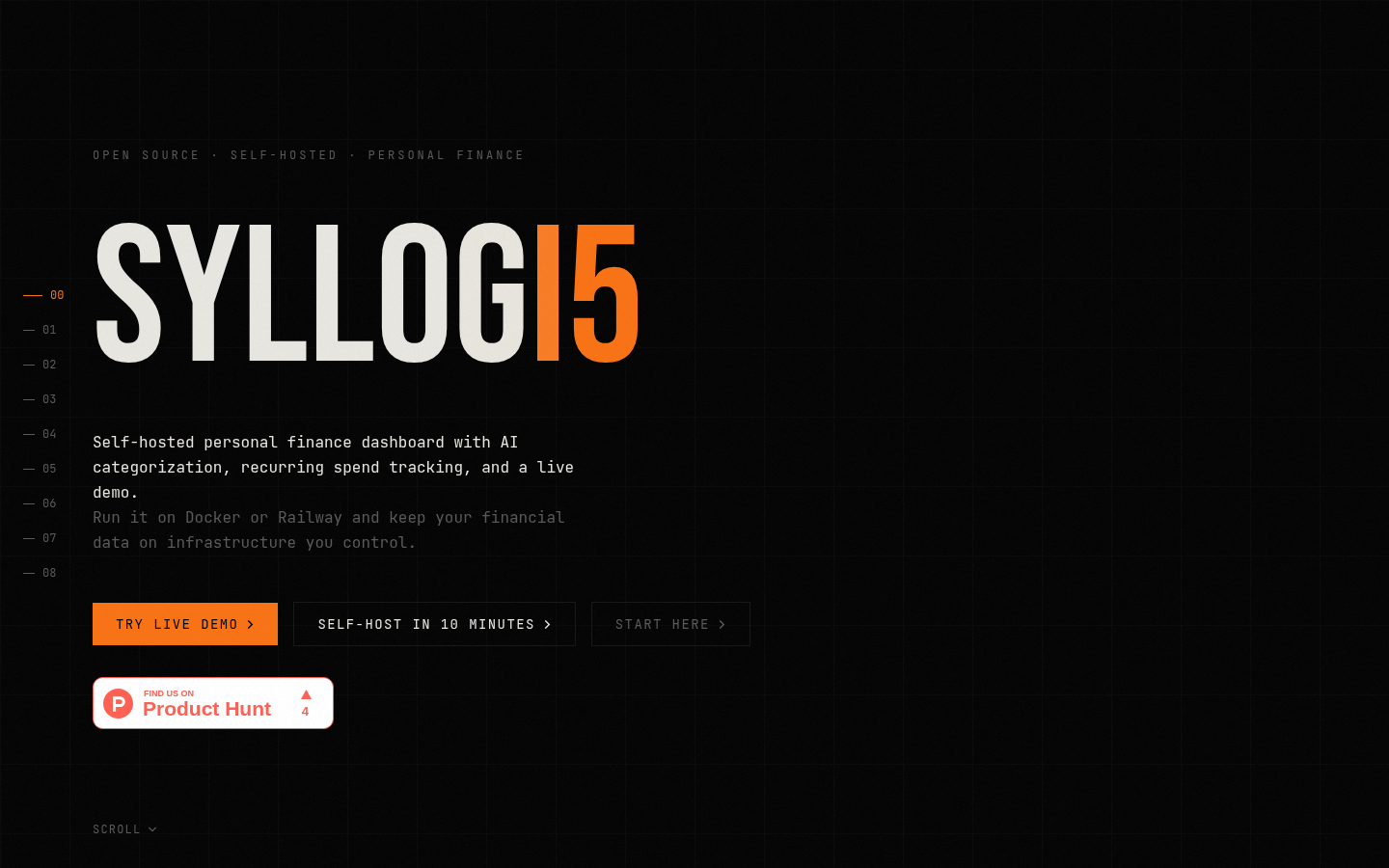
Screenshot archived from the listing page, for preview only.











