
Switchboard Canvas
API driven image generation from templatesTurn templates into many images by API
Highlights
What you can do with it
- Localized social images for many markets from one template
- Resized creative for every ad placement
- Personalized images with per user text or names
How to use it
- 1 Start the 14 day free trial on the Switchboard Canvas site.
- 2 Design a template in the editor and preview it.
- 3 Import your own images and fonts.
- 4 Call the API with the values you want changed.
- 5 Pull the rendered images in each size you need.
Who it is for
Pros
- One template becomes many images through the API
- No credit card needed for the 14 day trial
- Custom fonts and images keep output on brand
- Translation covers more than 70 languages in real time
Limitations
- The free window is 14 days, then a paid plan is required
- It is an API tool, so some technical setup is expected
- Template design still needs a designer's eye for good output
- The page does not list rate limits or render volumes
What Switchboard Canvas is
Switchboard Canvas is an image generation tool built around templates and an API. You start in a template editor where you lay out the design, import your own images and fonts, and preview the result. Once the template is set, the API does the repetitive part: you send the values you want changed and get rendered images back, in several sizes at once, with individual template values adjustable per call. That makes it useful when you need hundreds of variations of the same layout instead of one picture. It also does real time text translation across more than 70 languages, which helps when one design has to serve several markets. A 14 day free trial with no credit card gives access to all features.
What you can do with it
- Design and preview templates in the browser
- Import custom images and fonts into a template
- Generate many images at once through the API
- Change individual values per image, such as text or names
- Export several sizes from one design
- Translate text in real time for localized versions
Who it is for
- Developers wiring image generation into an app or pipeline
- Marketing teams producing creative in many sizes
- Localization teams adapting one design to many languages
- Anyone automating image output from a fixed layout
What to watch out for
The free window is 14 days and needs no credit card, but after that a paid plan is required, and the page does not publish pricing. Because output comes through the API, expect to write code or use an integration; this is not a drag and drop tool for one off images. Template quality still depends on your design: a good template scales well, a weak one scales badly, and every layout error gets repeated across every render. The page does not list render volumes or rate limits, so check those against your expected use before you commit. Translation covers the text inside the template, not the meaning of your copy, so have a native speaker review localized versions before they go live.
FAQ
How does Switchboard Canvas work?
You design templates in a browser editor, then generate images from those templates through the API.
Can I use my own fonts and images?
Yes, importing custom images and fonts is listed as a feature.
Does it handle other languages?
It supports real time text translation for over 70 languages.
Is there a free trial?
Yes, a 14 day free trial with no credit card required, with access to all features.
Why it is free
What the official page says: free trialno credit card
Free limits, trial length and features are decided by the official site and can change at any time.
Product preview
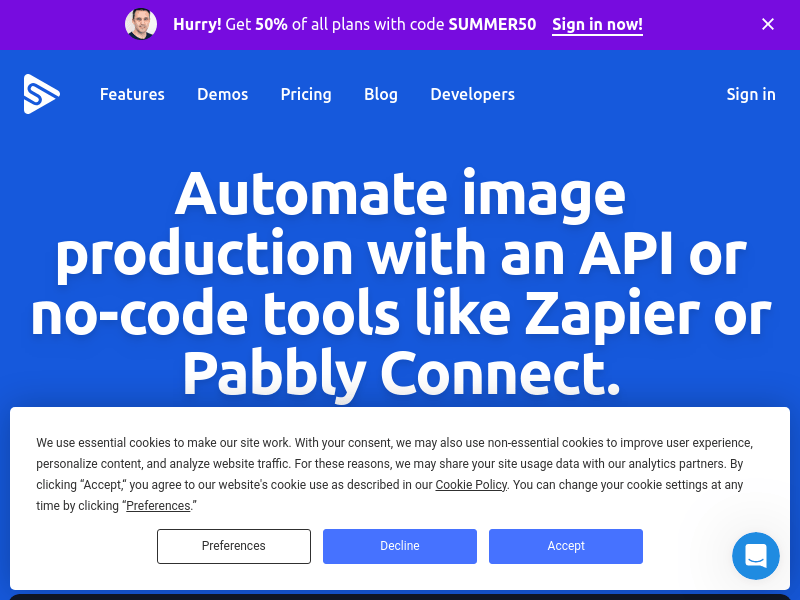
Screenshot archived from the listing page, for preview only.











