
SuperMaker AI Video Generator
All in one AI video, image, and music creation suiteStart free without logging in, make AI movies
Highlights
What you can do with it
- An individual creator makes a personal documentary with the video generator
- A film team uses the AI audio synthesis for a soundtrack
- A music producer uses the image generator to make a music video
How to use it
- 1 Open the SuperMaker website
- 2 Pick the module you need, such as AI Video or AI Image Generator
- 3 Enter your requirements or upload materials
- 4 Interact with the AI or let it generate automatically
- 5 Edit and optimize the result, then export the finished video
Who it is for
Pros
- Free to start without logging in
- Combines video, image, music, and voice in one platform
- Version control and asset management help longer projects
Limitations
- Free access and features can change, and heavy use may push you to pay
- Many modules in one place means a learning curve to use them well
- Professional output still depends on your input and editing, not just the AI
What SuperMaker is
SuperMaker is a combined AI creation platform. Its centerpiece is an AI video generator, and around it sit AI image generation, AI music creation, and AI voice synthesis, so you can handle several kinds of media in one place. It supports longer project work such as script writing, storyboards, and post production, and it offers a chat mode for talking to the AI as you build. There is asset management with version control to keep longer projects organized. You can start for free without logging in, which makes it easy to test before you invest time in learning the full toolset.
What you can do with it
- Generate AI video and pair it with AI images, music, and voice
- Write scripts and build storyboards inside the same platform
- Use chat mode to guide the AI as you create
- Manage assets with version control and export finished video
Who it is for
- Individual creators making personal or documentary style video
- Music producers and film teams that need AI audio and visuals
- Small teams that want one tool for video, image, and music work
What to watch out for
Free access can change, and heavy or professional use may push you toward a paid plan, so check current terms before you build a workflow around it. Because it packs video, image, music, and voice tools into one place, there is a learning curve to use each module well rather than just scratching the surface. Finally, professional, movie style output still depends on your input and editing, so treat the AI as a strong starting point rather than a finished product you can publish untouched.
FAQ
Do I need to log in to use SuperMaker?
No. SuperMaker says you can start for free without logging in, which makes it easy to try before committing.
What can SuperMaker create?
It covers AI video generation plus AI image generation, AI music creation, and AI voice synthesis, with support for scripts, storyboards, and post production.
Who is it for?
It suits individual creators, music producers, and film teams that want one platform for video, image, and audio work.
Why it is free
What the official page says: for free
Free limits, trial length and features are decided by the official site and can change at any time.
Product preview
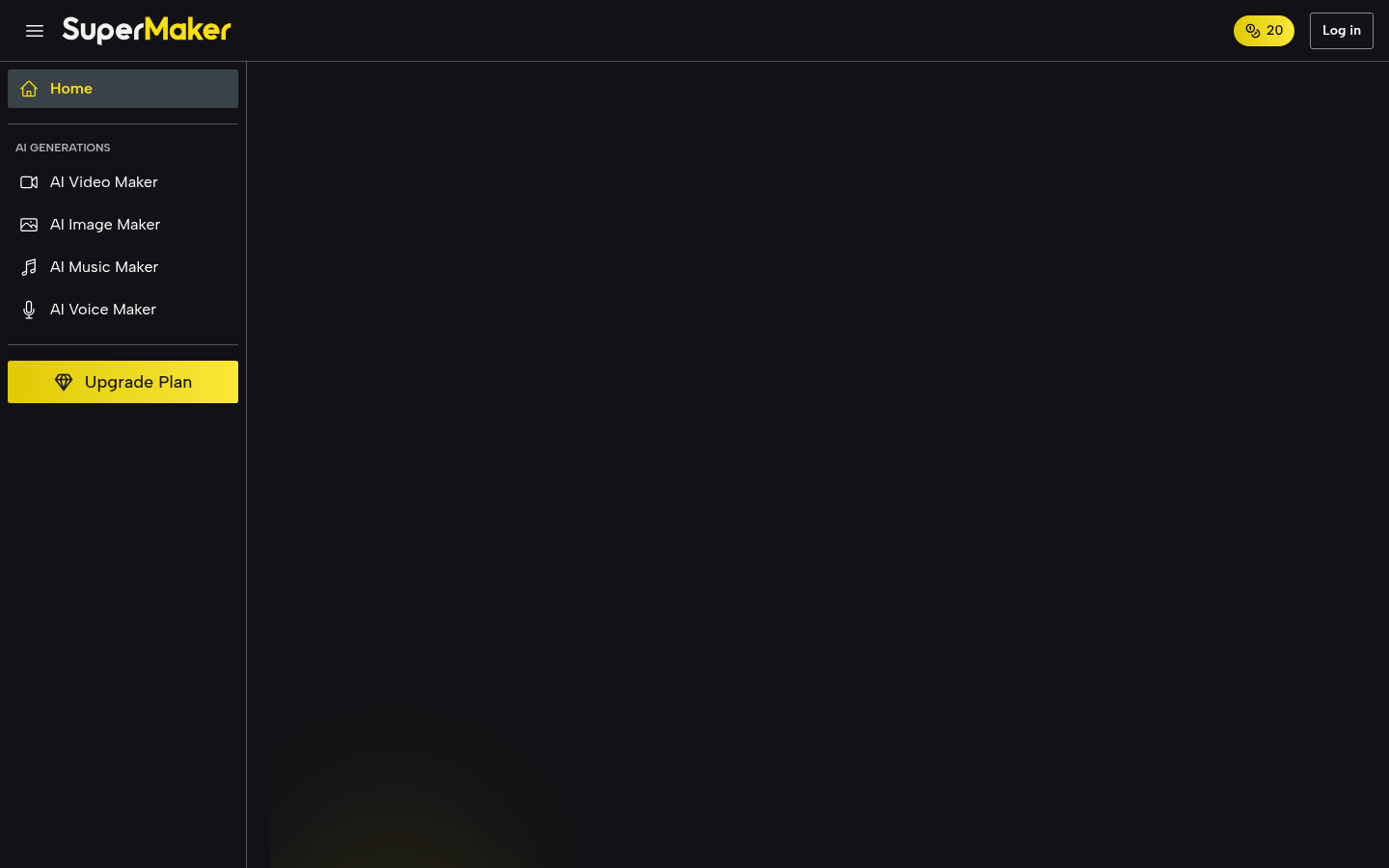
Screenshot archived from the listing page, for preview only.











