
Superapp
AI that builds native iOS apps without codingTurn your app idea into a real iOS app in minutes
Highlights
What you can do with it
- An entrepreneur with a social app idea ships a first version without a developer
- A small team builds an internal management app without design staff
- A student turns a study helper idea into a working app
How to use it
- 1 Download the Superapp build for your Mac and install it
- 2 Register and make sure Xcode with an iOS simulator is available
- 3 Type in the key idea; Superapp fills in product assumptions
- 4 Review the draft and refine it with follow-up prompts
- 5 Ask the AI chat to set up Supabase, then follow the publishing guide
Who it is for
Pros
- No need to hire developers or designers for a first version
- Native Swift output stays aligned with Apple standards
- Free plan with 5 credits lets you try before paying
- Direct founder support instead of a ticket queue
Limitations
- macOS and Xcode are required, so Windows and Linux users are out
- The free plan only includes 5 credits, so real projects need a paid plan
- AI drafts still need review before App Store submission
What Superapp is
Superapp is an AI tool that builds native iOS apps from a short description of your idea. You type in what the app should do and the AI produces a first draft, including design, screens and database structure. The code is written in native Swift, which the product presents as a way to keep app quality in line with Apple's standards. Pricing is credit based: the free plan gives 5 credits, Pro is 25 dollars per month with 50 credits, Business is 50 dollars with 100 credits, and Max is 100 dollars with 200 credits. Large teams can ask about an enterprise version with exclusive support and onboarding training.
What you can do with it
- Turn a rough app idea into a working native iOS app in minutes
- Let the AI set up a Supabase database including credentials
- Generate app components with the built-in design system
- Refine the app with follow-up prompts instead of rewriting code
Who it is for
- Non-developer entrepreneurs validating an idea without hiring a team
- Individual creators with an app concept but no programming experience
- Small teams that need an internal tool with no dedicated developer
What to watch out for
It runs on macOS and needs Xcode, so it is not an option on Windows or Linux. The free plan only includes 5 credits, enough to look around but not to build a serious product, so most people end up on a paid plan. AI drafts still need human review before publishing, especially around data handling and App Store rules. Credit pricing and plan limits can change, so check the site before you commit.
FAQ
Is Superapp free?
There is a free plan with 5 credits. Paid plans run from 25 dollars per month with 50 credits up to 100 dollars with 200 credits.
Do I need to code?
No. You describe the idea and the AI handles design and database details, though prompts let you refine results.
What do I need installed?
A Mac with the latest Xcode so the iOS simulator is available.
Why it is free
What the official page says: free plan
Free limits, trial length and features are decided by the official site and can change at any time.
Product preview
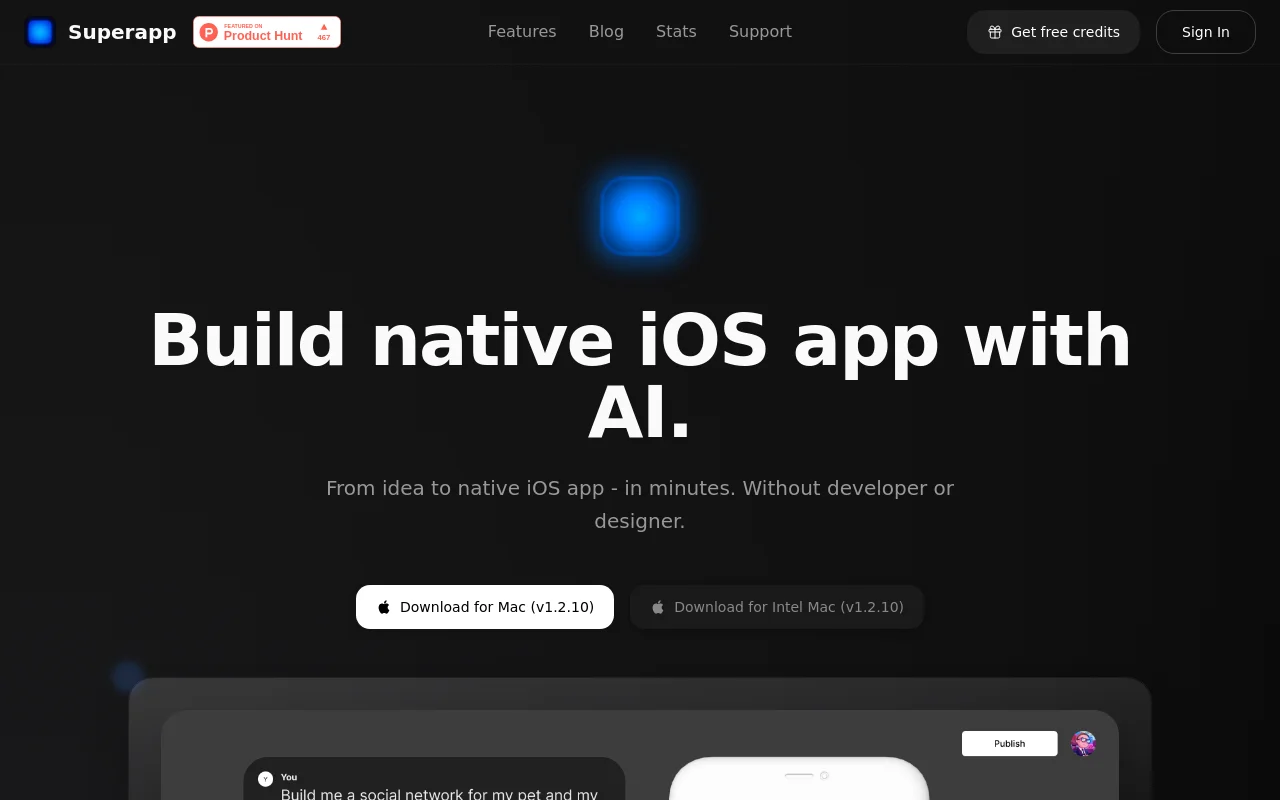
Screenshot archived from the listing page, for preview only.











