
Supamail
AI email assistant for GmailSummaries, categories, and smart replies for Gmail
Highlights
What you can do with it
- Busy managers handling hundreds of emails a day
- Business travelers who want a fixed daily summary time
- Students muting promotional mail and keeping school notices
How to use it
- 1 Visit supamail.co and start the 7 day free trial
- 2 Install the Supamail app from the App Store
- 3 Log in with your Gmail account
- 4 Set your daily summary time and notification preferences
- 5 Use summaries, categories, and AI replies from your inbox
Who it is for
Pros
- A 7 day free trial before paying
- Summaries and categories cut inbox noise
- Privacy commitments with CASA Tier 2 certification
Limitations
- It works with Gmail only
- A 4.99 dollar monthly subscription follows the trial
- AI replies should be reviewed before sending
What Supamail is
Supamail is an AI email assistant made for Gmail. Inboxes fill up faster than anyone can read, so the app compresses threads into clear summaries, sorts mail into important, transactional, and promotional buckets, and drafts intelligent replies using the full context of a conversation. You can mute notifications for promotional and transactional mail while keeping important items audible, and you can schedule a daily summary so the essentials arrive at a set time. Privacy is a core claim: Supamail says it never stores or reads email content and holds CASA Tier 2 certification.
What you can do with it
- Summarize long threads into one click digests
- Auto categorize mail into important, transactional, and promotional
- Draft AI replies based on full conversation context
- Customize notifications and schedule a daily summary
Who it is for
- Busy professionals who receive high email volume
- Businesspeople who want a fixed daily briefing
- Students and everyday users who want a quieter inbox
What to watch out for
Supamail only works with Gmail, so other mailbox providers are out of scope. The 7 day free trial is a fair test window, but continued use costs 4.99 dollars per month, and pricing can change. AI replies are drafts, not final messages, so read them before sending, especially when tone matters. As with any app that touches your mailbox, review the privacy certification and permissions before you connect your account. Start with a small sample to confirm the output meets your expectations before processing the full batch. Free tiers and usage limits can change, so check the current rules on the official page before relying on it long term.
FAQ
Which email provider does Supamail support?
It is designed specifically for Gmail.
Is my email content private?
Supamail states it never stores or reads email content and holds CASA Tier 2 certification.
How much does it cost?
There is a 7 day free trial, then 4.99 dollars per month.
Why it is free
What the official page says: free trial
Free limits, trial length and features are decided by the official site and can change at any time.
Product preview
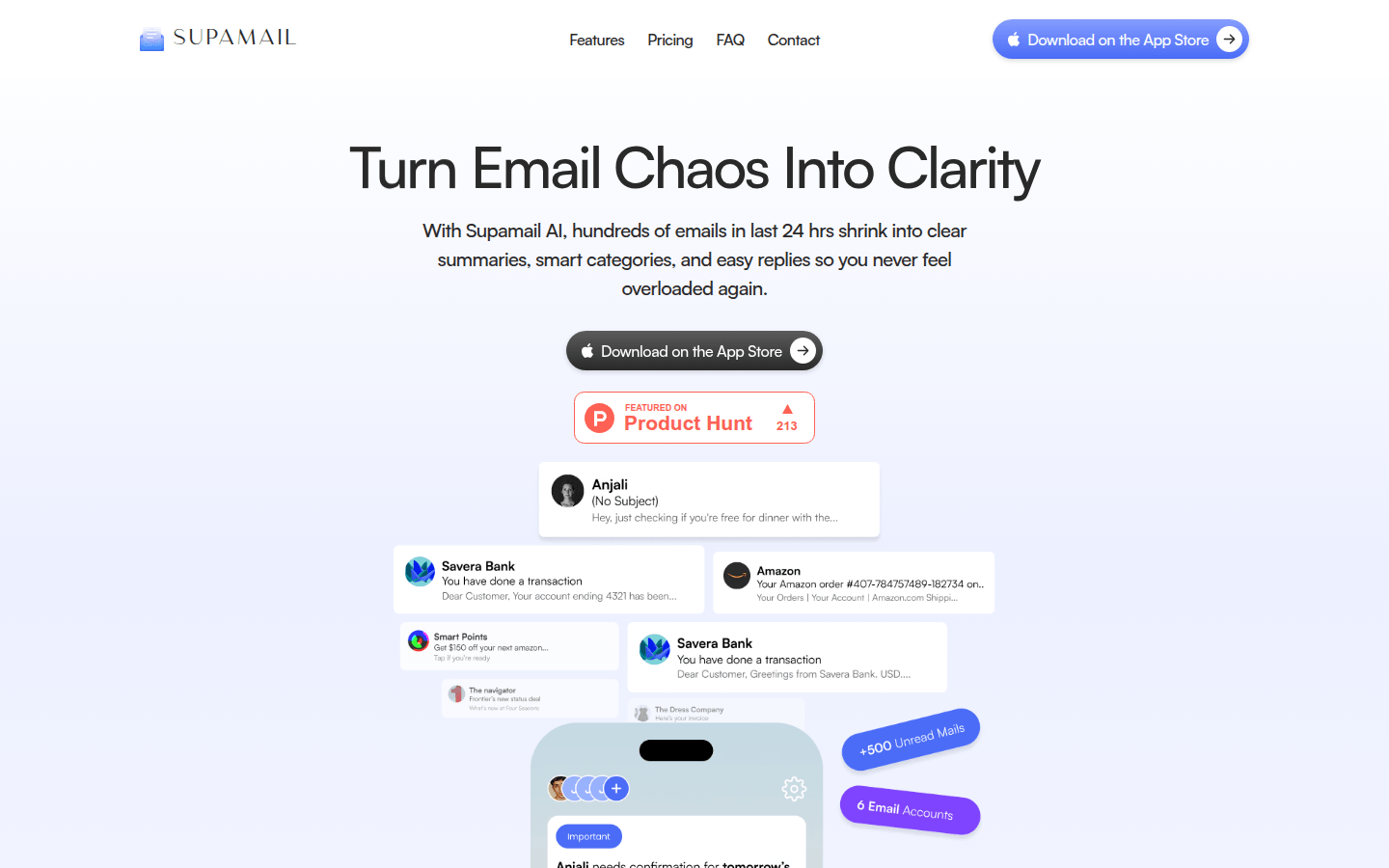
Screenshot archived from the listing page, for preview only.











