
Supademo
Interactive demo and guide platformInteractive product demos in minutes
Highlights
What you can do with it
- Embedding interactive demos inside support documentation
- Showing a product to prospects without a live call
- Letting customers learn the product on their own
How to use it
- 1 Capture the flow you want to demonstrate
- 2 Let Supademo turn it into an interactive demo
- 3 Customize the look, steps, and messaging
- 4 Share the link or embed it in your docs and site
Who it is for
Pros
- No coding needed to build a demo
- Sharing and embedding are quick
- Free to use, which suits small teams testing the idea
Limitations
- Free access today does not guarantee future pricing
- Complex products may need many demos to stay clear
- Demos go stale when the product interface changes
What Supademo is
Supademo is an interactive demo platform designed to be the fastest way to turn a product into a demo. You capture the flow, and Supademo auto-generates an interactive demo that people can click through on their own. From there you get customization options to shape the steps and messaging, plus quick sharing and embedding so the demo can live in your docs, your site, or a sales email. The pitch goes a step further than a plain screenshot tour: by adding context-driven documentation on top of the demo, teams can close deals faster and shorten customer onboarding, because the buyer or new user can explore the product without waiting for a call. Supademo is described as free and requiring no coding.
What you can do with it
- Generate an interactive demo from a product flow
- Customize steps, text, and presentation details
- Share a link or embed the demo in documentation
- Support customers who prefer to learn on their own
Who it is for
- Sales teams that need a demo ready on short notice
- Support and success teams building self-serve guides
- Product marketers who explain features without live calls
What to watch out for
A free tool can change its pricing or limits over time, so treat the current free access as a benefit to verify rather than a permanent guarantee. Interactive demos also need maintenance: every time your interface changes, old demos can mislead people, so someone has to own updates. For complex products, one demo rarely covers everything, and a long chain of demos can confuse more than it helps. Finally, a demo is not a substitute for real access; serious buyers often still want a trial or sandbox before they commit, so plan the demo as one step in a larger sales motion.
FAQ
Do I need to code to use Supademo?
No. The product is described as free and requiring no coding, with demos generated for you.
Where can I put a finished demo?
You can share it directly or embed it, including inside support documentation.
What is it mainly used for?
Product demonstration, documentation support, and customer onboarding are the listed uses.
Why it is free
What the official page says: 免费
Free limits, trial length and features are decided by the official site and can change at any time.
Product preview
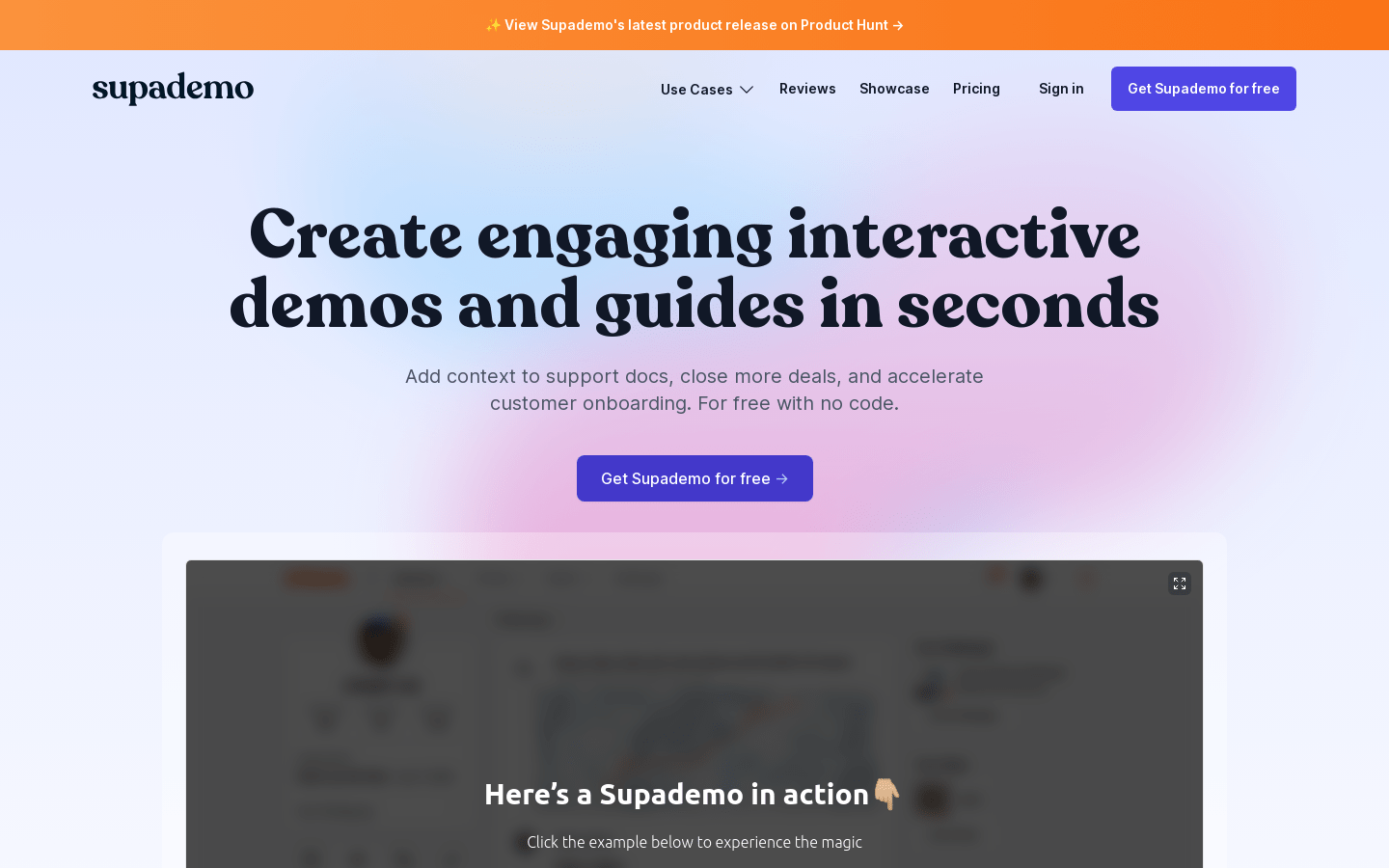
Screenshot archived from the listing page, for preview only.











