Sup AI
AI platform with orchestration and RAGFewer hallucinations, sources cited, models orchestrated
Highlights
What you can do with it
- Students use the free plan for reasoning in coursework
- Developers write and debug code on the Plus plan
- Research teams use the Super plan for AI research work
How to use it
- 1 Visit the product website
- 2 Pick a plan, free or paid such as Plus, Pro, or Super
- 3 Register and complete payment if you chose a paid plan
- 4 Log in and create a project or pick a module such as chat or search
- 5 Enter the task information and review the output
Who it is for
Pros
- Confidence scoring and citations add a check on answers
- Multimodal RAG keeps more context available
- A free plan exists for students and general users
- Project workspaces and cross-device sync help continuity
Limitations
- Free plan limits push serious work to paid tiers
- Confidence scoring reduces errors but does not remove them
- Orchestration choices still need your review
- Pricing and plan terms can change at any time
What Sup AI is
Sup AI is an AI platform that brings together several techniques aimed at reliability. Real-time log probability confidence scoring is used to identify hallucinations, multimodal retrieval augmented generation keeps text and image context available, and multi-model orchestration selects which model handles a given task. It also records thinking traces and attaches source citations, so you can inspect how an answer was reached. The product was founded in 2025 and is headquartered in Mountain View, California. A free plan covers students and general users, with Plus, Pro, and Super plans above it.
What you can do with it
- Run chat and search tasks with citations attached
- Use multimodal RAG so the assistant does not forget context
- Inspect thinking traces to see how a conclusion was formed
- Work inside project workspaces with cross-device sync
- Collaborate with a team on shared projects
Who it is for
- Students who need a free plan for coursework reasoning
- Developers who want deeper thinking modes and professional tools
- Researchers and teams with heavier workloads
What to watch out for
Confidence scoring and citations reduce errors but do not eliminate them, so verify anything important before you rely on it. Model orchestration is automatic, which means you give up some control over which model answers you. The free plan is limited, and sustained work will need a paid tier. Pricing and plan details are set by the operator and can change at any time. Free tiers and usage limits can change, so check the current rules on the official page before relying on it long term. Processing speed depends on file size and network conditions, so retry later if a task stalls during peak hours.
FAQ
Is there a free plan?
Yes, the free plan is aimed at students and general users for basic reasoning tasks.
How does it try to avoid hallucinations?
It uses real-time log probability confidence scoring to identify hallucinated content, and it adds source citations to generated answers.
What plans are available?
Free, Plus for developers, Pro for advanced users, and Super for researchers and teams.
Can I see how an answer was reached?
Thinking traces record the AI's reasoning process so you can inspect how a conclusion was formed.
Why it is free
What the official page says: free plan
Free limits, trial length and features are decided by the official site and can change at any time.
Product preview
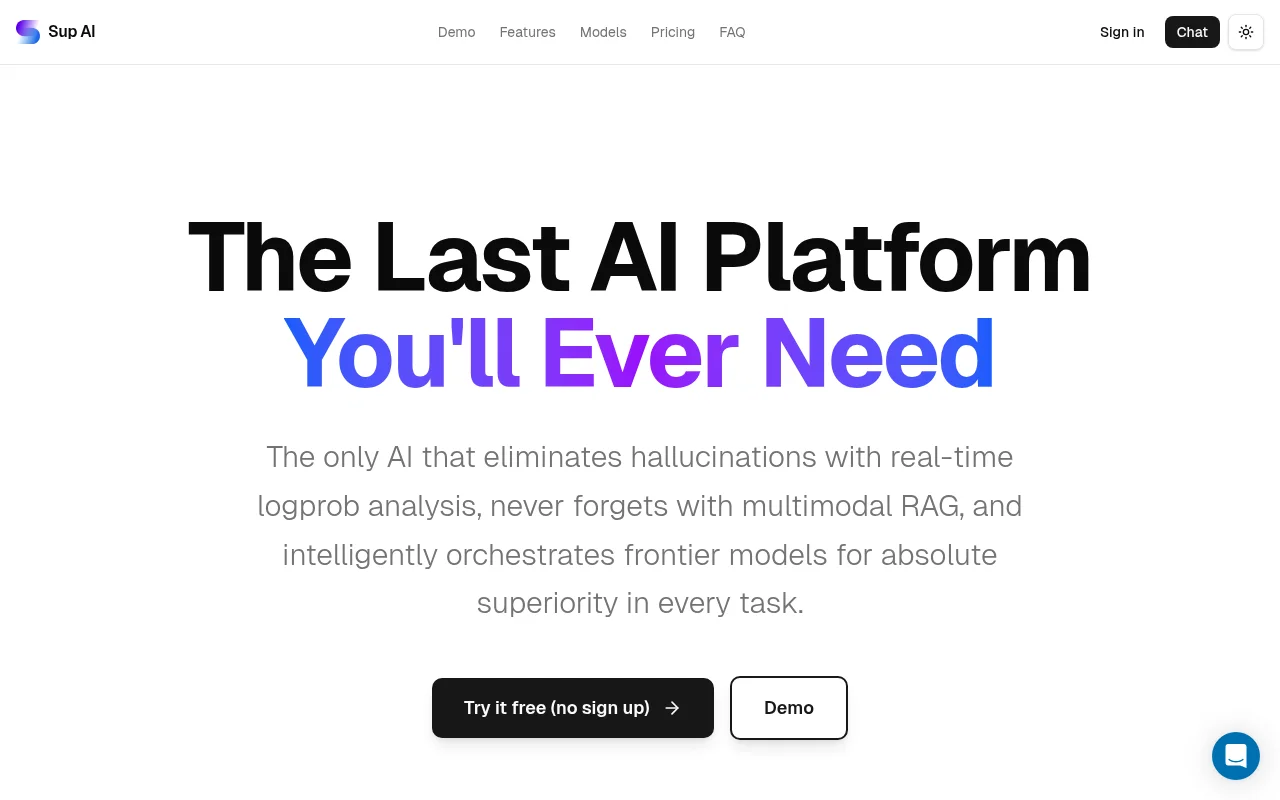
Screenshot archived from the listing page, for preview only.