
Suno AI Musical Generator
Free AI music and song generatorCreate unique songs and music in seconds
Highlights
What you can do with it
- Musicians drafting song ideas in different styles
- Video creators generating background music
- Students creating original music for assignments
How to use it
- 1 Visit sunoaimusical.com
- 2 Enter the style, theme, or lyrics you want
- 3 Click generate and wait for the track
- 4 Listen to the result and regenerate if needed
- 5 Save the track you like locally
Who it is for
Pros
- Free to create with no payment required
- Fast generation from a simple text input
- Multiple styles available in one place
Limitations
- Free access terms can change
- Uniqueness of output cannot be fully guaranteed
- Sound quality varies with the style you choose
What Suno AI Musical Generator is
Suno AI Musical Generator is a free tool for creating songs and music with AI. You type in what you want, such as a style, a theme, or lyrics, and the generator produces a track in seconds. The point is access: people who cannot play instruments or run production software can still hear their ideas as finished audio. The tool supports several styles, from pop and rock to classical, and aims for studio quality sound with clear tone.
What you can do with it
- Generate a full song from text input or lyrics
- Create instrumental music in different styles
- Draft multiple versions quickly to compare ideas
- Save tracks locally for later use
Who it is for
- Music creators who want fast first drafts
- Amateur music lovers with no production background
- Video creators who need background music that matches a mood
- Students producing original music for coursework
What to watch out for
Free creation is the current model, but free access and limits can change, so verify terms before you build a project around it. Generated tracks are unique by design, yet similarity to existing music is never impossible, so check your output before commercial use. Quality also varies by style and prompt, so expect to regenerate a few times before a track feels right. Processing speed depends on file size and network conditions, so retry later if a task stalls during peak hours. Run one full task end to end first, then expand once you are comfortable with the workflow and the result quality. Behavior may vary across browsers and devices, so test before production use and consult the help docs if errors appear.
FAQ
Is Suno AI Musical Generator free?
Yes. Users can create AI songs and music for free.
What styles can it generate?
It supports multiple styles including pop, rock, and classical, among others.
Can I use lyrics?
Yes. You can input descriptive text or lyrics and the tool converts it into music.
Why it is free
What the official page says: for free
Free limits, trial length and features are decided by the official site and can change at any time.
Product preview
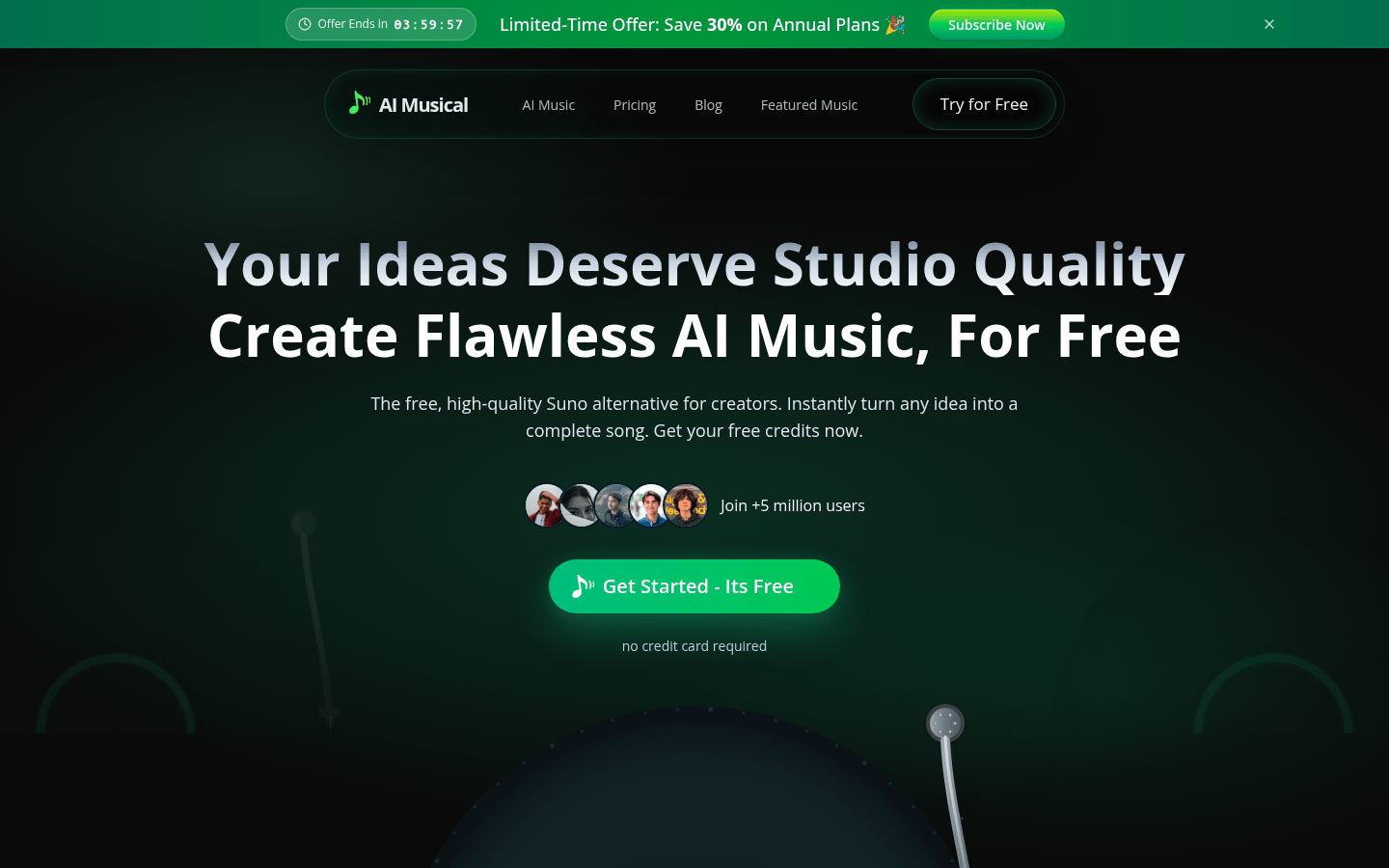
Screenshot archived from the listing page, for preview only.











