
Suno
AI music generator for original songs in secondsTurn an idea into a track without studio skills
Highlights
What you can do with it
- An individual creator makes original songs and shares them with fans
- A music lover produces custom tracks for personal projects
- A small studio creates tailored pieces for clients
How to use it
- 1 Go to the Suno website and register an account.
- 2 Log in and pick a free plan or a paid plan depending on your needs.
- 3 Use the generator to create music, then export the audio tracks.
- 4 Share your work and explore the other creation tools on the site.
Who it is for
Pros
- Free access is available, so you can try it before paying
- Output is produced in seconds rather than days
- No studio equipment or production background needed
- Exported tracks can be used outside the platform
Limitations
- Free usage is limited compared with paid plans
- AI output can sound generic and needs selection and editing
- Rights and licensing terms for commercial use need checking
- The site was unreachable at review time, so availability varies
What Suno is
Suno is an AI music generator. You describe what you want, and it produces a finished piece of music in seconds. The listing describes it as a tool for people who want to create music without professional skills, and states that it can be used for free, with paid plans available for those who need more. Once a track is generated you can export the audio, share it with others, and browse what other creators have posted on the platform.
What you can do with it
- Generate original music from a short written description
- Create songs and instrumental tracks without production experience
- Export audio files to use outside the platform
- Share finished work and listen to tracks from other creators
Who it is for
- Hobbyists who want to make songs without learning a full production stack
- Independent creators building a catalog of original material
- Small studios that need custom pieces for client work
What to watch out for
AI music tools produce fast, but the results are uneven. You will likely generate several versions before one is usable, and mixing or editing may still be needed to fit a project. Free access comes with limits, and the paid tiers change over time, so the amount you can create on a free plan today may not hold later. If you plan to release or monetize a track, read the current terms on ownership and commercial rights first. The site was also unreachable at review time, which is a reminder that online services can be down without notice. For team use, agree on naming and editing conventions in advance to avoid version conflicts or duplicated work.
FAQ
Can I use Suno for free?
Yes. The listing says users can use it for free, with different paid plans available on top.
Do I need to know music production?
No. It is aimed at people who want to create music but do not have professional skills.
What can I do with the tracks I generate?
You can export the audio and share your work with others, but check the platform terms before any commercial release.
Why it is free
What the official page says: for free
Free limits, trial length and features are decided by the official site and can change at any time.
Product preview
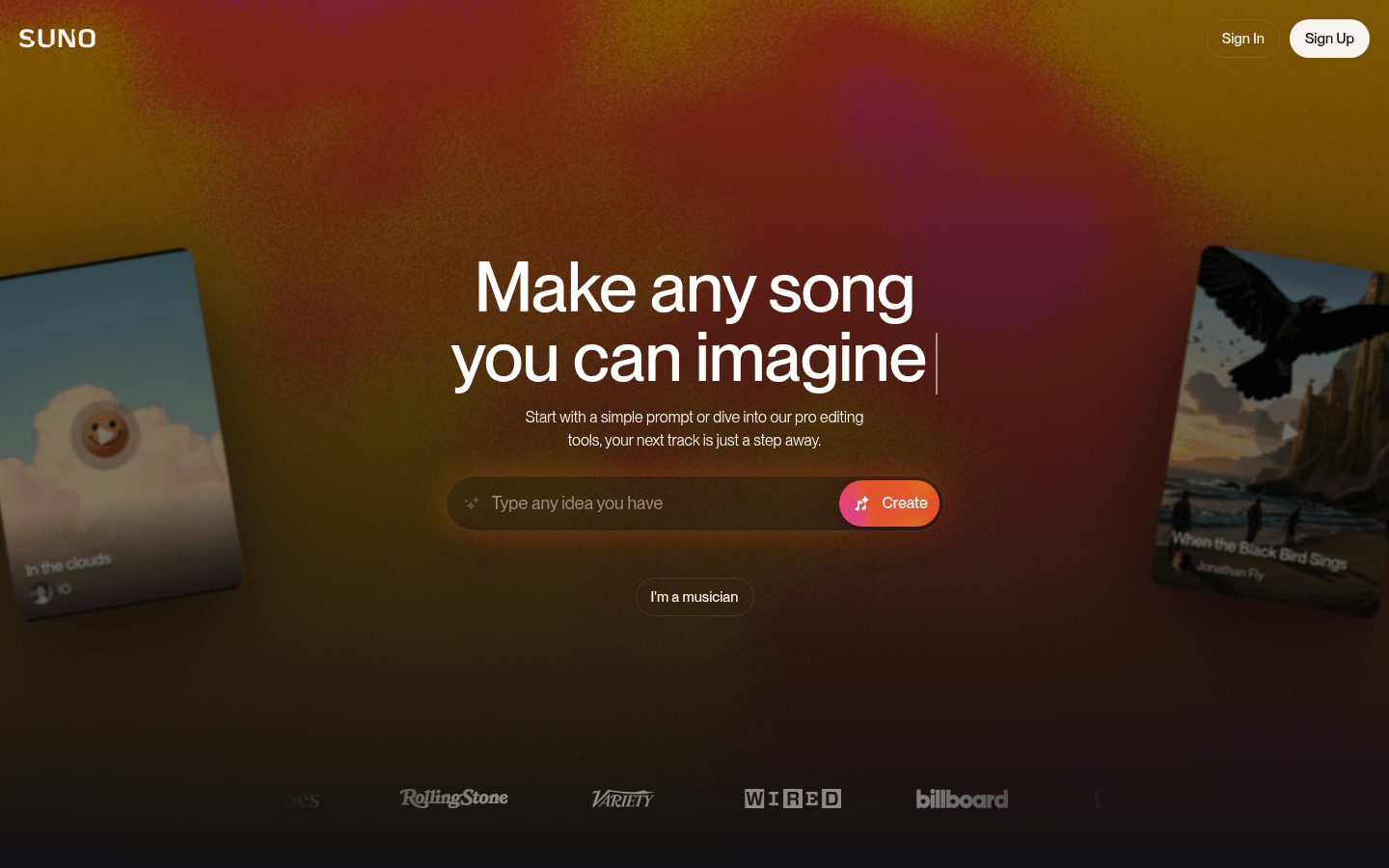
Screenshot archived from the listing page, for preview only.











