
SumyAI
AI video summarizationLong videos into key points
Highlights
What you can do with it
- Summarising an educational tutorial so students grasp the key concepts
- Compressing a product review so a shopper gets the essentials fast
- Shortening a news report to catch up on an event
- Skimming recorded talks and lectures before a full watch
How to use it
- 1 Open the SumyAI site
- 2 Paste or upload the video you want summarised
- 3 Run the summarization and wait for the result
- 4 Read the key takeaways and check them against the video
Who it is for
Pros
- Turns a long watch into a short read
- Useful across tutorials, reviews, and news
- Free trial lets you judge the output first
- No editing timeline to learn
Limitations
- Summaries can miss nuance or important detail
- Free trial limits apply before a paid plan is needed
- Accuracy depends on audio quality and spoken clarity
- Site availability can change for hosted services
What SumyAI is
SumyAI is an AI driven video summarization tool. The listing describes it as a way to condense lengthy videos into key takeaways, so instead of watching an hour long recording you read a short digest. The stated benefits are faster information absorption, saved time, and better retention of what mattered. It is catalogued under video editing and AI information platforms, and the tags point at education, news, and product review as the main areas of use. That tells you the intended input is spoken content with a clear structure, such as a tutorial or a news segment. Pricing is described as a free trial, so the listing positions it as something you test before committing to a paid plan rather than a permanently free service.
What you can do with it
- Turn a long video into a short list of key takeaways.
- Skim a tutorial or lecture before deciding whether to watch it fully.
- Get the essentials of a product review without sitting through the whole thing.
- Catch up on a news report in a fraction of the runtime.
Who it is for
- Students working through long lecture and tutorial videos.
- Shoppers who want the gist of a product review before buying.
- Anyone who follows news mainly through video reports.
- Professionals who need to skim recorded talks and webinars.
What to watch out for
A summary is a lossy format. Numbers, caveats, and the exact wording of a claim can drop out, and anything you plan to quote should be checked against the original video. Accuracy depends heavily on audio quality, background noise, and how clearly the speaker talks, so noisy footage produces weaker results. The listing describes a free trial, which means ongoing use for a course or a job will likely need a paid subscription, and those limits can change. Because the service is hosted, it also depends on the site staying reachable and on the platform accepting the videos you want to process. Do not use it as the only source for anything that carries real consequences.
FAQ
What does SumyAI do?
It condenses lengthy videos into key takeaways so you can absorb them faster.
Is there a free option?
The listing describes pricing as a free trial rather than an unlimited free plan.
What kind of videos work best?
The listed use cases are educational tutorials, product reviews, and news reports.
Should I trust the summary alone?
No, treat the summary as a guide and check the source video for anything important.
Why it is free
What the official page says: free trial
Free limits, trial length and features are decided by the official site and can change at any time.
Product preview
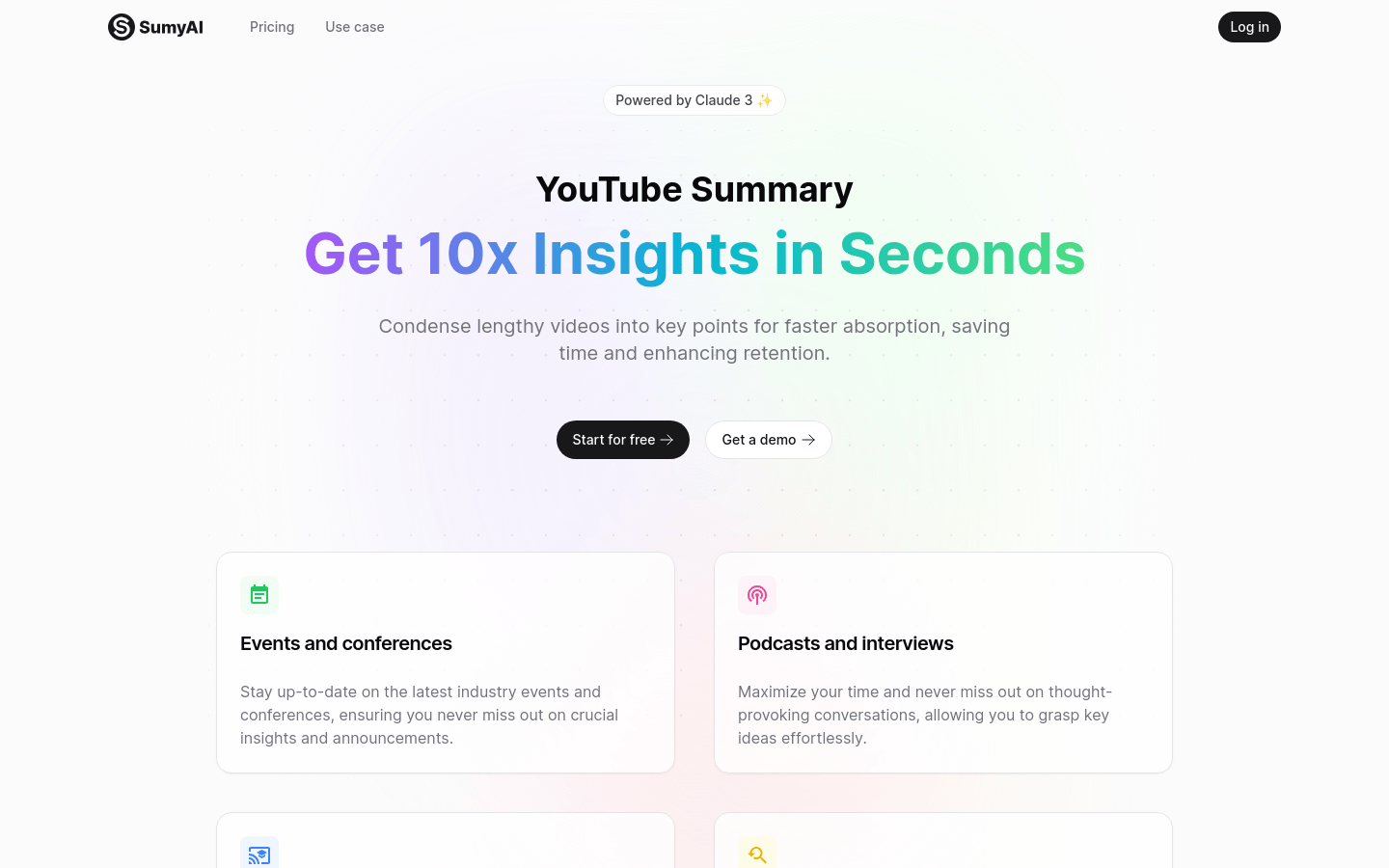
Screenshot archived from the listing page, for preview only.











