
Sumi — AI Manga Translator
AI manga and webcomic translatorRewrite manga text into your language in place
Highlights
What you can do with it
- Read a Japanese manga site in your language via the Chrome extension
- Import a manga PDF and study vocabulary by comparing translations
- Collect manga in many languages for cross-cultural research
How to use it
- 1 On mobile: open the Sumi app and load a manga site in its browser
- 2 Tap the Sumi ball to translate the page instantly
- 3 Turn on auto-translate so pages translate as you flip
- 4 On desktop: install the extension, open a chapter, and click the Sumi icon
Who it is for
Pros
- Translates in place, skipping the screenshot workflow
- Runs on mobile and desktop, including an online version
- Real vertical typesetting keeps the original layout
Limitations
- It starts free, but free page limits and terms can change
- Translation quality varies by language pair and art style
- Only use it on content you are allowed to access and translate
What Sumi is
Sumi is an AI manga translator that rewrites the text in manga and webcomics into the language you choose. Instead of taking screenshots and translating page by page, it works directly on official manga sites so you can read in place. It is available as an app on iPhone, iPad, and Mac, as a browser extension for Chrome, Edge, and Firefox, and as an online version. It supports 134 languages and performs true vertical typesetting for Chinese, Japanese, and Korean text so the layout stays faithful. It starts free, with extra free pages after you register an account.
What you can do with it
- Translate manga pages directly on official sites
- Read on mobile or desktop through the app or extension
- Import PDF, ZIP, CBZ, or EPUB files and translate them in the app
- Keep vertical text typesetting for Chinese, Japanese, and Korean
Who it is for
- Manga fans who read titles across languages
- Language learners comparing original and translated text
- Researchers gathering manga material in many languages
What to watch out for
It starts free, but free page limits and terms can change, so confirm current details before heavy use. Translation quality varies by language pair and by how busy the artwork is, so some panels may read rough. Only use it on content you are allowed to access and translate, and respect the terms of the sites you visit. Treat output as a reading aid rather than a polished official translation. Free tiers and usage limits can change, so check the current rules on the official page before relying on it long term. Processing speed depends on file size and network conditions, so retry later if a task stalls during peak hours.
FAQ
Do I need to screenshot pages?
No. Sumi translates directly on official manga sites, in the app or the browser extension.
How many languages?
It can translate manga into 134 languages.
Does it keep vertical text?
Yes. For Chinese, Japanese, and Korean vertical text, it performs true vertical typesetting.
Why it is free
What the official page says: for free
Free limits, trial length and features are decided by the official site and can change at any time.
Product preview
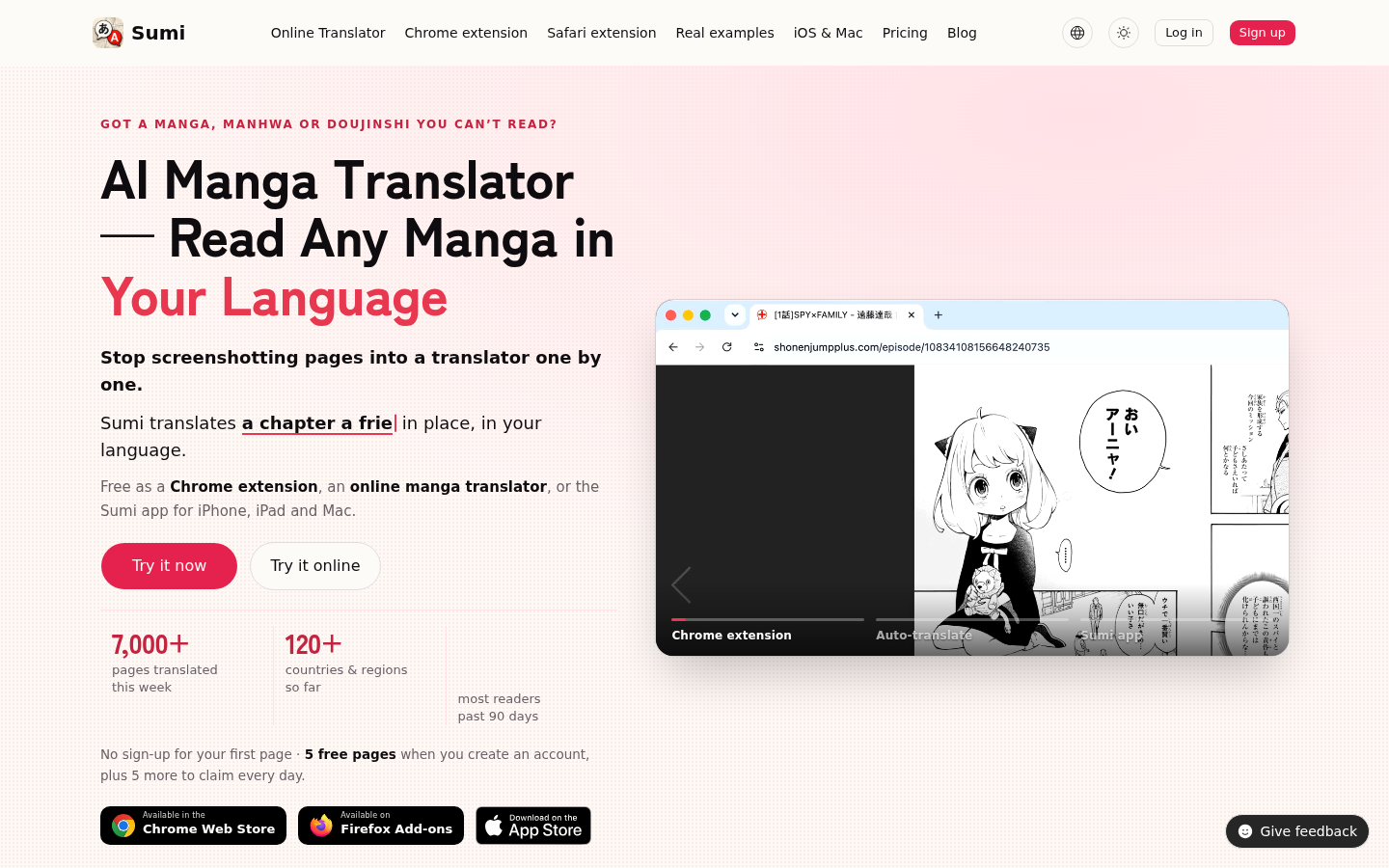
Screenshot archived from the listing page, for preview only.











