
Subtitle Sauce
Online subtitle generator and translatorAuto subtitles, translation, and conversion
Highlights
What you can do with it
- Add Chinese and English subtitles to a video blog
- Give existing course videos multilingual subtitles
- Translate a foreign news segment into Chinese quickly
How to use it
- 1 Open the Subtitle Sauce website in your browser
- 2 Upload the audio or video file you want to process
- 3 Run the recognition to generate the first subtitle draft
- 4 Edit the text and apply AI translation if needed
- 5 Export the subtitle file in the format you want
Who it is for
Pros
- Free for short videos up to 60 seconds
- Bilingual subtitles can be made directly online
- No installation, it runs in the browser
Limitations
- The free tier is limited to 60 second videos
- Recognition can miss words on noisy or fast audio
- Longer videos and heavier use point to paid plans
What Subtitle Sauce is
Subtitle Sauce is an online subtitle tool built on AI deep learning technology. It handles automatic subtitle generation, subtitle creation, speech to text, subtitle translation, and subtitle format conversion in one place. The service supports multiple languages and common audio and video formats, and the site says it works in all browsers, so there is nothing to install. Bilingual subtitles can be created online, and free generation is offered for 60 second short videos.
What you can do with it
- Turn the audio of a video into a first subtitle draft automatically.
- Translate that draft into another language with one click AI translation.
- Build bilingual subtitles for the same video.
- Convert the finished subtitles into the format your player needs.
Who it is for
- Video bloggers who want Chinese and English subtitles without manual typing.
- Online education teams adding languages to existing course videos.
- Media companies that need fast translation of foreign footage.
What to watch out for
The free offer is capped at 60 second videos, so longer projects need a paid plan. Speech recognition is not perfect, especially with background noise, fast speech, or strong accents, so always review the draft before publishing. Translation output should also be checked, since machine translation can miss tone and context. Free tiers and usage limits can change, so check the current rules on the official page before relying on it long term. Processing speed depends on file size and network conditions, so retry later if a task stalls during peak hours. Save a backup of the original file before large batch jobs, and keep an exported copy of key results in case the page or service becomes temporarily unavailable.
FAQ
How long can a free video be?
The site says free generation covers 60 second short videos.
Which formats does it support?
It supports common audio and video formats and converts between subtitle formats.
Can it make bilingual subtitles?
Yes, online creation of bilingual subtitles is listed as a feature.
Do I need to install anything?
No, the site says it is compatible with all browsers.
Why it is free
What the official page says: 免费
Free limits, trial length and features are decided by the official site and can change at any time.
Product preview
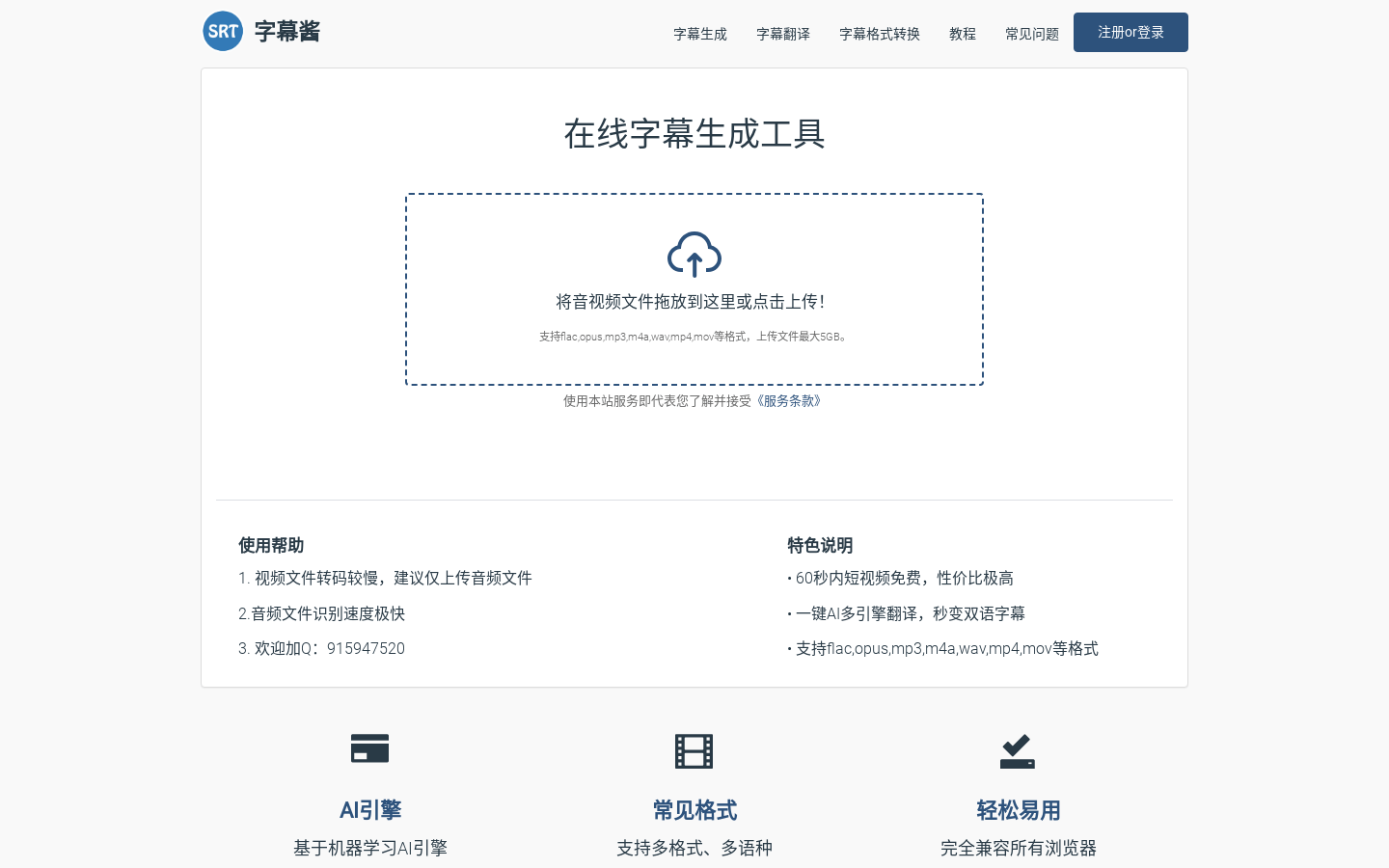
Screenshot archived from the listing page, for preview only.











