
Subscope — free subscription manager for startups and SMB
SaaS subscription managerFind and cancel unused software
Highlights
What you can do with it
- Rabata.io cut software costs by 15 percent after finding unused software
- Laoshi connected Gmail and had a full asset list in 10 minutes
- Kleos cleared unused licenses and surfaced idle cost
- Letson organized a creative team's tools without complex integration
How to use it
- 1 Register and start the free trial, or book a demo.
- 2 Connect your email and authorize reading vendor invoices and receipts, or link APIs.
- 3 Review the discovered subscriptions, seats, owners, and prices on the dashboard.
- 4 Invite the team, assign an owner per tool, and let staff request software from the catalog.
- 5 Set alerts for upcoming charges and idle seats, then use AI operations to clean up.
Who it is for
Pros
- Surfaces forgotten subscriptions and idle seats
- Low setup barrier through email connection
- AI agents handle routine add, remove, and cancel work
Limitations
- It needs email or API access, which raises permission and privacy questions
- Free trial limits and pricing can change
- Discovery depends on invoices arriving by email
- Savings figures come from cited data and customer cases, not a guarantee
What Subscope is
Subscope is a SaaS management platform for startups, small and medium businesses, and large enterprises. Its job is to know what software a company actually pays for and what it actually uses. It discovers subscriptions by securely reading invoices, receipts, and payment notifications from vendor emails, and it can also integrate with application APIs. From there it flags inactive seats, high-cost tools, and upcoming charges so nobody pays for idle licenses or forgotten renewals. Different roles get different views: a CEO sees monthly spend, IT sees accounts and access, finance sees departmental breakdowns, and employees get a self-service catalog. Built-in AI agents handle routine operations such as adding or removing users and canceling subscriptions.
What you can do with it
- Discover SaaS and AI subscriptions automatically from email and APIs
- See spend, seats, and owners in one dashboard
- Get alerts on upcoming charges and unused seats
- Govern shadow IT with a self-service employee catalog
- Automate adding users, removing users, and cancellations
Who it is for
- Startups and small businesses with no dedicated IT staff
- Large enterprises dealing with shadow IT across departments
- IT administrators automating onboarding and offboarding
- Finance managers and CFOs who need real visibility into software spend
What to watch out for
The tool needs access to email or application APIs to do its job, which means a real permissions decision and a privacy conversation before rollout, and you should confirm exactly what it reads. Free trial limits and pricing can change, so check current terms. Discovery quality depends on invoices actually arriving in the connected mailbox, and anything bought on a personal card may stay invisible. The savings numbers on the site come from cited industry data and customer cases, not a promise for your company.
FAQ
How does it find my subscriptions?
By securely reading invoices, receipts, and payment notices from vendor emails, and by integrating with app APIs.
Is there a free trial?
Yes. You can start free or schedule a demo.
How much can it save?
The site cites Gartner data on unused subscriptions and customer cases reporting savings above 15 percent, but results vary by company.
Why it is free
What the official page says: free trial
Free limits, trial length and features are decided by the official site and can change at any time.
Product preview
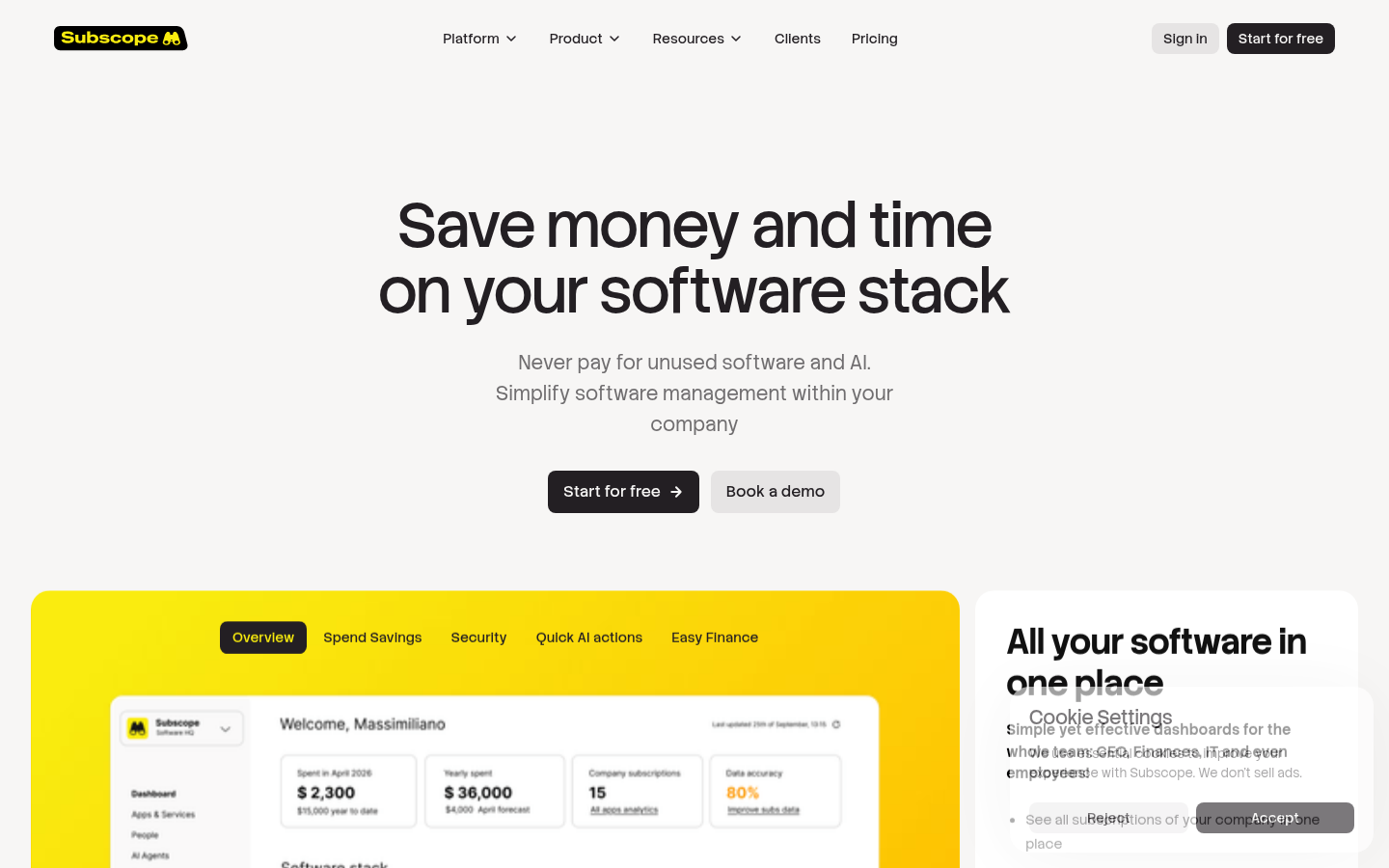
Screenshot archived from the listing page, for preview only.











