
StudyCrumb's Free Grammar
Free online grammar checkerCatch grammar and spelling mistakes
Highlights
What you can do with it
- Checking an essay or assignment before submission
- Proofreading an email or a message
- Cleaning up a draft before publishing
How to use it
- 1 Open the StudyCrumb grammar checker page
- 2 Paste or type your text into the box
- 3 Read the highlighted grammar and spelling issues
- 4 Apply the suggestions you agree with
- 5 Copy the corrected text out
Who it is for
Pros
- Free to use
- Runs in the browser with no install
- Flags both grammar and spelling
- Suggestions are shown for review rather than auto-applied
Limitations
- Free status and limits can change without notice
- Automated checks miss context and style problems
- Suggestions need human review before accepting
- Feature list is short compared with full writing suites
What StudyCrumb's Free Grammar is
StudyCrumb's Free Grammar is a free online grammar checker. You paste or type text, and the tool auto-detects grammatical errors, highlights spelling mistakes and offers improvement suggestions. The listing frames it as a reliable automated corrector that both finds errors and enhances the text. There is no installation step and no account mentioned, which makes it a quick option when you need a pass over something before sending it.
What you can do with it
- Check an essay or assignment for grammar and spelling before submission.
- Proofread an email or a message you are about to send.
- Clean up a draft before it goes to a client or a publisher.
- See suggestions rather than silent corrections, so you keep control.
- Use it in the browser without installing anything.
Who it is for
- Students checking assignments and coursework.
- Non-native speakers who want a second pass on their writing.
- Professionals sending important email or documents.
- Anyone who wants a quick check without opening a full writing suite.
What to watch out for
Free tools can change their limits or move features behind a paywall without much notice, so check the page before you rely on it for a deadline. Automated checking misses context, tone and some grammar patterns, and it will not tell you whether an argument makes sense. Suggestions should be reviewed rather than accepted blindly, since a technically valid change can wreck a sentence. The listed feature set is short compared with fuller writing suites, so this is a quick checker rather than a complete editing environment. Finally, avoid pasting confidential material into any third party text box.
FAQ
Is it free?
Yes, the listing describes it as a free online grammar checker.
What does it check?
Grammatical errors and spelling mistakes, with improvement suggestions.
Do I need an account?
No account or installation step is mentioned in the listing.
Who is it for?
Anyone proofreading text, with students and non-native speakers as obvious users.
Will it catch every mistake?
No. Automated checkers miss context, tone and some grammar, so read the result yourself.
Why it is free
What the official page says: 免费
Free limits, trial length and features are decided by the official site and can change at any time.
Product preview
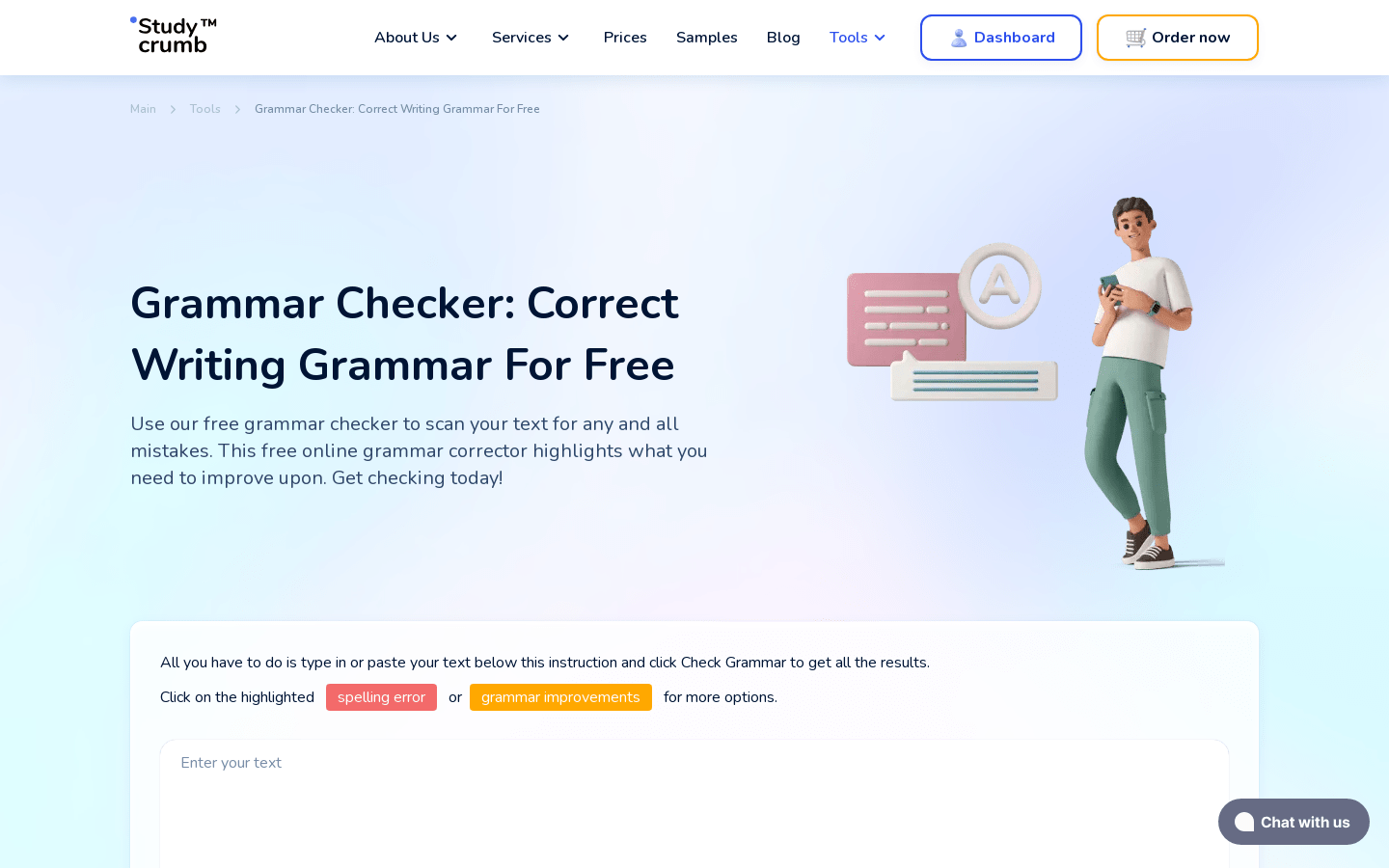
Screenshot archived from the listing page, for preview only.











