Studio Global
No-code AI workflow toolCreate content and automate workflows
Highlights
What you can do with it
- A marketing team automates email sequences for lead follow-up
- A founder drafts long-form SEO content and adapts it for social channels
- A business keeps one brand voice across all generated copy
How to use it
- 1 Visit app.studioglobal.ai and register or log in.
- 2 Choose a module such as AI Workflow, AI Chat, or AI Editor.
- 3 Build a no-code workflow with simple prompts to automate a task.
- 4 Use the AI Editor to turn chat output into finished written content.
Who it is for
Pros
- No-code workflows lower the barrier to automation
- Chat, editor, and content generation live in one product
- A custom brand voice keeps output consistent
Limitations
- The free trial is limited and paid plan details are not listed
- Automation quality depends on how well you write the prompts
- AI output still needs human review before it reaches customers
What Studio Global is
Studio Global is an AI tool focused on content creation and workflow automation. Its core idea is no-code: you build workflows from simple prompts, and the platform chains tasks such as content generation, customer communication, and marketing campaigns without any programming. The AI Chat module answers questions, reads files, and can take on a custom brand voice, while the AI Editor converts chat output into written content with one click. Content creation covers long-form pieces with SEO optimization and social media adaptation, and customer communication workflows include email sequence generation and lead meeting preparation. A prompt library and multilingual support round out the offering, and a free trial sits alongside paid plans.
What you can do with it
- Build no-code workflows that automate multi-step tasks from simple prompts.
- Chat with the AI, read files into the conversation, and set a brand voice.
- Turn chat output into finished written content with the AI Editor.
- Produce long-form SEO content, social adaptations, and customer email sequences.
Who it is for
- Marketing teams that need steady content and campaign output.
- Businesses that want customer communication handled by automation.
- Founders and solo operators who need volume without hiring.
What to watch out for
The free trial is limited and the paid plan details are not published, so cost planning needs a visit to the pricing page. Automation quality depends heavily on your prompts: a vague instruction produces vague output, so expect to iterate before the workflow runs cleanly. Because generated text can carry errors or off-brand phrasing, review anything that goes to customers. The product spans many modules, so each one may be less specialized than a dedicated tool built for the same job.
FAQ
Is there a free trial?
Yes, Studio Global offers a free trial, and users can choose a paid plan based on their needs.
What is a no-code workflow?
It is a task chain you build with simple prompts instead of code, so complex jobs run automatically.
Can it keep my brand tone?
Yes. The brand voice feature lets you customize a writing style so generated content stays consistent.
Why it is free
What the official page says: free trial
Free limits, trial length and features are decided by the official site and can change at any time.
Product preview
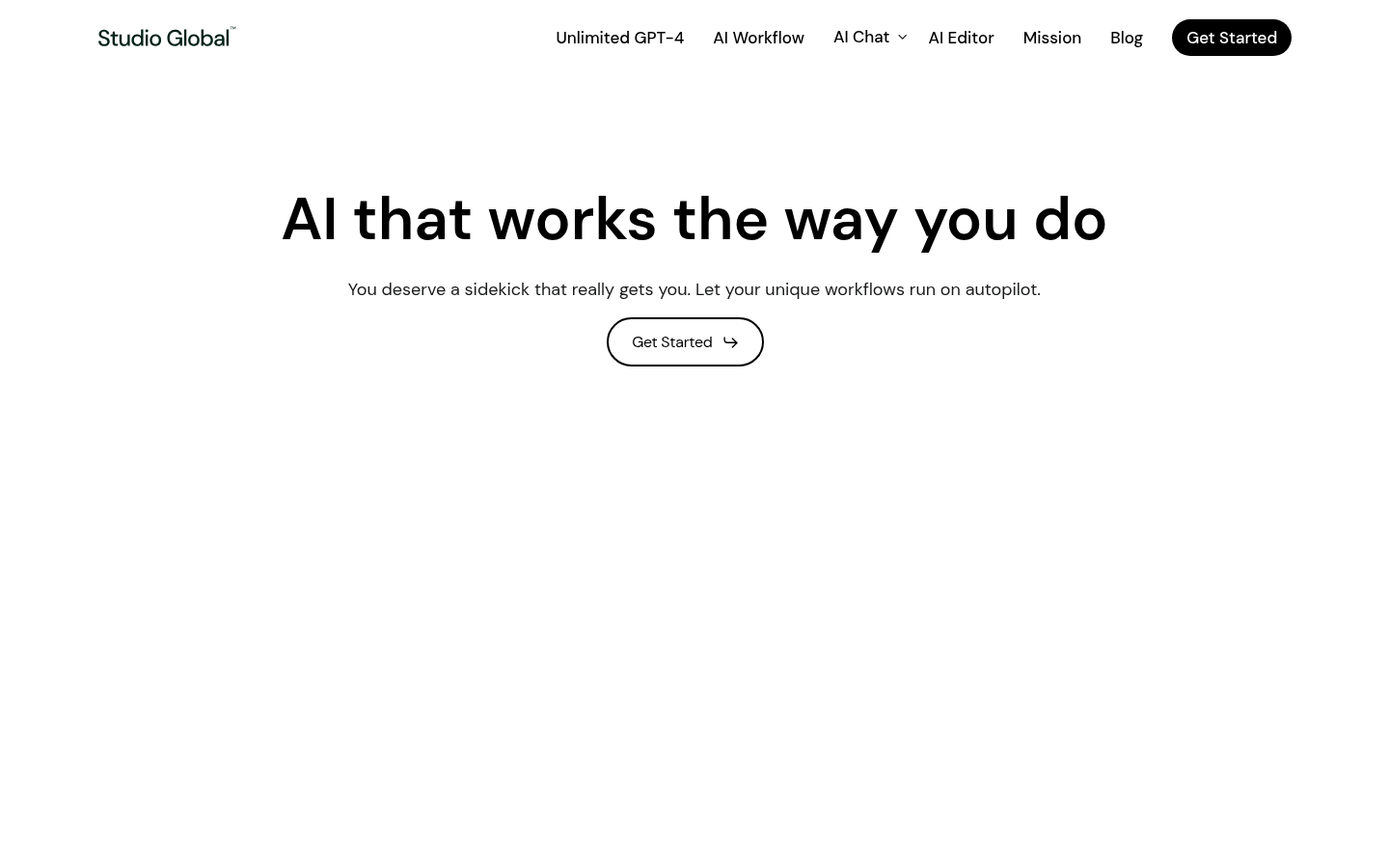
Screenshot archived from the listing page, for preview only.