
Structurepedia
Visual knowledge tree explorer for complex topicsExplore a subject as a connected tree
Highlights
What you can do with it
- Students map out how a discipline fits together
- Researchers scan an unfamiliar field before reading deeply
- Engineers collect practical references while solving a problem
How to use it
- 1 Visit the Structurepedia website in your browser.
- 2 Type a topic or keyword into the search box.
- 3 Browse the tree and click a node to read its detail.
- 4 Check the sidebar for related resources and links.
- 5 Contribute a correction or a new branch if you can.
Who it is for
Pros
- Tree layout makes relationships between ideas visible
- Free to explore according to the site description
- Related links and resources sit next to each node
Limitations
- Depth varies by topic because trees are community built
- Depends on outside links, which can move or disappear
- The free model and feature set can change over time
What Structurepedia is
Structurepedia is a structured knowledge encyclopedia that turns complex topics into interactive knowledge trees. Instead of one long article, a subject is split into nodes you can click through, and related resources and links are collected in a sidebar so you can jump sideways when you need context. The platform uses AI to present knowledge graphically, which the site says makes learning more intuitive and efficient. It also runs a helper called StructureBot that suggests refined queries when your first search is too broad. Exploration is described as free, and visitors are invited to contribute new branches and improve existing ones, so the trees grow as people add material.
What you can do with it
- Browse a structured knowledge tree for any topic
- Open a single node to read deeper detail on one idea
- Collect related resources and links from the sidebar
- Contribute corrections or new branches to the tree
Who it is for
- Students who want to see how a discipline fits together
- Researchers scanning a new field before going deeper
- Engineers and self-learners hunting practical references
- Visual learners who prefer structure over long prose
What to watch out for
Structurepedia is a learning aid, not a textbook. Because the trees are built and edited by contributors, depth varies a lot from topic to topic, and some nodes are thin while others are well sourced. Treat an entry as a map rather than a final authority, and verify anything important against primary material before you rely on it for study or work. The service also leans on AI to organise content and on outside links for resources, so links can move or disappear over time. Free access is not guaranteed forever: quotas, accounts, or limits could appear later. If you depend on it regularly, keep your own notes rather than trusting the site to stay exactly as it is.
FAQ
Does Structurepedia cost anything?
The site presents exploration as free. It does not publish a paid tier in the material we have, but free access can change.
Can I add my own material?
Yes. The feature list includes contributing to and improving the knowledge tree, and StructureBot helps refine queries.
Is it a replacement for a textbook?
No. It is a map of a subject. Depth is uneven, so check important facts against primary sources.
Why it is free
What the official page says: 免费
Free limits, trial length and features are decided by the official site and can change at any time.
Product preview
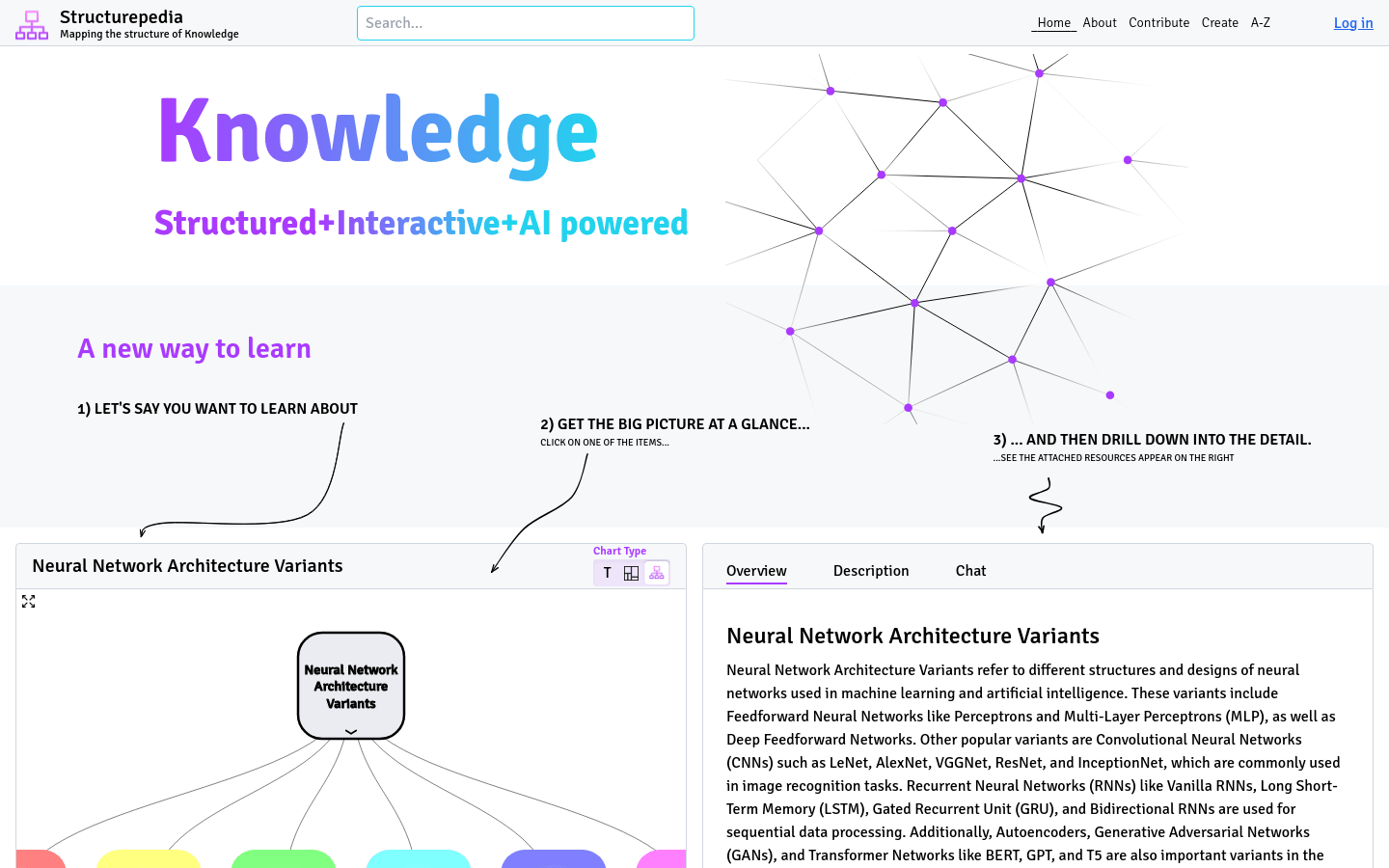
Screenshot archived from the listing page, for preview only.











