
Storyship
AI product demo videos from screen recordingsTurn a screen recording into a demo video.
Highlights
What you can do with it
- Create a launch demo for a new product
- Turn a tutorial recording into a narrated video
- Make course or training videos without a camera
How to use it
- 1 Record your screen and upload the MP4, MOV, or WebM file.
- 2 Edit the AI transcript and pick or clone a voice.
- 3 Optionally add a photo-based intro and outro.
- 4 Generate, preview, and export the 720p video.
Who it is for
Pros
- No editing skills or camera required
- Editable script with real-time preview
- Free trial quota to test the workflow
Limitations
- The free trial quota is limited before you pay
- Voice cloning and AI avatars may violate platform rules or likeness rights, and the consequences fall on you
- Export is capped at 720p and uploads at 500MB
What Storyship is
Storyship is an AI tool that turns screen recordings into professional product demonstration videos. You record your screen with any tool, upload the MP4, MOV, or WebM file, and the platform transcribes the audio into a script you can edit paragraph by paragraph. It then adds AI voice narration using one of four built-in professional voices, or a voice you clone yourself, and can generate lip-synced opening and closing remarks from a single photo. A real-time preview shows how the finished video will look, and export produces a 720p MP4 ready for YouTube, a website, or social media. A free trial quota is offered.
What you can do with it
- Transcribe a screen recording into an editable script.
- Add AI narration from built-in voices or a cloned voice.
- Generate a photo-based, lip-synced intro and outro.
- Preview the video in real time and export a 720p MP4.
Who it is for
- SaaS founders and software teams launching products.
- Creators who prefer not to appear on camera.
- Non-native speakers who want clear, consistent narration.
What to watch out for
The free trial quota is limited, and continued use means paying. Voice cloning and AI avatar videos are sensitive: cloning a voice without clear permission, or publishing an AI presenter, may violate platform rules or likeness rights, and the consequences fall on you, so only use material you have the right to use and follow each platform's disclosure rules. Exports are capped at 720p and uploads at 500MB, so plan around those limits for longer recordings. Generated suggestions are for reference only, so verify anything that affects professional judgment or important data.
FAQ
What does Storyship make?
Product demonstration videos from screen recordings, with AI narration and optional avatar intros.
Is voice cloning safe to use?
Cloning a voice can breach platform rules or likeness rights. Only clone voices you have the right to use, and check the rules of any platform where you publish. The consequences fall on you.
What are the technical limits?
Uploads are capped at 500MB and exports come out as 720p MP4 files.
Why it is free
What the official page says: free trial
Free limits, trial length and features are decided by the official site and can change at any time.
Product preview
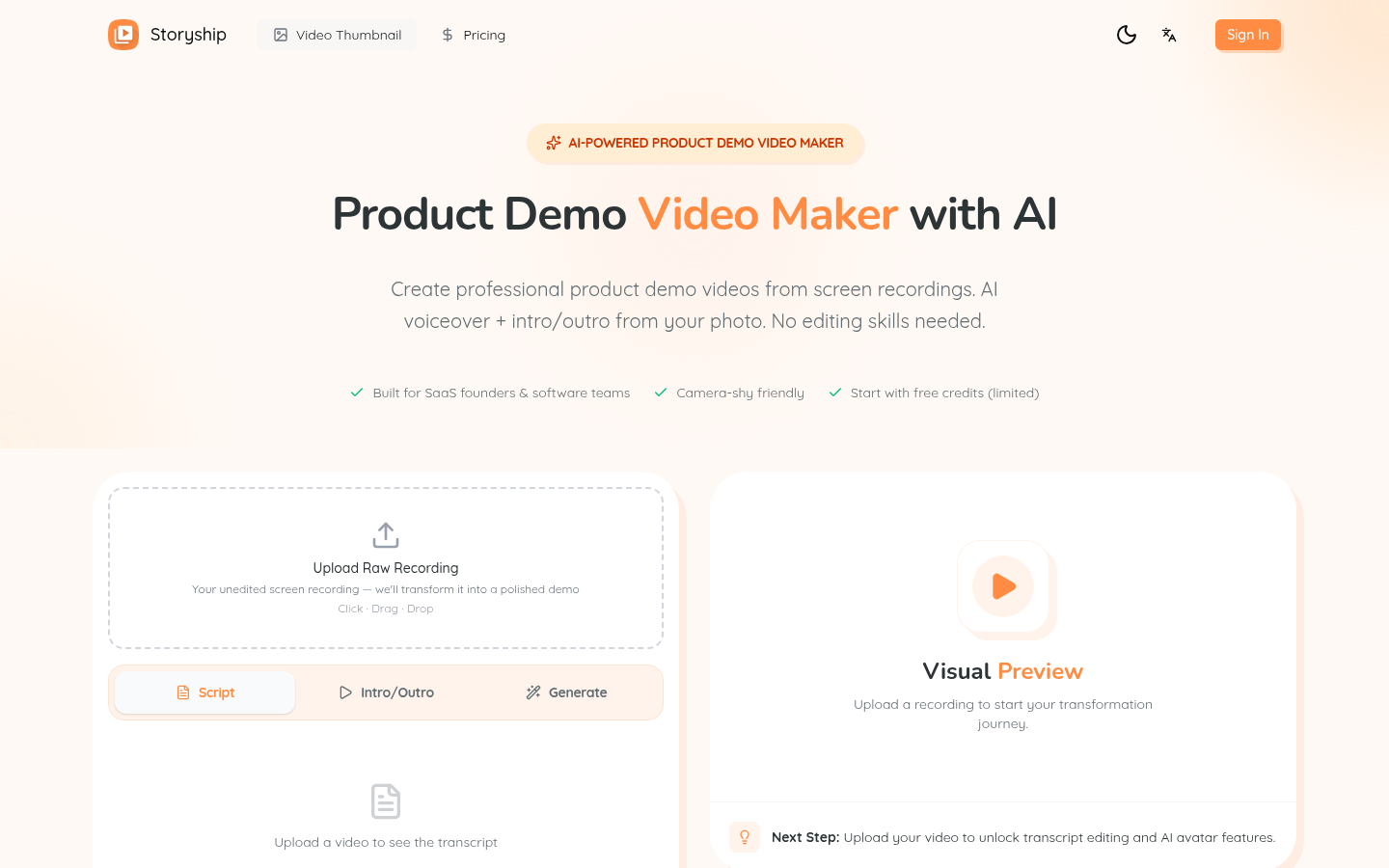
Screenshot archived from the listing page, for preview only.











