
StoryMotion
Tool that turns documents into animated explainer videosAnimate your idea in minutes
Highlights
What you can do with it
- Educators building animated course videos
- Tech companies explaining product architecture
- Creators making short animated explainers for social
How to use it
- 1 Draw your idea or sketch on the canvas
- 2 Assign effects like zoom or fade to each element
- 3 Adjust the duration and timing of every motion
- 4 Export the animation as a video for further editing
Who it is for
Pros
- Low threshold for animated video creation
- Precise control over effects and timing
- Free plan to try before paying
Limitations
- Free plan is limited; advanced export needs a paid tier
- There is a learning curve to timing and effects
- Free plan limits and pricing may change over time
What StoryMotion is
StoryMotion is an online tool that helps you create animated explainer videos, course videos, and animated technical charts. The workflow is whiteboard-like: you draw arrows, shapes, charts, and formulas on a canvas, or pull ready-made assets from a library, then assign effects such as zoom and fade to each element. Every element, effect, and timing can be edited precisely, so you control exactly when things appear and how they move. It can also use AI to help turn documents and ideas into animated visuals. A free plan suits light use and trials, with paid Creator and Pro tiers for heavier work.
What you can do with it
- Draw complex arrows, shapes, and charts on a canvas
- Assign zoom, fade, and other effects to sketches
- Control the timing and duration of every element
- Export video up to 4K 60fps for major editors
- Start from templates instead of a blank page
Who it is for
- Educational creators making animated course videos
- Professionals explaining systems and architecture
- Content creators producing short animated explainers
- Teams that want precise control over motion and timing
What to watch out for
The free plan is meant for light use and trials, so advanced export options and heavier projects push you toward a paid tier. There is a learning curve to getting timing and effects right, and polished animation takes patience to lay out element by element. Export at high resolution and frame rate can be demanding on slower machines and produce large files. Free plan limits and pricing may also change over time, so confirm current terms if you plan to use it for regular course or client work.
FAQ
What is StoryMotion?
It is an online tool for creating animated explainer videos, course videos, and animated technical charts on a whiteboard-style canvas.
What can I export?
You can export videos up to 4K 60fps for editors such as CapCut, Premiere, or Final Cut Pro, or present and embed them directly.
Is there a free plan?
Yes. StoryMotion offers a free plan for lightweight use and trials, with paid Creator and Pro plans for more.
Why it is free
What the official page says: free plan
Free limits, trial length and features are decided by the official site and can change at any time.
Product preview
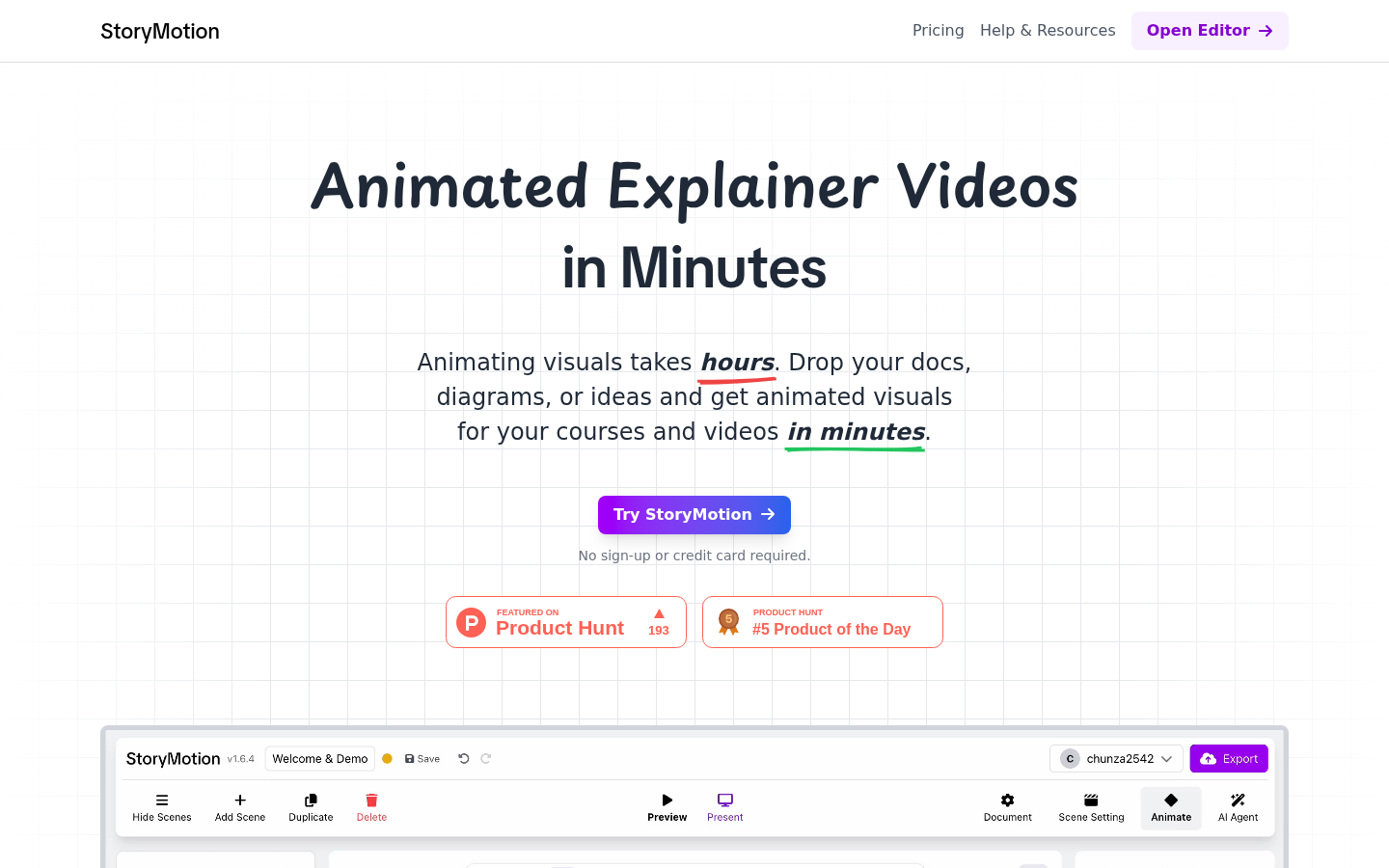
Screenshot archived from the listing page, for preview only.











