
Sticker.Show
Free AI sticker maker onlineMake stickers, share them anywhere
Highlights
What you can do with it
- Create personalised stickers for chat apps
- Decorate social media posts with custom stickers
- Make branded stickers for promotion and marketing
How to use it
- 1 Open Sticker.Show in your browser
- 2 Describe the sticker you want and pick a theme or style
- 3 Generate the sticker
- 4 Adjust it if needed
- 5 Share it to a social platform or download it
Who it is for
Pros
- Free to use according to the listing
- Simple interface with no software to install
- Several themes and styles to choose from
- One-click sharing straight to social platforms
Limitations
- Output is aimed at chat and social use rather than print production
- Style range is limited to the themes the tool provides
- Free availability and generation limits can change
What Sticker.Show is
Sticker.Show is a free online AI sticker creation platform. You describe what you want, pick from the available themes and styles, and the tool generates a sticker you can use straight away. The interface is deliberately simple, which matters because most people opening a sticker maker want a result in a minute rather than a design session. The intended destinations are chat applications and social media, and one-click sharing is built in so a finished sticker can be posted without exporting and uploading by hand.
What you can do with it
- Generate custom stickers from your own descriptions
- Switch between themes and styles for different looks
- Create stickers for chat apps and social posts
- Share a finished sticker to a social platform in one click
Who it is for
- Chat users building a personal sticker pack
- Social media posters who need quick decorative graphics
- Small brands making simple promotional stickers
What to watch out for
The output is sized for screens. If you need stickers for print, die-cutting, or merchandise, check the resolution and file format before you order anything. The style range is also bounded by the themes the platform provides, so unusual visual requests will land somewhere inside its existing looks rather than exactly where you imagined. As a free online tool, availability and limits can change, so download and keep anything you actually intend to use. Generated suggestions are for reference only, so verify anything that affects professional judgment or important data. Start with a small sample to confirm the output meets your expectations before processing the full batch. Save a backup of the original file before large batch jobs, and keep an exported copy of key results in case the page or service becomes temporarily unavailable.
FAQ
Is Sticker.Show free?
It is described as a free online AI sticker creation tool.
What can I do with the stickers?
Use them in chat apps, decorate social posts, or create promotional material.
Can I share directly?
Yes, there is one-click sharing to social platforms.
Why it is free
What the official page says: 免费
Free limits, trial length and features are decided by the official site and can change at any time.
Product preview
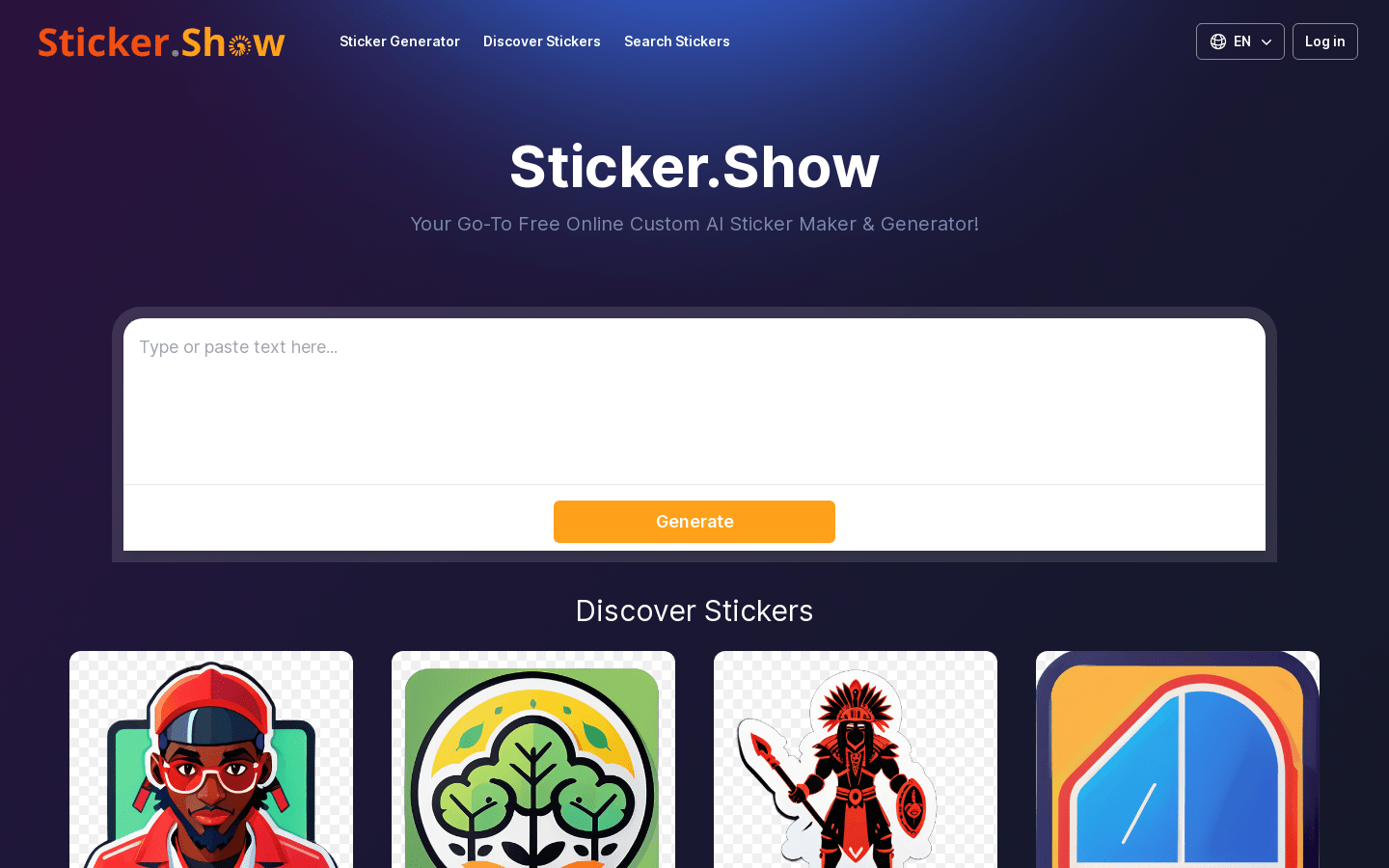
Screenshot archived from the listing page, for preview only.











