
Steve AI
Create videos and animations with AIPaste text, get a video in seconds
Highlights
What you can do with it
- Turning a script into a video
- Converting a blog post into video content
- Creating animations for personal or business use
How to use it
- 1 Sign up for Steve.AI and start the free trial.
- 2 Paste your text into the script editor.
- 3 Let the AI select relevant materials.
- 4 Customize the style and effects.
- 5 Export the finished video.
Who it is for
Pros
- Free trial available
- Turns text, blogs, and audio into video
- Automatic material selection saves effort
Limitations
- Advanced features require a paid version
- Generated videos should be reviewed before publishing
- Output quality depends on your script and materials
What Steve AI is
Steve.AI is an online video creation software that helps anyone create videos and animations in seconds. It uses patented AI technology to produce professional-grade videos. Users simply paste text into the script editor, and the AI automatically selects the most relevant materials, removing the need for tedious manual work. It can also convert blog posts and audio files into videos, and it suits both personal creation and commercial promotion.
What you can do with it
- Create videos quickly from text.
- Convert blog posts into videos.
- Turn audio files into video content.
- Customize video styles and effects.
Who it is for
- Creators making videos from text.
- Marketers repurposing blogs into video.
- Anyone who needs quick animations.
What to watch out for
Steve.AI offers a free trial, but more advanced features and services sit behind paid versions, so costs depend on your needs. Generated videos should be reviewed before publishing, since quality depends on your script and the materials the AI selects. As an online tool, availability and features can change over time. Start with a small sample to confirm the output meets your expectations before processing the full batch. Free tiers and usage limits can change, so check the current rules on the official page before relying on it long term. Save a backup of the original file before large batch jobs, and keep an exported copy of key results in case the page or service becomes temporarily unavailable. Save a backup of the original file before large batch jobs, and keep an exported copy of key results in case the page or service becomes temporarily unavailable.
FAQ
What is Steve.AI?
It is an online video creation tool that uses AI to make videos and animations from text.
Is there a free trial?
Yes, users can sign up for a free trial, with paid versions for more advanced features.
What can it convert?
It can turn text, blog posts, and audio files into videos.
Why it is free
What the official page says: free trial
Free limits, trial length and features are decided by the official site and can change at any time.
Product preview
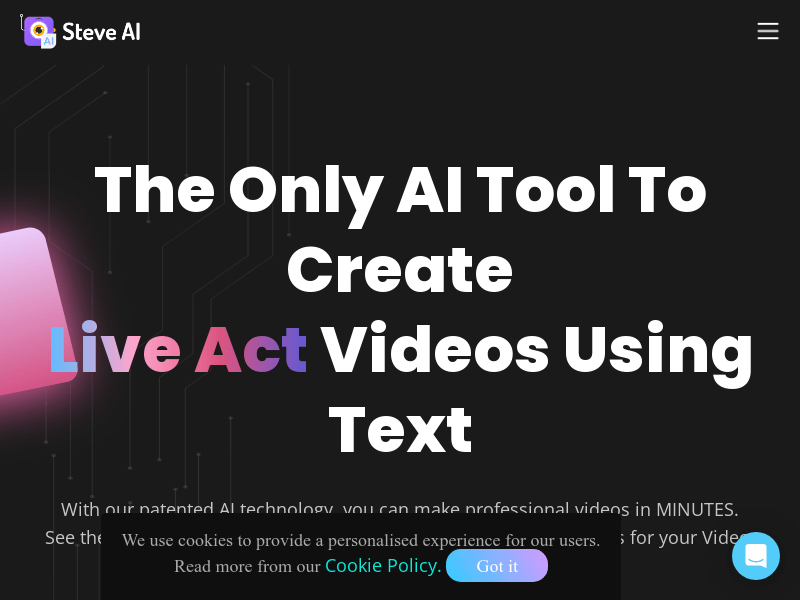
Screenshot archived from the listing page, for preview only.











