
Steve
AI chatbot for engineering team workspacesClear answers and recommendations for engineering teams
Highlights
What you can do with it
- Get quick, clear answers to engineering questions in chat
- Surface personalized recommendations during project work
- Help team members coordinate tasks inside the workspace
How to use it
- 1 Sign up for the free version on the Steve site.
- 2 Connect Steve to your team workspace.
- 3 Ask questions in chat and review the recommendations.
- 4 Upgrade to basic or premium when the team needs more.
Who it is for
Pros
- Free tier lets teams try it with no upfront cost
- Answers are short and aimed at engineering context
- Workspace integration keeps help inside existing tools
Limitations
- More capable features require basic or premium plans
- Public feature detail is thin, so fit is hard to judge
- Site availability has been inconsistent in checks
What Steve is
Steve is an AI-powered chatbot aimed at engineering teams. It provides concise, clear answers and personalized recommendations, and it integrates into your workspace so help arrives where the team already works. The stated focus is engineering excellence rather than project chaos: instead of digging through threads and documents, team members ask Steve and get a short answer they can act on. The chatbot also supports collaboration and task management features, which keeps project work alongside the conversation rather than in another tab. Three versions are offered, free, basic, and premium, so a team can start with the free tier and move up when the workload grows.
What you can do with it
- Ask engineering questions and get concise answers in chat
- Receive personalized recommendations during project work
- Coordinate tasks and collaboration inside the workspace
- Keep answers and recommendations next to ongoing tasks
Who it is for
- Engineering teams that work inside a chat-based workspace
- Developers who want quick answers without switching tools
- Managers who need a shared place for tasks and recommendations
What to watch out for
The free version is a starting tier, and the more useful capabilities sit in basic and premium plans, so budget accordingly. The public feature list is brief, which makes it hard to judge depth before you sign up. Website availability has been inconsistent during checks, so confirm the site is reachable and the service is active before planning a rollout. As with any AI assistant, verify important answers rather than trusting them blindly, and review how workspace data is handled before connecting sensitive projects. Start with a small pilot team, check answer quality against your own documentation, and widen access only when it holds up.
FAQ
What is Steve?
Steve is an AI chatbot that gives concise answers and personalized recommendations, built for engineering teams and workspace integration.
Is there a free version?
Yes, Steve offers a free version alongside basic and premium tiers.
Who is it for?
It targets engineering teams and developers who want assistance with collaboration and task management inside their workspace.
Why it is free
What the official page says: 免费版免费
Free limits, trial length and features are decided by the official site and can change at any time.
Product preview
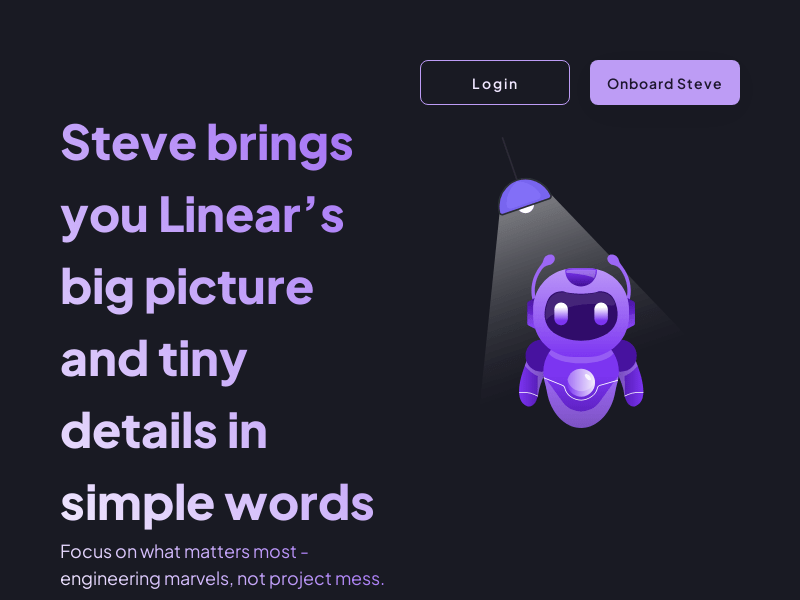
Screenshot archived from the listing page, for preview only.











