StarryAI
AI art generator app for iOS and AndroidTurn a text prompt into artwork you own
Highlights
What you can do with it
- Generate illustrations for a personal art project
- Print a generated image for a physical product
- Create shareable visuals for social media
How to use it
- 1 Install StarryAI on iOS or Android.
- 2 Write a prompt describing the image you want.
- 3 Choose a model, style, and aspect ratio.
- 4 Optionally add an initial image to guide the result.
- 5 Generate, then save or share your artwork.
Who it is for
Pros
- Free daily allowance of watermark-free images
- You own the output, so printing and sharing are allowed
- Runs on mobile, so no desktop setup is needed
Limitations
- Daily free limit caps how much you can generate
- Prompt writing takes practice to get consistent results
- App features and free terms depend on the vendor
What StarryAI is
StarryAI is an AI art generator app for iOS and Android. You enter a text prompt and the AI turns those words into artwork. The app lets you customize models, styles, aspect ratios, and initial images, so the same idea can be pushed toward different looks. It is free to use, and it provides five free watermark-free artworks every day. You keep full ownership of what you make, which means the images can go into art projects, be printed, or be posted to social media.
The design assumption is that most people do not want to learn a parameter-heavy interface. You write a sentence, optionally pick a style and a shape, and the app returns an image you can keep. The five-a-day allowance with no watermark is the part that makes it usable for anything public, since a watermark usually rules an image out for most purposes.
What you can do with it
- Generate artwork from a written prompt
- Adjust model, style, aspect ratio, and starting image
- Save watermark-free images within the daily free allowance
- Use, print, or share what you create
- Work entirely from a phone with no desktop setup
Who it is for
- Hobbyists who want to make AI art from a phone
- Illustrators producing quick concept pieces
- Social media users who need original visuals
- Anyone who wants a generated image without learning a complex tool
What to watch out for
The daily free allowance limits volume, so heavy users will look at paid options. Getting a consistent style takes practice with prompts, and the same words can return quite different images. Ownership of the output is stated by the app, but the rights in the underlying model and any training data are a separate question worth understanding before commercial use. As a mobile app, its features and free terms are set by the vendor and can change with updates, so export anything you want to keep.
FAQ
How many free images do I get?
Five free, watermark-free artworks each day.
Do I own what I create?
Yes, the listing says you have full ownership of your creations.
Which platforms?
iOS and Android.
Why it is free
What the official page says: free to use
Free limits, trial length and features are decided by the official site and can change at any time.
Product preview
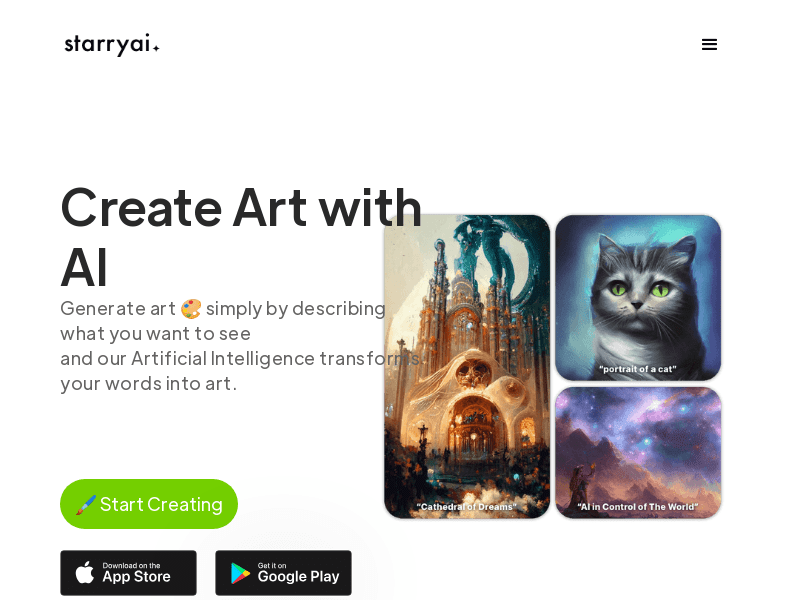
Screenshot archived from the listing page, for preview only.











