
Staging Wizard
AI virtual staging platform for real estate photos and videosTurn an empty room into a furnished home in seconds
Highlights
What you can do with it
- An agent converted empty room photos into staged images to attract more buyers
- A photographer added virtual furniture to client property photos
- A high-end seller used Magic Motion and Reels to draw premium buyers
How to use it
- 1 Upload a room or exterior photo
- 2 Let the tool suggest furniture, lighting, and decor
- 3 Customize by moving items, changing colors, or adjusting light
- 4 Create a Magic Motion video or a Wizard Reel if you want motion
Who it is for
Pros
- Fast staging with no physical furniture
- Motion video and reels from the same photos
- Ten free credits to start
Limitations
- Free credits are limited and per-image pricing applies after
- Staged images should be disclosed where rules require it
- Realism varies, and buyers may notice virtual items
What Staging Wizard is
Staging Wizard is an all-in-one AI virtual staging platform built for real estate. You upload a photo of an empty room and the AI furnishes it with realistic furniture and decor in seconds, which the page contrasts with days of physical staging. From a staged still it can also produce a Magic Motion video, where curtains move and lights change, and a Wizard Reel that combines photos, motion clips, AI music, transitions, and text into a property tour. It adjusts lighting and atmosphere, and exports high-resolution images suitable for MLS and social media. The page states ten free staging credits.
What you can do with it
- Furnish an empty room or exterior photo in seconds.
- Turn a staged photo into a Magic Motion video.
- Build a Wizard Reel with music, transitions, and text overlays.
- Adjust lighting and atmosphere, then export high-resolution files.
Who it is for
- Real estate agents who need listing images that draw attention.
- Photographers who want to add virtual staging to their service.
- High-end sellers presenting premium properties to selective buyers.
What to watch out for
Free credits are limited, and per-image pricing applies afterwards, with package prices or free rules subject to change. Staged images are simulations, and some markets and platforms require disclosure that furniture is virtual, so check local rules before publishing. Realism varies by room and photo, so review each image before it goes into a listing rather than trusting every output. Features and interface details may change between versions, so review the latest notes on the page before you start. For team use, agree on naming and editing conventions in advance to avoid version conflicts or duplicated work.
FAQ
Is Staging Wizard free?
The page lists ten free staging credits, with professional packages starting around 0.4 dollars per image.
What can I create?
Staged photos, Magic Motion videos, and Wizard Reels with music, transitions, and text.
Can I edit the staging?
Yes. You can move furniture, change colors, adjust lighting, and add or remove items.
Who is it for?
Real estate agents, photographers, and high-end sellers who need fast, polished listing visuals.
Why it is free
What the official page says: 免费
Free limits, trial length and features are decided by the official site and can change at any time.
Product preview
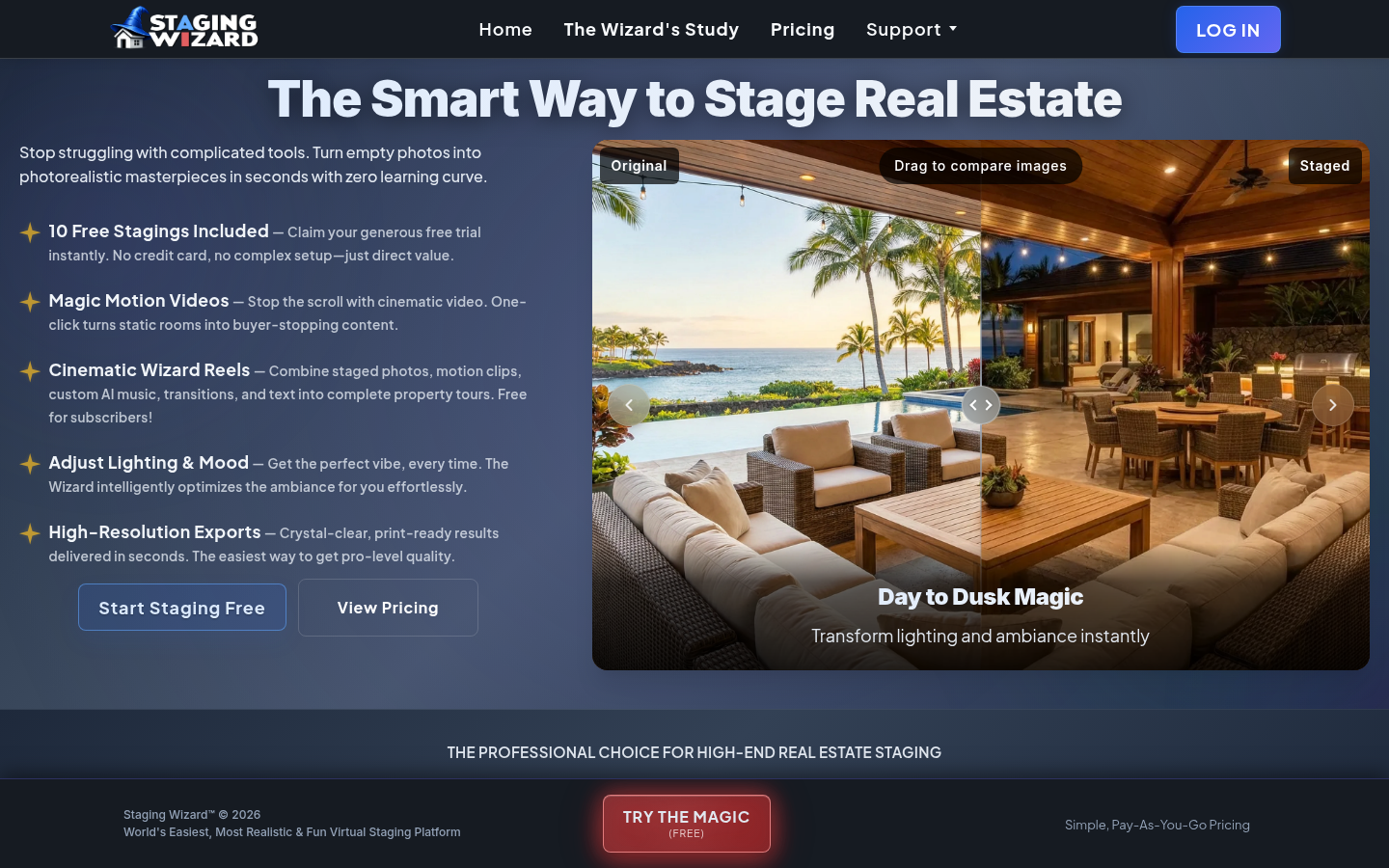
Screenshot archived from the listing page, for preview only.











