
Staging AI
Free AI virtual home design toolAdd or remove furniture in real estate photos instantly
Highlights
What you can do with it
- Real estate agents staging listing photos to sell faster
- Photographers clearing clutter before virtual design
- Designers presenting interior concepts to clients
How to use it
- 1 Visit stagingai.net
- 2 Upload a photo of the room
- 3 Choose to add or remove furniture and other elements
- 4 Adjust the settings for the look you want
- 5 Download the final rendered design
Who it is for
Pros
- Free to use for virtual staging
- Fast, realistic looking results
- Works on mobile for on site use
Limitations
- Results may need refinement for tricky rooms
- Free terms and output limits can change
- Final quality depends on the source photo
What Staging AI is
Staging AI is a free AI virtual home design tool. Empty rooms photograph badly, and hiring a stager is expensive. This tool takes a photo you upload and digitally places furniture and decor into it, or removes existing items, to show a room at its best. The AI aims for fast and realistic results, and it works across common room types including living rooms, bedrooms, kitchens, bathrooms, dining rooms, and studios. It runs on mobile too, so agents can stage a photo between appointments.
What you can do with it
- Upload a room photo and stage it virtually
- Add furniture, lighting fixtures, appliances, and curtains
- Remove existing furniture and clutter for a clean base
- Generate high impact visuals for listings and rentals
- Work from a phone or tablet in the field
Who it is for
- Real estate agents who want listings to sell faster
- Photographers who need clean base images before design
- Property managers, developers, and design professionals presenting concepts
What to watch out for
The tool is free, but free offers can change, and output limits may apply, so check current terms before you stage a whole listing. Realism depends heavily on the source photo, so shoot or upload clean, well lit images for the best results. Complex rooms with unusual angles may need more than one attempt, and staged images should still reflect the actual property honestly to avoid misleading buyers. Generated suggestions are for reference only, so verify anything that affects professional judgment or important data. Start with a small sample to confirm the output meets your expectations before processing the full batch.
FAQ
What does Staging AI do?
It uses AI to add or remove furniture, lighting, appliances, and curtains in real estate photos for virtual home design.
Which rooms does it support?
It supports living rooms, bedrooms, kitchens, bathrooms, dining rooms, and studios.
Is it free?
Yes. Staging AI is offered as a free AI virtual home design tool.
Why it is free
What the official page says: 免费
Free limits, trial length and features are decided by the official site and can change at any time.
Product preview
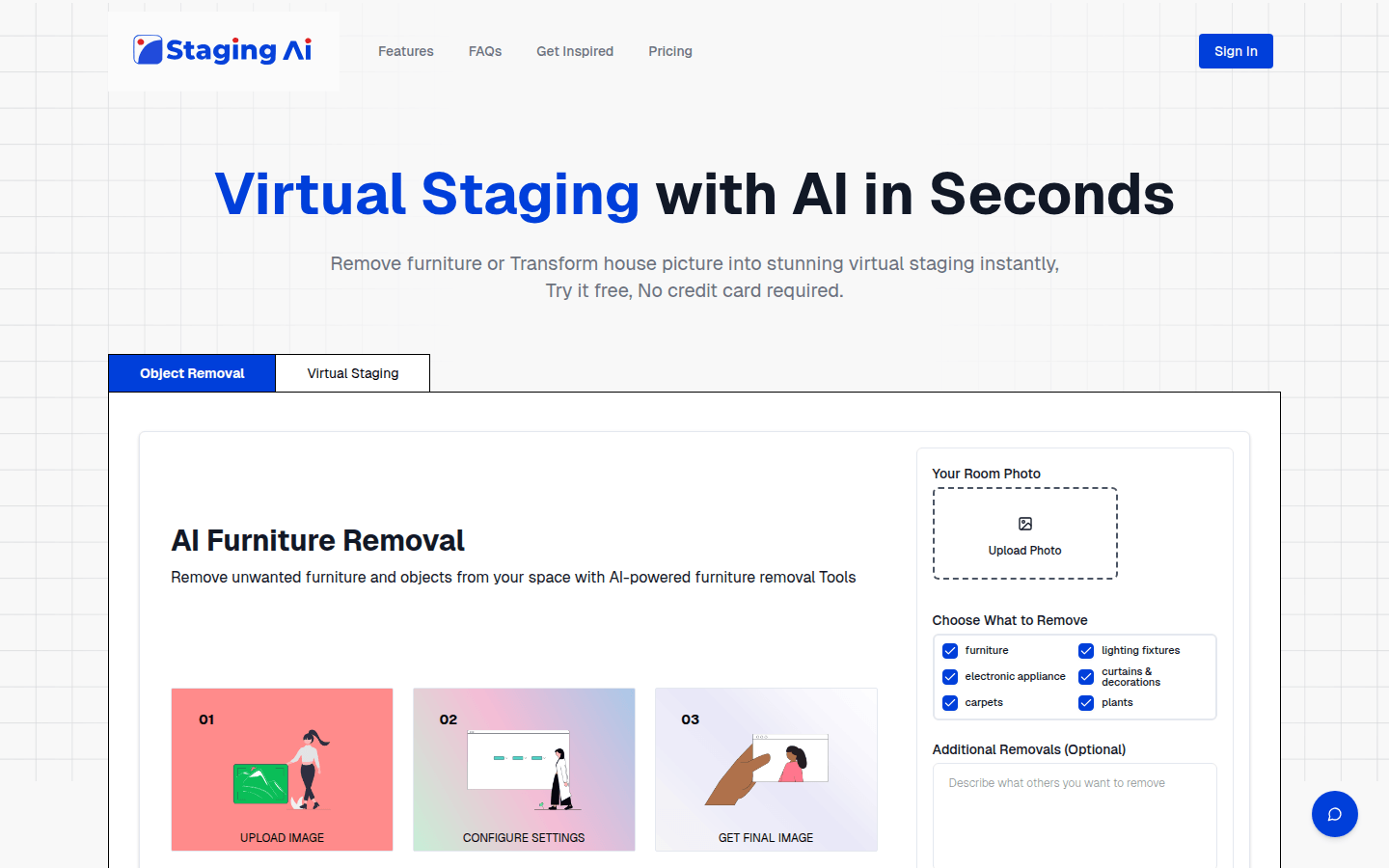
Screenshot archived from the listing page, for preview only.











