Spoke GPT-4
AI meeting tool that records, transcribes, and summarizesGet real-time AI meeting reports with searchable video summaries
Highlights
What you can do with it
- Record a meeting and get a transcript automatically
- Search the meeting to find a specific clip or answer
- Share a video summary with people who missed the call
How to use it
- 1 Connect Spoke to your calendar and apps
- 2 Let it record the meeting automatically
- 3 Ask questions during the call to pull the right clip
- 4 Review the transcript and video summary afterward
Who it is for
Pros
- Automatic recording and transcripts save manual note-taking
- Search and clips make it easy to find key moments
- Syncs with more than 30 apps to fit your stack
- Free AI meeting reports to start
Limitations
- Free report terms and paid pricing are not detailed and can change
- Recording means storing sensitive talk; review its privacy practices
- Transcription and summary accuracy depend on audio quality
- Needs buy-in from everyone on the call to record meetings
What Spoke is
Spoke is an AI meeting reporting tool. You can get your AI meeting reports for free, so you can try it first. It automatically records meeting content and audio, creates transcripts, and generates intelligent search and video summaries. During a meeting you can ask questions and get the relevant video clip and answer, and it syncs automatically with more than 30 applications. It is built for teams and anyone in recurring meetings who wants a searchable record instead of scattered notes.
What you can do with it
- Record meetings automatically and keep the audio.
- Generate transcripts and intelligent video summaries.
- Ask questions mid-meeting and pull the matching clip and answer.
- Sync meeting data with more than 30 apps automatically.
Who it is for
- Remote teams that hold many video meetings.
- Managers who need records, summaries, and follow-ups.
- Anyone who wants searchable meeting notes instead of raw recordings.
What to watch out for
The free meeting reports and any paid pricing are not detailed on the page and can change, so confirm current terms before you rely on them. Recording meetings means storing sensitive conversation, so review the tool's privacy and data practices and get consent where needed. Transcription and summary accuracy depend on audio quality, accents, and overlapping speech, so expect to correct some parts. Finally, it only works if everyone on the call agrees to be recorded, so set that expectation before you rely on it. Behavior may vary across browsers and devices, so test before production use and consult the help docs if errors appear. Features and interface details may change between versions, so review the latest notes on the page before you start.
FAQ
Can I get meeting reports for free?
The site says you can get your AI meeting reports for free. Exact limits and any paid pricing are not detailed and can change.
What does it produce after a meeting?
It produces an audio recording, a transcript, and intelligent search and video summaries of the meeting.
Can I find a specific moment quickly?
Yes. You can ask questions during the meeting and get the relevant video clip and answer, then search the record later.
Why it is free
What the official page says: for free
Free limits, trial length and features are decided by the official site and can change at any time.
Product preview
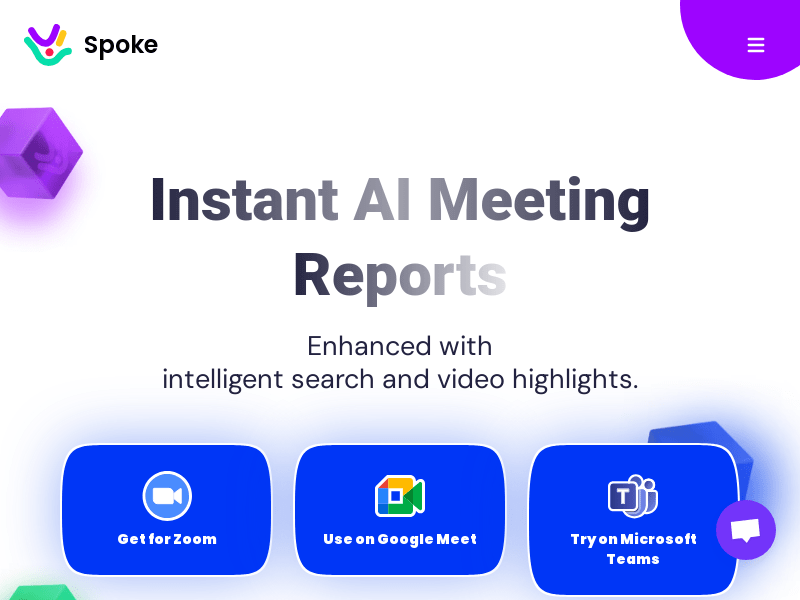
Screenshot archived from the listing page, for preview only.