SPLX
End-to-end security for enterprise AITest, protect, and govern AI systems
Highlights
What you can do with it
- Red teaming a new customer-facing chatbot before it goes live
- Keeping a financial institution's AI systems inside regulatory requirements
- Stress testing commercial and open-source models to pick the safest option
- Scanning LLM logs for jailbreaks and malicious queries in near real time
How to use it
- 1 Book a demo on the SPLX site to see the platform and its workflow
- 2 Register an account and import your enterprise information and AI assets
- 3 Choose the modules you need, such as asset discovery or red team testing
- 4 Configure parameters, including the attack database and custom datasets
- 5 Run the modules, then read the reports and apply the remediation steps
- 6 Schedule regular checks so coverage keeps pace with new AI deployments
Who it is for
Pros
- Covers the full path from asset discovery through testing to remediation
- Runtime protection works on live traffic rather than only in the lab
- Includes an open-source scanner, so agent workflows can be reviewed locally
Limitations
- Pricing is not stated in the source, so budget needs confirming on the site
- Onboarding starts with a demo, which slows down quick self-serve evaluation
- Built for enterprise scale, so smaller teams may find the scope heavy
- Free trial terms are unclear, so assume paid access until proven otherwise
What SPLX is
SPLX is a unified platform for AI security that runs from development through deployment. It is listed as sitting under Zscaler and built by an AI red team, and it is aimed at enterprises that need their AI systems tested, protected, and governed in one place. The platform discovers models, AI workflows, MCP servers, and guardrails across the estate and assembles them into an AI bill of materials, then uses automated red team testing against a large attack database and custom datasets to find real weaknesses. Pricing is not stated in the source material, and the documented entry point is a demo booking.
What you can do with it
- Discover every model, workflow, and MCP server in the estate automatically.
- Run automated red team tests that surface real vulnerabilities early.
- Apply input and output guardrails at runtime to stop injection and leakage.
- Map AI systems to global and custom security standards for compliance.
- Scan LLM logs for jailbreaks and malicious queries close to real time.
- Use the open-source Agentic Radar scanner to review agent workflows.
Who it is for
- Enterprise security teams accountable for AI risk.
- AI development teams that need models checked before release.
- Compliance and management owners tracking regulatory exposure.
- Platform teams running agent and MCP-based tooling.
What to watch out for
Pricing is not published in the source, so budget and procurement questions need to go straight to the vendor. Onboarding starts with a demo rather than a self-serve signup, which means evaluation takes longer than a typical SaaS trial. The platform is scoped for enterprise deployments, so a small team may find the breadth unnecessary. Free trial terms are unclear, so assume paid access until the vendor confirms otherwise. As with any security tool, coverage depends on how completely your assets are imported and how often you rerun the tests.
FAQ
Who makes SPLX?
The listing places SPLX under Zscaler and describes it as built by an AI red team.
What does it actually protect against?
It targets prompt injection, sensitive data leakage, jailbreaks, and malicious queries, using runtime guardrails plus log scanning.
Is there an open-source component?
Yes. Agentic Radar is described as the first open-source security scanner for agent AI, and it visualizes workflows and tool-level vulnerabilities.
How do I start?
The documented first step is booking a demo, then registering and importing your AI assets into the platform.
Why it is free
What the official page says: free trial
Free limits, trial length and features are decided by the official site and can change at any time.
Product preview
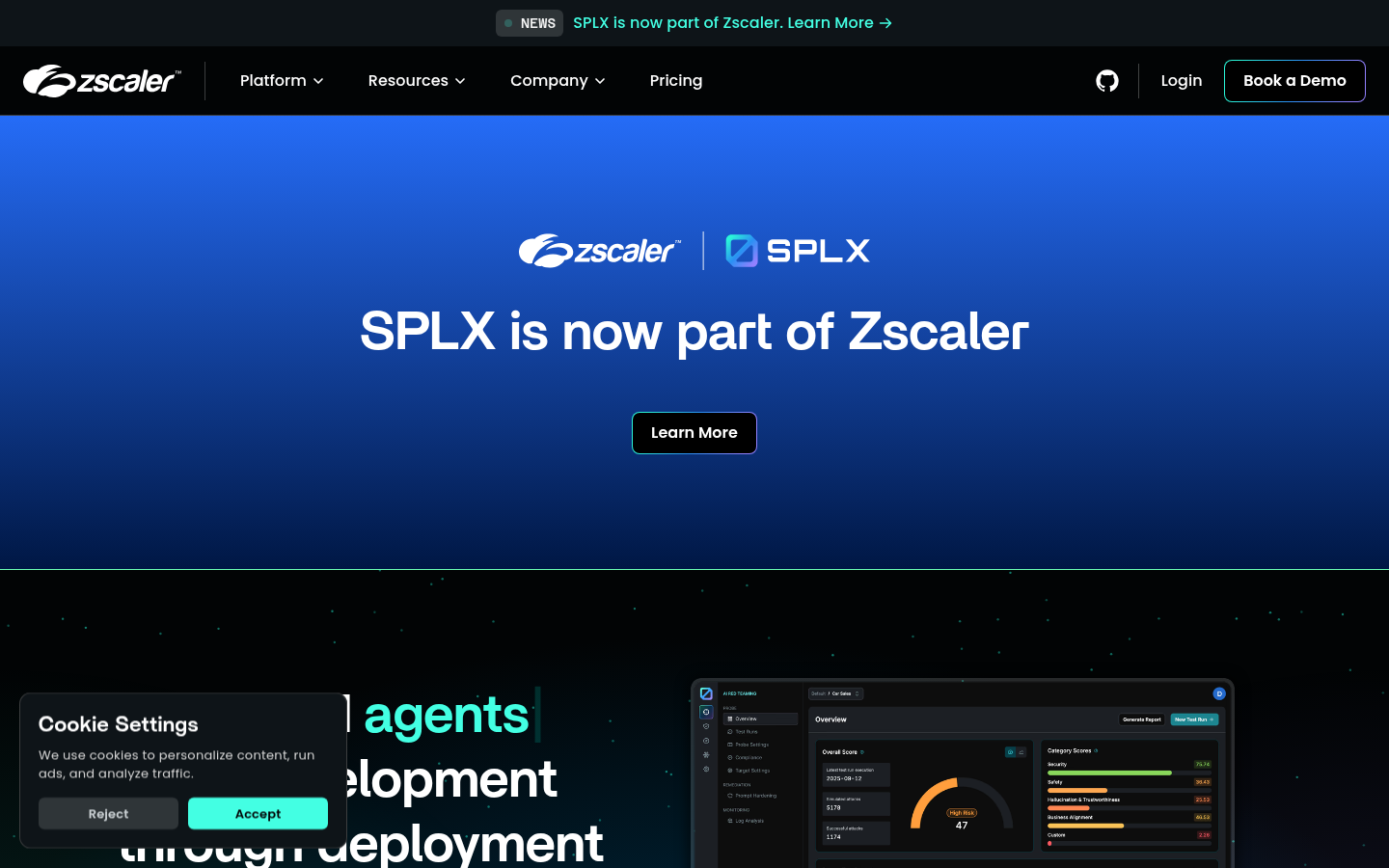
Screenshot archived from the listing page, for preview only.