
SpikApp
AI communication coach with role-play and real-time feedbackPractice speaking with AI feedback before the real moment
Highlights
What you can do with it
- Rehearse a job interview with mock questions
- Practice a sales pitch before a client meeting
- Refine a keynote speech tone and body language
How to use it
- 1 Register and log in at spikapp.com.
- 2 Start with the free Starter trial or upgrade to Pro.
- 3 Pick a scenario from the library, such as a salary negotiation.
- 4 Record video or run a live role-play practice.
- 5 Review AI feedback and apply the suggested improvements.
Who it is for
Pros
- Feedback across speech, sound, and visuals
- Wide scenario library for many moments
- Local, encrypted handling of recordings
Limitations
- Free Starter is a trial; full use needs the Pro plan
- Needs a working camera and microphone for best results
- Feedback is coaching guidance, not a guarantee of results
What SpikApp is
SpikApp is a real-time AI communication coaching app built to improve your speaking skills and personal presence. While you practice, it analyzes vision, sound, and language, then offers real-time prompts to correct your pace and volume. After each session it produces actionable suggestions, such as slowing down, keeping eye contact, and holding steady energy. A scenario library covers salary negotiations, keynote speeches, first dates, job interviews, and sales presentations. A free trial Starter version is available, and a Pro plan costs $9.99 per month. Recordings are processed locally with end-to-end encryption for privacy.
What you can do with it
- Run mock interviews, salary negotiations, and sales pitches in a low pressure space.
- Get real-time corrections on speaking speed and volume as you talk.
- Review post session suggestions on eye contact, tone, and body language.
- Track a confidence score and watch your progress build over time.
Who it is for
- Professionals preparing for interviews, performance reviews, or negotiations.
- Salespeople and founders who want tighter, clearer pitches.
- Students and new speakers building confidence for presentations.
What to watch out for
The Starter version is only a free trial, so ongoing use means paying for the Pro plan at $9.99 per month. You will need a working camera and microphone to get the full visual and audio feedback, since the app reads your face and voice as well as your words. Treat the AI notes as coaching guidance rather than a promise; real improvement still comes from repeated practice. Confirm the scenario library covers your needs before you subscribe. For team use, agree on naming and editing conventions in advance to avoid version conflicts or duplicated work.
FAQ
Is SpikApp free?
There is a free trial Starter version, with a Pro plan at $9.99 per month.
What does it analyze?
It looks at vision, sound, and language, including pace, volume, eye contact, and body language.
Are my recordings private?
Recordings are processed locally and protected with end-to-end encryption.
Why it is free
What the official page says: free trial
Free limits, trial length and features are decided by the official site and can change at any time.
Product preview
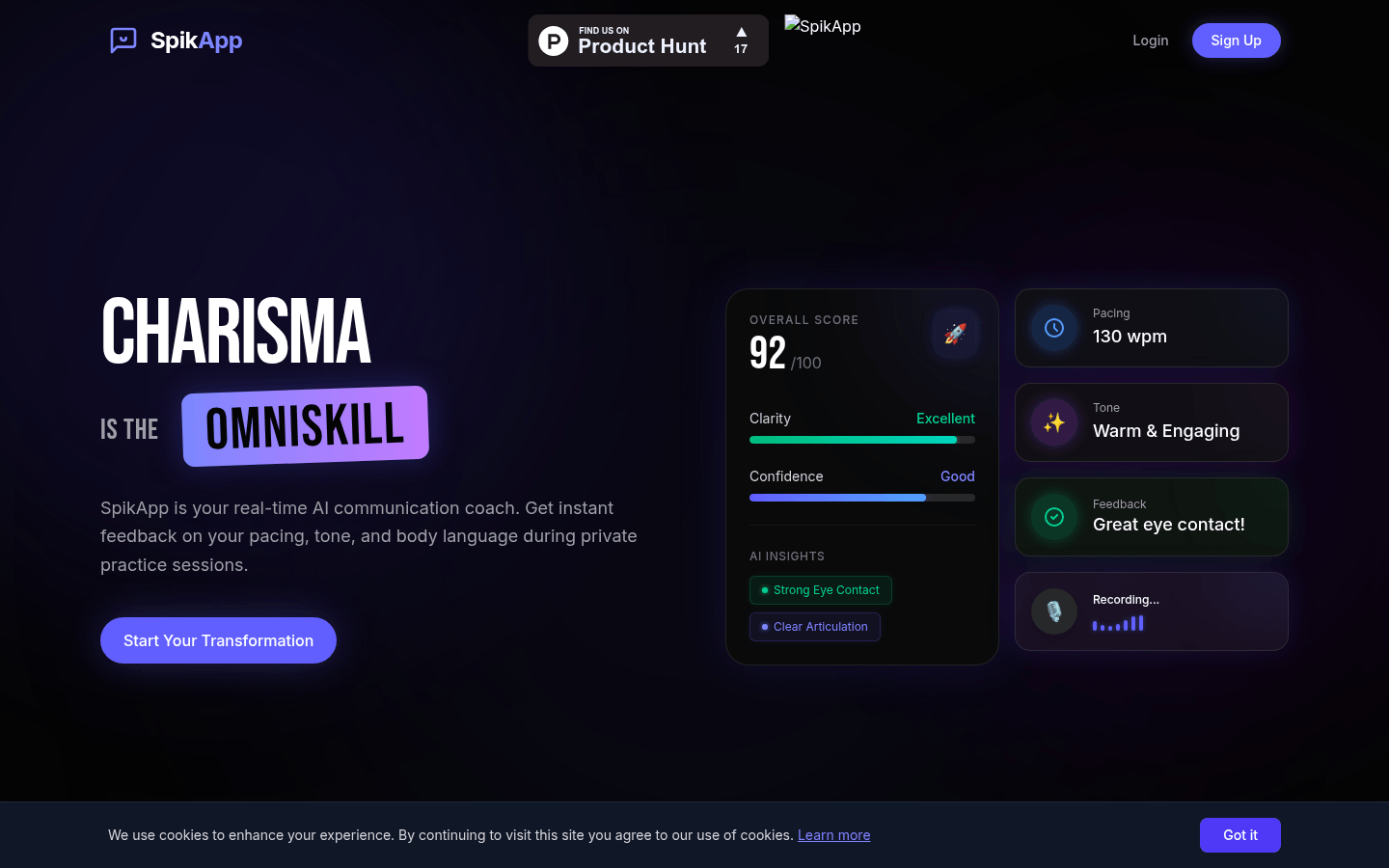
Screenshot archived from the listing page, for preview only.











