
Spika
Podcast chat platformTalk about podcasts in real time
Highlights
What you can do with it
- A tech podcast listener opens a chat room to discuss the latest industry trends with people who share the same interests
- A history podcast creator uses Spika to gather audience feedback and tune future episodes
- A language learning podcast listener swaps study tips with other learners
How to use it
- 1 Go to the Spika website and register an account.
- 2 Browse the podcast topics and pick shows you are interested in.
- 3 Enter a podcast chat room and start talking with other users in real time.
- 4 Click the create button if you want your own room, then publish it.
Who it is for
Pros
- A free trial covers the core chat features, so you can test before paying
- Chat rooms are easy to create and only need basic details
- Multilingual support means rooms are not limited to one language
Limitations
- The free trial is limited, and paid membership plans are not fully detailed yet
- Room activity depends on who shows up, so niche podcasts may stay quiet
- Registration is required before you can chat or create a room
What Spika is
Spika is an interactive podcast platform that puts real-time chat next to the shows people already listen to. Instead of consuming episodes alone, listeners join chat rooms, share opinions, and trade ideas while the conversation is happening. The platform supports multilingual podcast content, so rooms are not tied to a single language. Spika is aimed at podcast lovers and content creators who want podcasts to feel more social. A free trial is available for the core features, and the site notes that paid membership options may appear later. The interface is clean and simple, which helps new users get started without a long tutorial.
What you can do with it
- Join podcast chat rooms and discuss episodes with other listeners in real time.
- Create your own chat room, fill in the details, and invite people to join.
- Browse podcast topics to find shows that match your interests.
- Use Discord links on the site to keep conversations going beyond the platform.
Who it is for
- Podcast listeners who want a more social way to enjoy audio shows.
- Podcast creators who need direct feedback from their audience.
- Language learners who want to discuss study tips with other listeners.
What to watch out for
The free trial only covers the core functions, and details of any future paid plan are not spelled out, so pricing can change. Room activity depends on who shows up: popular podcasts draw crowds, while smaller niches may stay quiet for long stretches. You need to register before you can chat or create a room. Because Spika is still building out its feature set, some tools you might expect from a mature community platform may not exist yet. Treat the trial as a way to test fit rather than a permanent free plan.
FAQ
Is Spika free?
Spika offers a free trial so you can try the core features. The site notes that paid membership options may be added later.
Do I need an account?
Yes. You register on the website before you can browse rooms, chat, or create your own room.
Can I create my own chat room?
Yes. Click the create button, fill in the relevant information, publish it, and then invite others to join.
Why it is free
What the official page says: free trial
Free limits, trial length and features are decided by the official site and can change at any time.
Product preview
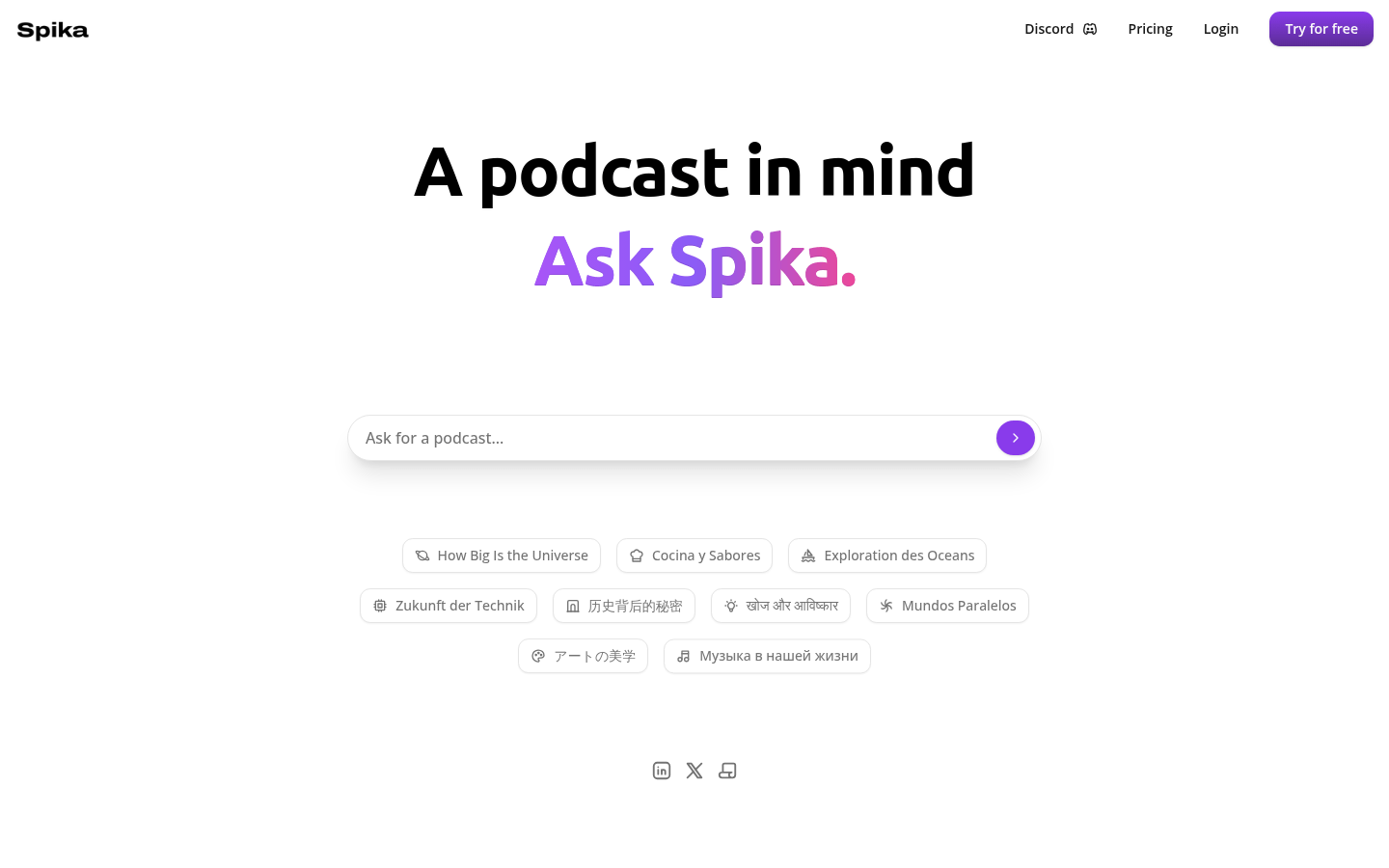
Screenshot archived from the listing page, for preview only.











